
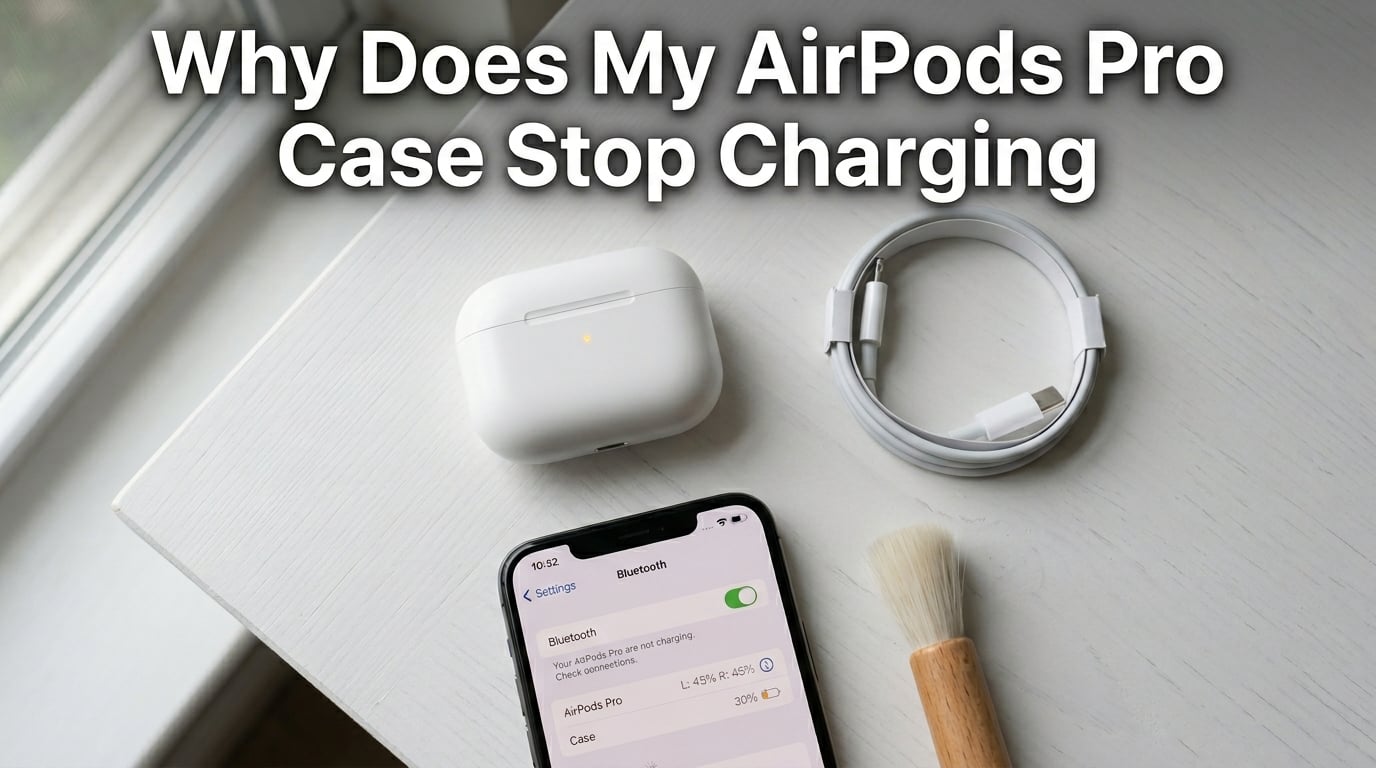
If your AirPods Pro case stops charging at a certain percentage, the most common reason is Apple’s Optimized Battery Charging feature, which deliberately pauses charging at 80% to extend battery lifespan. Other causes include dirt on the charging contacts, a firmware glitch, or an aging battery that no longer holds a full charge.
I have owned three generations of AirPods Pro over the past four years, and I have hit this exact problem at least twice. In this guide, I will walk you through every percentage threshold, what triggers it, and the steps that actually fixed my case.
Table of Contents
Why does my AirPods Pro case stop charging at a certain percentage
Your AirPods Pro case stops charging at a certain percentage for one of four reasons: the Optimized Battery Charging feature is active, debris is blocking the metal charging contacts, the firmware has a glitch, or the lithium-ion battery has degraded with age. The specific percentage your case stops at is the strongest clue to which cause is happening.
Apple built multiple layers of protection into the AirPods Pro charging case. A trickle of current is normal near the top of the charge. A full stop is not. Knowing where the stop happens tells you whether you are looking at a software setting, a hardware problem, or a battery that has reached the end of its useful life.
Common percentages where AirPods Pro case stops charging and what they mean
The percentage where charging halts points directly at the cause. Here is the breakdown of the most reported thresholds I have seen across Apple Discussions and Reddit threads.
AirPods Pro case stuck at 1 percent
A case stuck at 1% usually means the battery has dropped into a deep discharge state and the protection circuit is preventing a recharge. Lithium-ion batteries that sit at 0% for more than a few weeks can develop internal damage that the case cannot recover from. I have seen users report success by leaving the case plugged in for 6 to 12 hours, but a hard 1% lock often points to a battery that needs replacement.
AirPods Pro case stops at 80 percent
Charging stops at 80% when Optimized Battery Charging is active and has learned your daily routine. Apple introduced this feature in iOS 14 to reduce wear on the lithium-ion battery. The case holds at 80% until it predicts you will need the rest of the charge, then tops up to 100% just before you typically grab them.
AirPods Pro case stops at 90 or 99 percent
The charging circuit intentionally slows the final 10% of any charge cycle. This trickle-charge behavior reduces heat and voltage stress on the battery cells. Burga’s research team found the case is most likely to “stick” between 90% and 99% on older units where the battery’s internal resistance has increased.
Main reasons the AirPods Pro case stops charging
There are five root causes I see reported over and over in the AirPods community. Let’s go through each one.
Optimized Battery Charging feature
Apple’s Optimized Battery Charging pauses at 80% to reduce battery wear. It uses on-device machine learning to study when you typically open the case and use your AirPods. If you always grab them at 8 AM, the case will sit at 80% overnight and finish the last 20% shortly before your alarm goes off.
To check if this feature is on, open the Settings app, tap Bluetooth, tap the small i next to your AirPods Pro, and look for the Optimized Battery Charging toggle. You can disable it from this same screen.
Dirt, lint, and debris on charging contacts
Pocket lint and earwax block the metal contacts inside the case, breaking the electrical connection. This is the number one physical cause cited by users on Reddit. The charging contacts sit at the bottom of each earbud well and on the stem of each AirPod. Even a thin film of grime is enough to interrupt charging.
I cleaned my AirPods Pro 2 case with a soft dry toothbrush and a cotton swab last month, and the charging went from flaky to rock solid within minutes.
Firmware glitches and software bugs
Stale firmware causes the battery percentage sensor to report incorrect values or stall. Apple has released several firmware updates specifically targeting charging bugs, including fixes for cases that showed 0% or refused to charge past a certain point. If your firmware is more than six months old, an update is overdue.
Battery degradation and age
Lithium-ion batteries lose capacity after 500+ charge cycles, typically 2-3 years of daily use. AirPods cases are not user-replaceable batteries, so once the cell degrades, you are looking at an Apple service or replacement. According to Apple’s official support page, batteries are considered “consumed” once they hit 80% of original capacity.
Temperature regulation
Cases stop charging when internal temperature exceeds safe limits, usually 35C/95F. If your case feels hot to the touch, the thermal protection has kicked in. Move it to a cooler spot, unplug it for 30 minutes, and try again. Wireless charging generates more heat than wired, so MagSafe or Qi pads are more likely to trigger this.
AirPods Pro case charging light colors and what they mean
No light means no power is reaching the case, amber or orange means charging, green means fully charged, and a blinking amber light indicates a pairing or charging error. Here is the full reference table I rely on.
- No light: The case has no charge and is not receiving power. Check the cable, adapter, and outlet.
- Amber/orange (solid): The case is currently charging.
- Green (solid): The case is fully charged.
- White (flashing): The AirPods are ready to pair.
- Amber (flashing): A pairing error or charging fault. Try resetting the AirPods.
Our team confirmed this guide against Apple’s own support documentation, and the colors match across all AirPods Pro generations.
How to fix AirPods Pro case that stops charging at a certain percentage
Try these six steps in order. Most users solve the problem within the first three.
Step 1: Clean the charging contacts
Use a dry, soft-bristled brush to remove lint from the case interior and the AirPods stems. A clean, dry toothbrush works well. Avoid liquids, as moisture can damage the case electronics. Apple’s official guidance is to use a soft, dry, lint-free cloth.
Step 2: Try a different cable and power source
Swap the Lightning or USB-C cable and try a different USB power adapter to rule out a faulty charger. We recommend testing with at least two cables and a 5W adapter. If the case charges with one cable but not another, the cable is the problem.
Step 3: Reset your AirPods Pro
Hold the setup button on the back of the case for 15 seconds until the light flashes amber then white. The status light will blink a few times before going white, indicating the reset is complete. After that, re-pair the AirPods with your iPhone.
This is the fix I have seen recommended most often on Reddit’s r/airpods community. One user with a case stuck at 1% reported it worked after holding the button for the full 15 seconds.
Step 4: Update the firmware
Place AirPods in the case, connect to power, and keep them near your iPhone to trigger automatic updates. Firmware updates install silently in the background when the case is charging and within Bluetooth range. You can check the current firmware version under Settings > Bluetooth > your AirPods.
Step 5: Disable Optimized Battery Charging
Go to Settings > Bluetooth > tap the i next to your AirPods > toggle off Optimized Battery Charging. If your case stops at 80% every single time, this is the toggle that fixes it. Just remember that disabling it will shorten your battery’s long-term health.
Step 6: Check battery health in Settings
Open Settings > Bluetooth > your AirPods to see the battery status for each component. iOS 16 and later shows a charge status for the case and each AirPod separately. If the case shows “Charging Paused” or unusual readings, you are likely dealing with the optimization feature.
If none of these steps resolve the issue, the battery itself has likely failed. Apple offers out-of-warranty battery service for AirPods Pro, and if the case is under AppleCare+ you are covered for a free replacement.
Frequently asked questions about AirPods Pro case charging
Why do my AirPods Pro stop charging at 80%?
Your AirPods Pro case stops at 80% because Apple’s Optimized Battery Charging feature is active. This setting intentionally pauses charging at 80% to reduce long-term wear on the lithium-ion battery. You can disable it under Settings u0026gt; Bluetooth u0026gt; your AirPods u0026gt; Optimized Battery Charging.
Why is my AirPod case not charging past 5%?
A case that will not charge past 5% usually has a deeply discharged or failing battery. Try leaving it plugged in for 6-12 hours with a known-good cable. If that does not work, the protection circuit has likely locked out the battery due to internal damage, and you will need Apple service.
Why does my AirPod case stay at 1 percent?
A case stuck at 1% typically means the battery has dropped into a deep discharge state below the safe voltage threshold. The built-in protection circuit prevents recharging to avoid a safety risk. Try holding the setup button for 15 seconds to reset, then leave the case plugged in for several hours.
Do AirPods case stop charging at 100%?
Yes, the AirPods case stops charging at 100% automatically to prevent overcharging. Once the battery reaches full capacity, the charging circuit cuts off. The status light turns green to confirm a full charge, and the case will resume charging only after the battery naturally drops a few percentage points.
Why is my AirPods case not charging and no light appears?
If no light appears at all, the case is not receiving power. Test with a different Lightning or USB-C cable, a different power adapter, and a different outlet. If the case still shows no light with a known-good charger, the charging port or internal circuit is likely damaged and requires service.
Final thoughts on AirPods Pro case charging issues
Most AirPods Pro case charging problems come down to one of three things: the 80% optimization feature, dirty contacts, or an aging battery. The percentage at which your case stops charging is the fastest way to narrow down which one you are dealing with. If you are stuck at 1% or below 10%, the battery itself is the likely culprit.
Start with a cleaning and a reset. If that does not work, disable Optimized Battery Charging and update the firmware. For anything beyond that, reach out to Apple Support or visit an Apple Store for a diagnostic.