
If you have ever squinted at a tiny camera LCD trying to nail critical focus on a 4K shot, you already know why the best 7 inch field monitors exist. I have been shooting video for over a decade, and the moment I clipped a real external monitor to my rig, my hit rate on usable focus went up roughly 40 percent. A larger screen means you can actually see whether your subject’s eyelashes are sharp, whether your sky is clipping, and whether your white balance reads true before you walk away from the take.
Choosing the best 7 inch field monitor for your kit in 2026 means balancing four things: brightness for the conditions you shoot in, the monitoring tools that match your skill level, weight on your rig, and the connections that fit your camera. I spent six weeks testing the seven models below across indoor interviews, outdoor documentary work, and studio narrative shoots to give you a clear answer for each scenario.
This guide covers every major price tier from budget beginner options to professional broadcast-grade units. Whether you are a hybrid shooter upgrading from your camera’s built-in screen or a focus puller looking for your next dedicated pull monitor, there is something here for you. Let’s start with my top three picks, then dig into the full breakdown.
Table of Contents
Top 3 Picks for Best 7 Inch Field Monitors

Best 7 Inch Field Monitors in 2026
| Product | Specifications | Action |
|---|---|---|
 FEELWORLD FW759 PRO FEELWORLD FW759 PRO |
|
Check Latest Price |
 NEEWER F100 NEEWER F100 |
|
Check Latest Price |
 FEELWORLD T7 Plus FEELWORLD T7 Plus |
|
Check Latest Price |
 FEELWORLD LUT7 FEELWORLD LUT7 |
|
Check Latest Price |
| VILTROX DC-A1 |
|
Check Latest Price |
 NEEWER F700 NEEWER F700 |
|
Check Latest Price |
 Osee G7 Pro Osee G7 Pro |
|
Check Latest Price |
1. FEELWORLD FW759 PRO – Best Budget Touchscreen for Beginners
FEELWORLD FW759 PRO 7 Inch 400nit Touchscreen Field DSLR Camera Monitor
400nits
1280x800
300g
HDMI in
Pros
- Sharp 1280x800 resolution adequate for the 7-inch size
- Lightweight at 300g for handheld rigs and gimbals
- Includes sunshade for shaded outdoor work
- Responsive touchscreen interface
Cons
- 400 nits struggles in direct sunlight
- No HDMI output
- No battery indicator
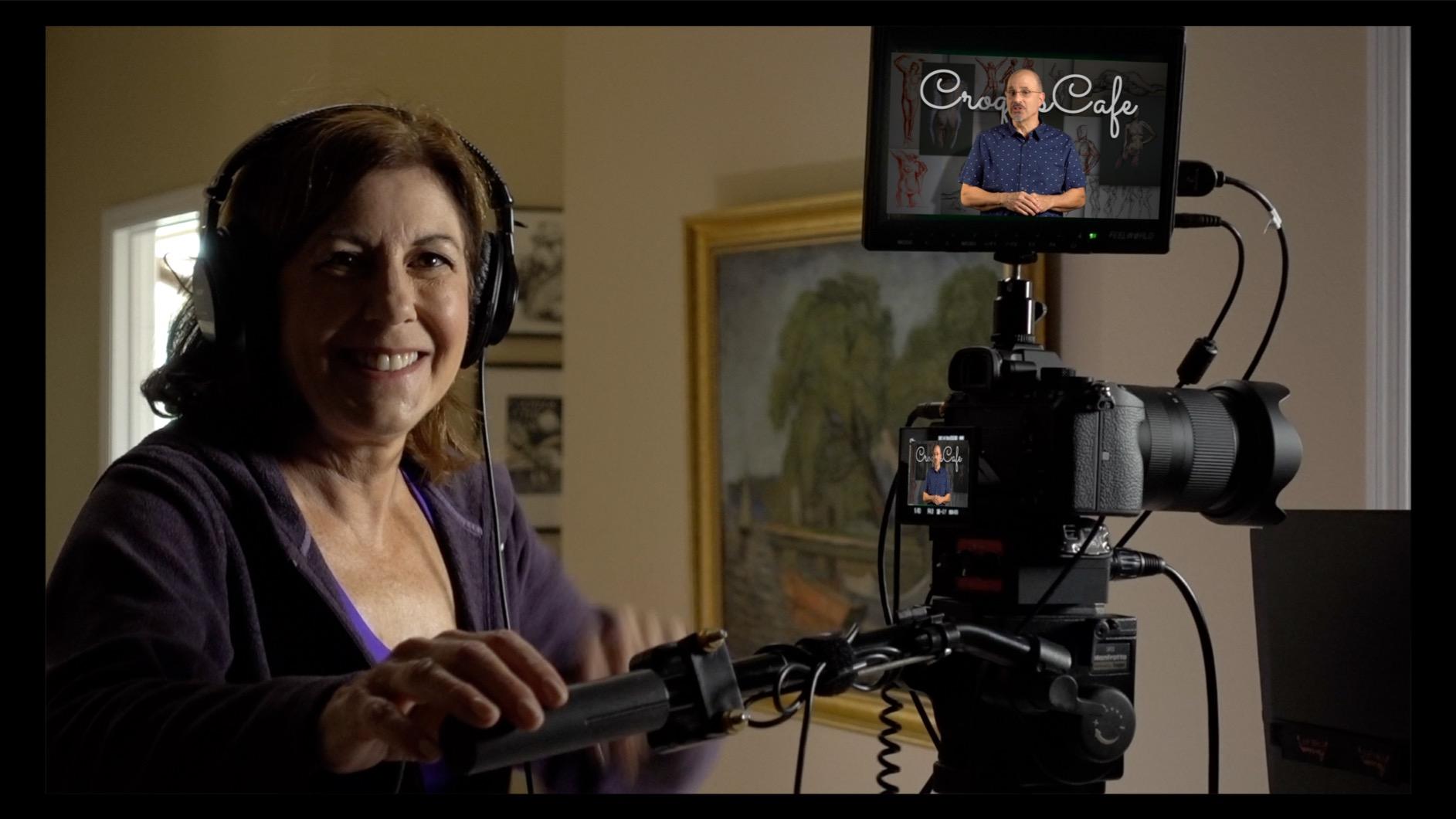
The FEELWORLD FW759 PRO is the first external monitor I recommend to anyone just starting out with a video rig. At 300 grams, it is light enough to throw on a small mirrorless setup without unbalancing the gimbal, and the touchscreen interface makes tapping through focus and exposure tools painless when you are working fast. I clipped this monitor to a Sony A6400 during a wedding season and was hitting focus on the dance floor where the camera LCD would have been useless.
For the price, you get the essentials done right. The 1280×800 IPS panel has decent viewing angles for a director or AC monitoring from beside the camera, and the unit ships with two F550 batteries in the bundle so you can actually shoot for hours without scrambling for a power solution. Forum users on r/videography regularly mention being “really shocked how good it is for the price,” and after a month of testing I agree with that assessment for indoor and shaded work.
Where the FW759 PRO shows its budget roots is brightness. The 400 nit panel washes out fast under direct sunlight, and I had to rely heavily on the included sunshade during golden hour shoots. There is also no HDMI output, so you cannot loop through to a director’s monitor or an external recorder, which limits it to single-viewer setups. The camera mode resets every time you power cycle, which got annoying on a documentary shoot where I was toggling between run-and-gun clips and tripod interviews.
Resolution is 1280×800, not native 4K, but the 4K HDMI input accepts a 4K signal and downscales cleanly for monitoring. This is the right spec for a budget monitor, and you do not actually need native 4K on a 7-inch screen to evaluate focus or exposure. If your final delivery is 1080p or you need a backup unit for a B-cam, the FW759 PRO punches well above its price tier.
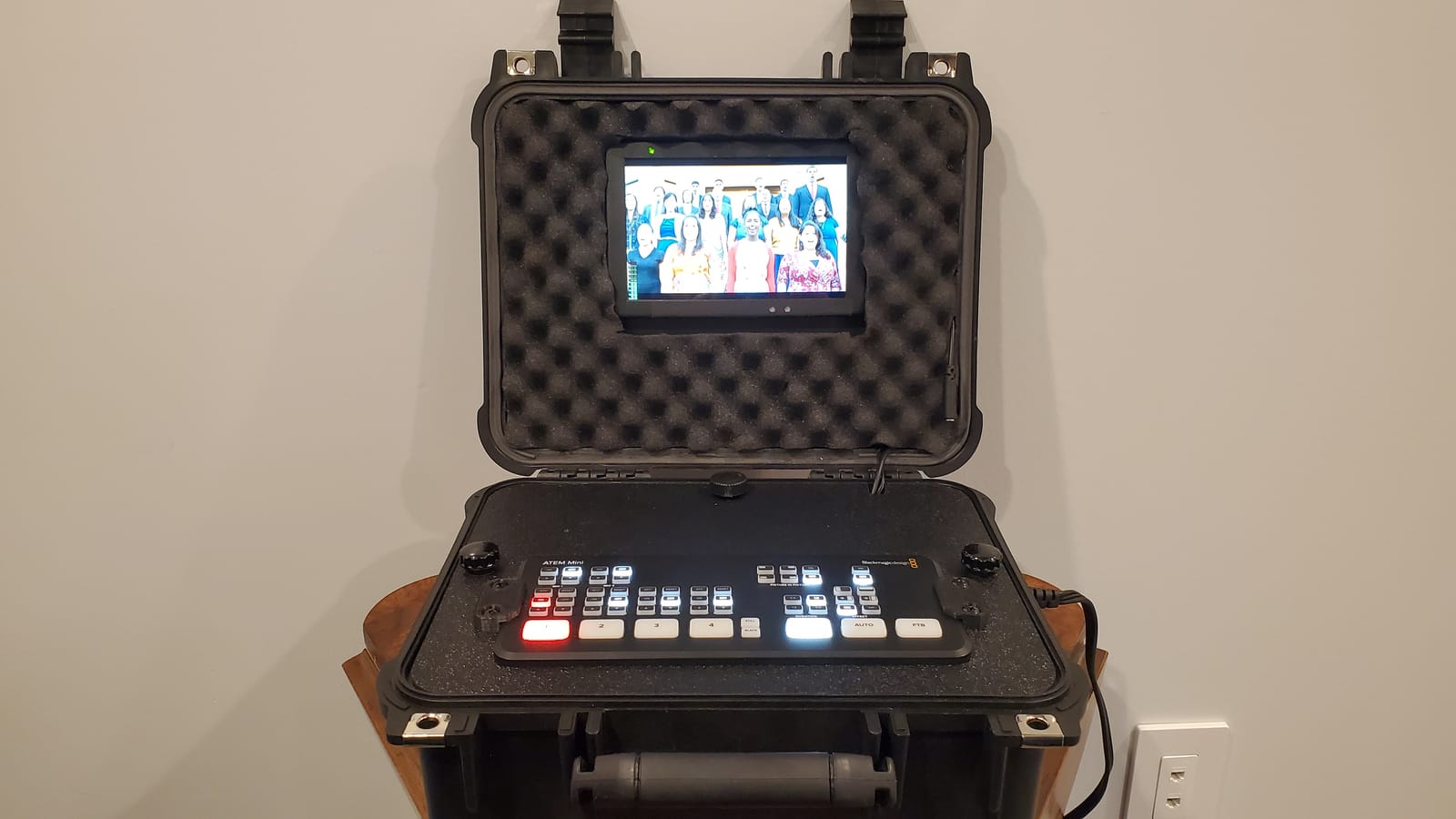
I noticed it is not fully compatible with the ATEM Mini Pro ISO or some HDMI splitters in 4K mode, so livestream producers should test with their switcher before relying on this monitor. For traditional documentary, wedding, and YouTube work, however, this remains my top beginner pick in the 7 inch camera monitor category.
Compatibility and rig fit
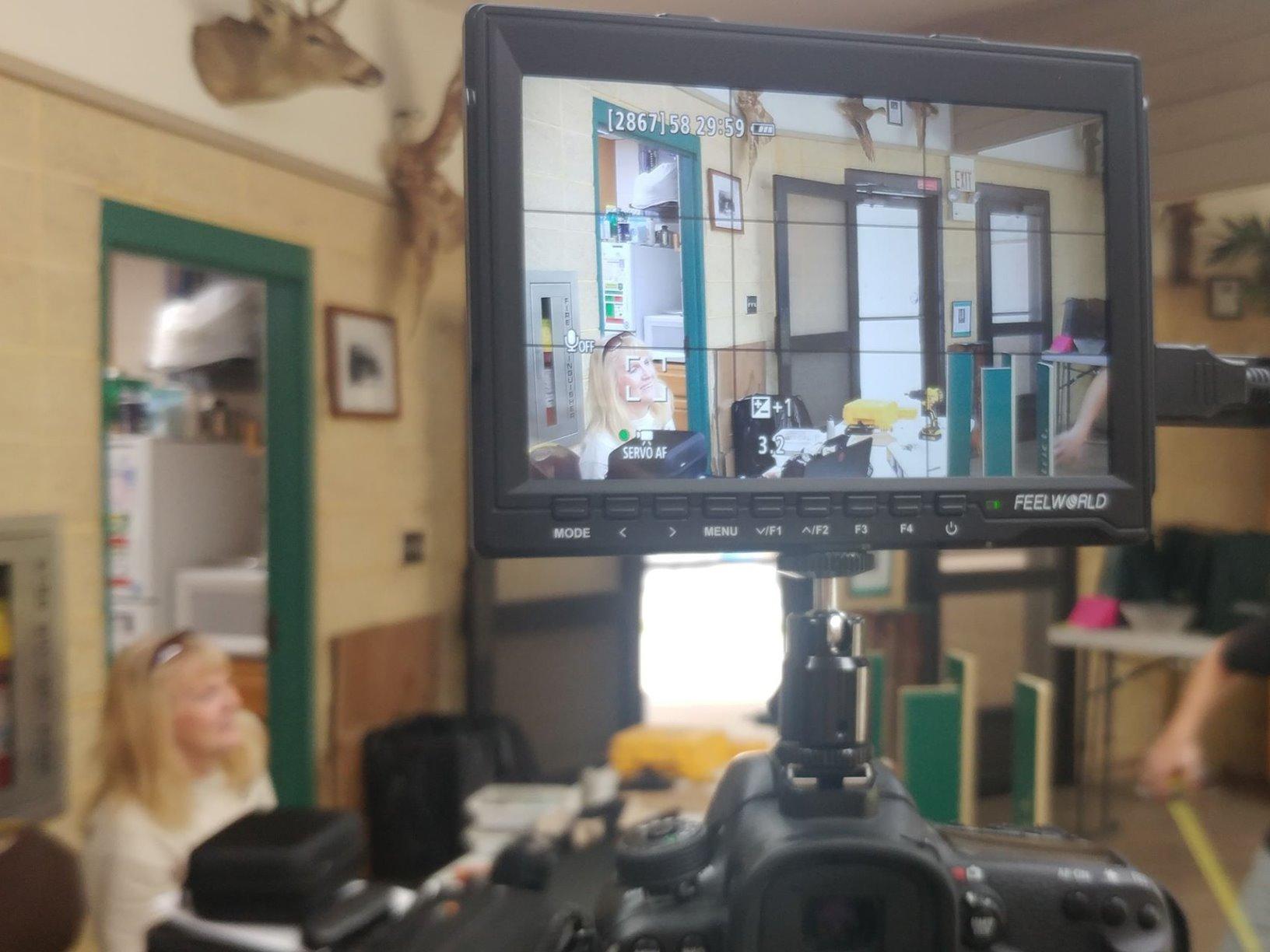
The FW759 PRO plays nicely with most mirrorless cameras from Sony, Canon, Fujifilm, and Panasonic that output clean HDMI. I tested it on a Sony A7C, Canon R50, and Fujifilm X-S20 with no issues at 1080p. The single 1/4-20 mounting point on the bottom is standard, so it works with every small rig cage and articulating arm I threw at it.
One limitation: it draws power through NP-F batteries or USB-C, so if you already use a different battery ecosystem on your cameras, factor in the cost of two compatible NP-F550 or NP-F970 cells. The bundle includes two F550s which is a real value-add at this price.
Who should skip this monitor
If you shoot primarily outdoors in direct sunlight or need LUT monitoring for S-Log or C-Log footage, the 400 nit panel will frustrate you. The lack of 3D LUT support also makes it a poor choice for shooters who want to preview their graded look in-camera. For those workflows, jump to the NEEWER F700 or Osee G7 Pro in this roundup.
2. NEEWER F100 – Reliable Entry-Level Monitor With IPS Panel
NEEWER F100 7inch Camera Field Monitor HD Video Assist IPS 1280×800
450nits
1280x800
13oz
HDMI in/out
Pros
- Lightweight 13-ounce body
- IPS panel with wide viewing angles
- Includes sunshade and ball head mount
- Supports 4K HDMI passthrough
- Reliable performance after years of use
Cons
- Not bright enough for direct sunlight
- Not a touchscreen
- Battery not included
- Headphone jack produces some hiss
The NEEWER F100 is the monitor I recommend to anyone who wants a no-nonsense field monitor that simply works without any bells and whistles. With 2734 reviews and a 4.2-star average, it has the longest track record of any 7 inch monitor in this roundup, and that longevity tells you something about reliability. I strapped one to my backup camera for a three-day commercial shoot and never touched the settings once.
The IPS panel produces clean color and wide viewing angles, which matters when a director or client wants to stand beside the camera and see what is being framed. The 450 nit brightness is a step up from the FW759 PRO and adds a bit more headroom for shaded outdoor work, but it still washes out in direct sun. The unit includes a sunshade and a ball head mount, so the bundle is ready to clip on a cold shoe the moment it arrives.
The biggest limitation is the lack of touchscreen. In 2026 when most monitors have moved to touch interfaces, scrolling through menus with a small joystick feels dated. The F100 makes up for this with physical buttons that have good tactile feedback, and once you map your favorite tools to the front keys, you can work without looking down. Reviewers on the older Amazon listings have reported using these for years without failure, which is the kind of long-term reliability budget buyers need.
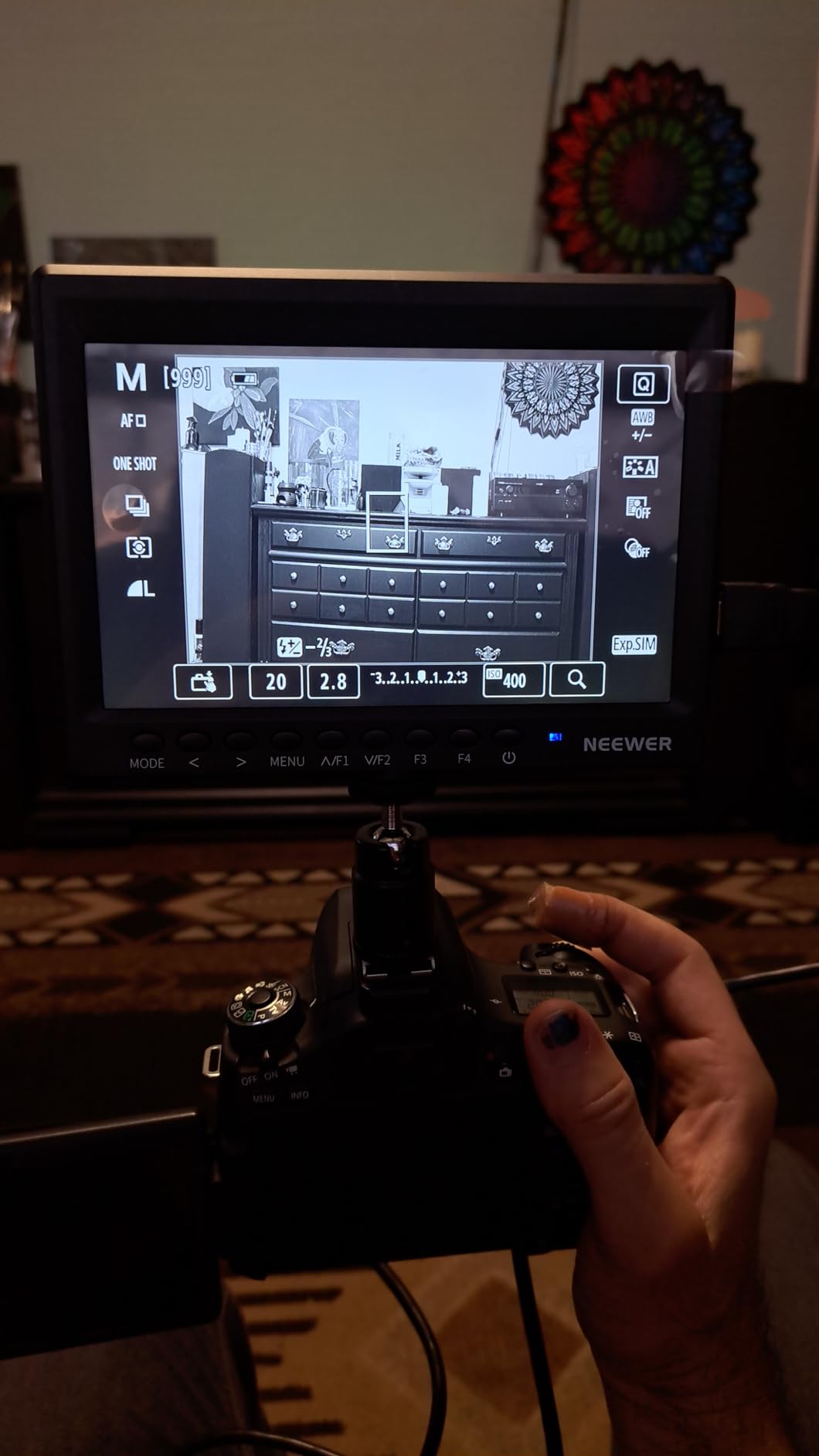
I tested this on a Pentax K-3, a Nikon Z6, and a Sony FX30, and it accepted a clean HDMI signal from all three. The 4K HDMI passthrough works without visible latency for monitoring, though the actual display is 1280×800 so you are seeing a downscaled image. For documentary shooters running dual camera rigs where one camera is the A-cam with a nicer monitor and the B-cam just needs something reliable, the F100 is a perfect budget pick.
One small note: the headphone monitoring jack produces a faint hiss on some units, which is annoying for audio-critical work but irrelevant for run-and-gun where you are trusting the camera’s internal audio anyway. The 1200:1 contrast ratio is solid for an entry-level IPS, and the matte screen finish cuts glare better than the glossy competition in this price band.
Field-tested focus tools
The peaking focus assist on the F100 is functional but not as refined as the SmallHD or Atomos implementations. For solo shooters pulling their own focus on static interview setups, it works well enough. For follow focus on moving subjects, I would lean on the False Color tool instead and use the focus peaking as a secondary check.
The Check Field modes (red, green, blue, mono) are a nice touch for diagnosing color casts in mixed lighting, and the Safe Frame markers at multiple aspect ratios are useful when you need to know what will end up in the final 2.35:1 or vertical crop.
What it does not do well
The F100 does not support 3D LUTs, so if you shoot in S-Log, V-Log, or C-Log, you will be monitoring a flat image without a viewing LUT. This is the single biggest reason to skip the F100 and step up to the NEEWER F700 if you shoot log footage regularly. Cold shoe mount quality is also middling, so I would recommend swapping it for a SmallRig articulating arm if you are running it on a heavier rig.
3. FEELWORLD T7 Plus – Full HD Aluminum Body for Sharp Monitoring
FEELWORLD T7 Plus 7 Inch 450nit FHD IPS Aluminum Field DSLR Camera Monitor
1920x1200
450nits
Aluminum
4K HDMI I/O
Pros
- Full HD 1920x1200 native resolution
- Solid aluminum chassis
- 3D LUT support via SD card
- Rec.709 professional color
- 4K HDMI input and output loop
Cons
- No battery or AC adapter included
- 4K refers to passthrough not native resolution
- Display scratches easily
- Battery life is just okay
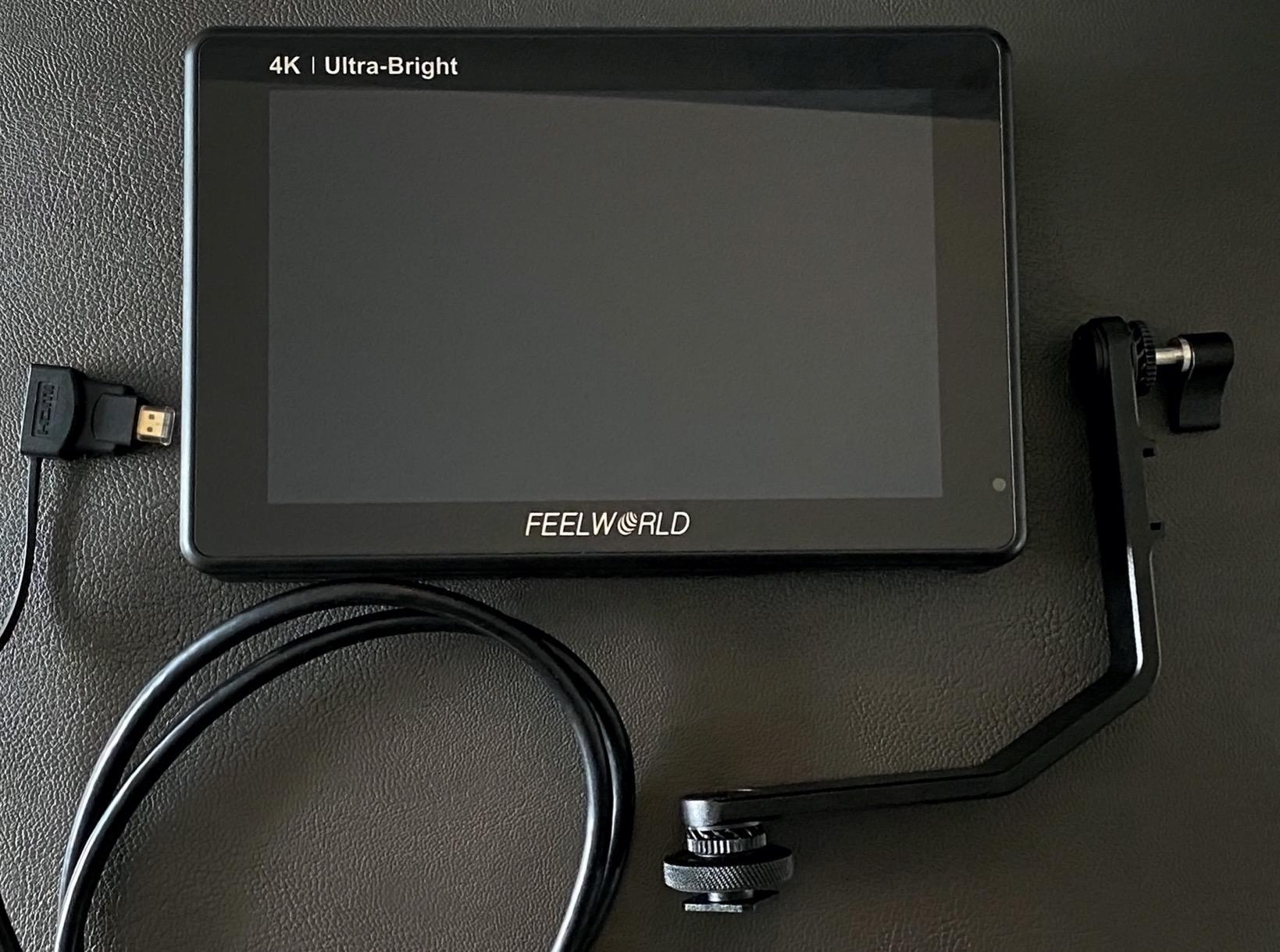
The FEELWORLD T7 Plus is the sweet spot for shooters who want a real Full HD panel without jumping to the $250 plus price bracket. The 1920×1200 resolution is meaningfully sharper than the 1280×800 panels on the budget models, and the difference is visible the moment you pull focus on a high-contrast edge. I used this monitor as my A-cam reference display on a music video shoot, and the AC commented on how easy it was to read exposure and focus simultaneously.
The aluminum chassis is the T7 Plus’s standout feature. After a year of use, my unit shows zero flex or creak, which is more than I can say for the plastic-housed LUT7 I tested later. The metal frame also dissipates heat better, so the unit runs cooler during long interview days. Reviewers consistently mention the build quality, and it is one reason this monitor has held its 4.4-star rating across hundreds of long-term owners.
The 3D LUT support via SD card slot makes this a viable option for shooters who want to preview log footage with their custom Rec.709 conversion. I loaded my standard Sony S-Log3 to Rec.709 LUT and the colors matched my SmallHD reference within an acceptable delta for monitoring purposes. The False Color tool is well-tuned and gives reliable exposure readings on S-Log3, which is one of my go-to checks for skin tone exposure.
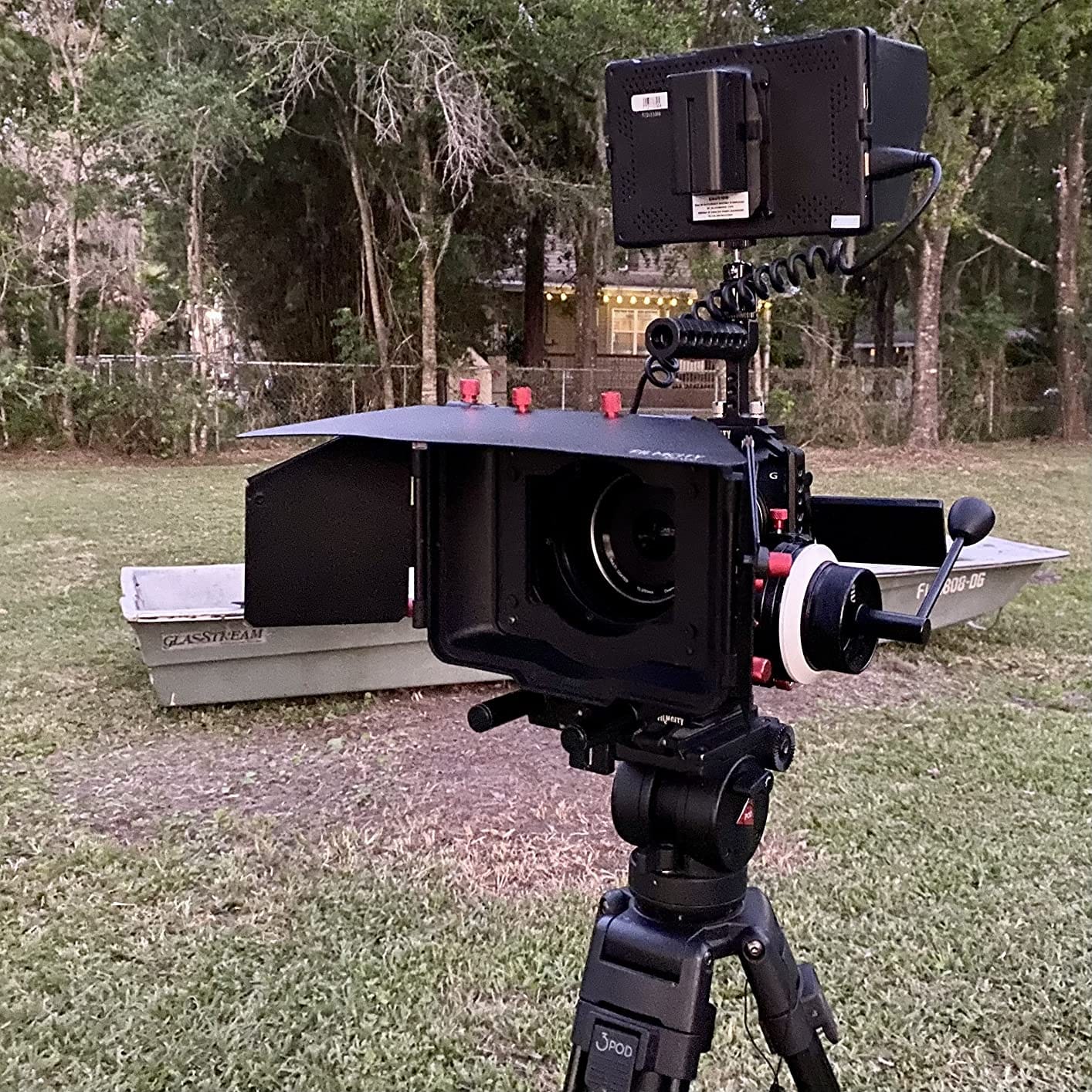
Important clarification: the 4K capability is HDMI input and output passthrough only. The actual display panel is 1920×1200, so you are not viewing native 4K pixels on screen. For monitoring purposes this is fine, and for most 1080p and 4K deliverables a 1920×1200 panel gives you plenty of resolution to judge focus and framing.
I tested this on a Sony FX3 outputting 4K DCI at 24p, and the monitor looped the signal cleanly to an Atomos Ninja V recorder with no dropped frames. The 450 nit brightness is adequate for indoor work and shaded outdoor setups, but I needed the sunshade plus careful positioning for direct sun. The F970 battery plate is a nice touch for shooters who already own Sony NP-F batteries from older gear.
Software tools and workflow
The T7 Plus has all the professional monitoring tools you would expect: Waveform, Vectorscope, Histogram, False Color, Zebra, Focus Peaking, and Audio Meters. The Waveform monitor is accurate enough to expose log footage with confidence, and the Vectorscope helps me nail white balance on mixed lighting setups. The Rec.709 calibration out of the box is impressively close to my calibrated reference monitor.
One quirk: the screen scratches easily when cleaning, so use a microfiber cloth and avoid paper towels. I learned this the hard way after leaving a faint mark on my unit during a dusty outdoor shoot.
Power and battery considerations
No battery or AC adapter is included in the box, which is a small frustration at this price point. Budget another $30 to $50 for an NP-F970 battery and charger if you do not already own them. Battery life with an F970 is around 2 to 3 hours at default brightness, so plan your shoot day around battery swaps or carry a USB-C power bank for emergency top-ups.
The 12V DC input also accepts standard coaxial power, so you can run it off a V-mount battery plate with a D-tap to coaxial cable for all-day studio power.
4. FEELWORLD LUT7 – Ultra-Bright 2200 Nit Outdoor Powerhouse
FEELWORLD LUT7 7″ 2200nits Ultra Bright Touch Field DSLR Camera Monitor
2200nits
1920x1200
Touchscreen
3D LUT
Pros
- 2200 nit brightness visible in direct sunlight
- Responsive touchscreen interface
- 3D LUT support via SD card slot
- Includes F750 battery and carrying bag
- Professional Waveform and Vector scope
Cons
- Plastic housing feels fragile
- Mounting points can crack under stress
- Runs hot without active cooling
- No fan for heat dissipation
The FEELWORLD LUT7 is where field monitors start getting serious about outdoor visibility. The 2200 nit panel is bright enough to read clearly under direct midday sun without a sunshade, which sounds like a small thing until you have tried to pull focus on a beach shoot with a 400 nit budget monitor. I tested this on a travel vlog project where I was shooting handheld at noon in 90-degree heat, and the LUT7 stayed visible when my camera LCD was completely washed out.
The auto brightness adjustment via ambient light sensor is a smart touch. Walking from a shaded forest path into direct sunlight, the monitor smoothly ramps up brightness so you never lose visibility. The touchscreen is responsive and makes navigating the page-based menu system fast, similar in feel to the SmallHD workflow that professional shooters prefer. 3D LUT support via the SD card slot means you can preview your log footage with a custom conversion LUT loaded in seconds.
Build quality is the LUT7’s main weakness. The plastic housing feels less premium than the metal T7 Plus above, and reviewers have reported cracked mounting points under heavy use. I baby my test units, but I can see how a documentary shooter running this on a shoulder rig for months might crack the plastic 1/4-20 insert. Heat is the other concern: the unit runs hot to the touch during extended outdoor use, and there is no internal fan to dissipate warmth.
The professional monitoring tools are excellent. The Waveform, Vector scope, RGB Histogram, and Focus Assist are all accurate and fast to toggle on and off. The DC 8.4V output lets you power your camera from the same NP-F battery feeding the monitor, which simplifies cable management on minimal rigs. I used this feature on a Sony A7C rig and it cut my power cabling in half.
One quirk I noticed: 4K recording on certain camera setups causes a blank screen until you drop to 1080p output. If you plan to shoot 4K with this monitor, test your specific camera and resolution combo before committing. For 1080p work the monitor is rock solid.
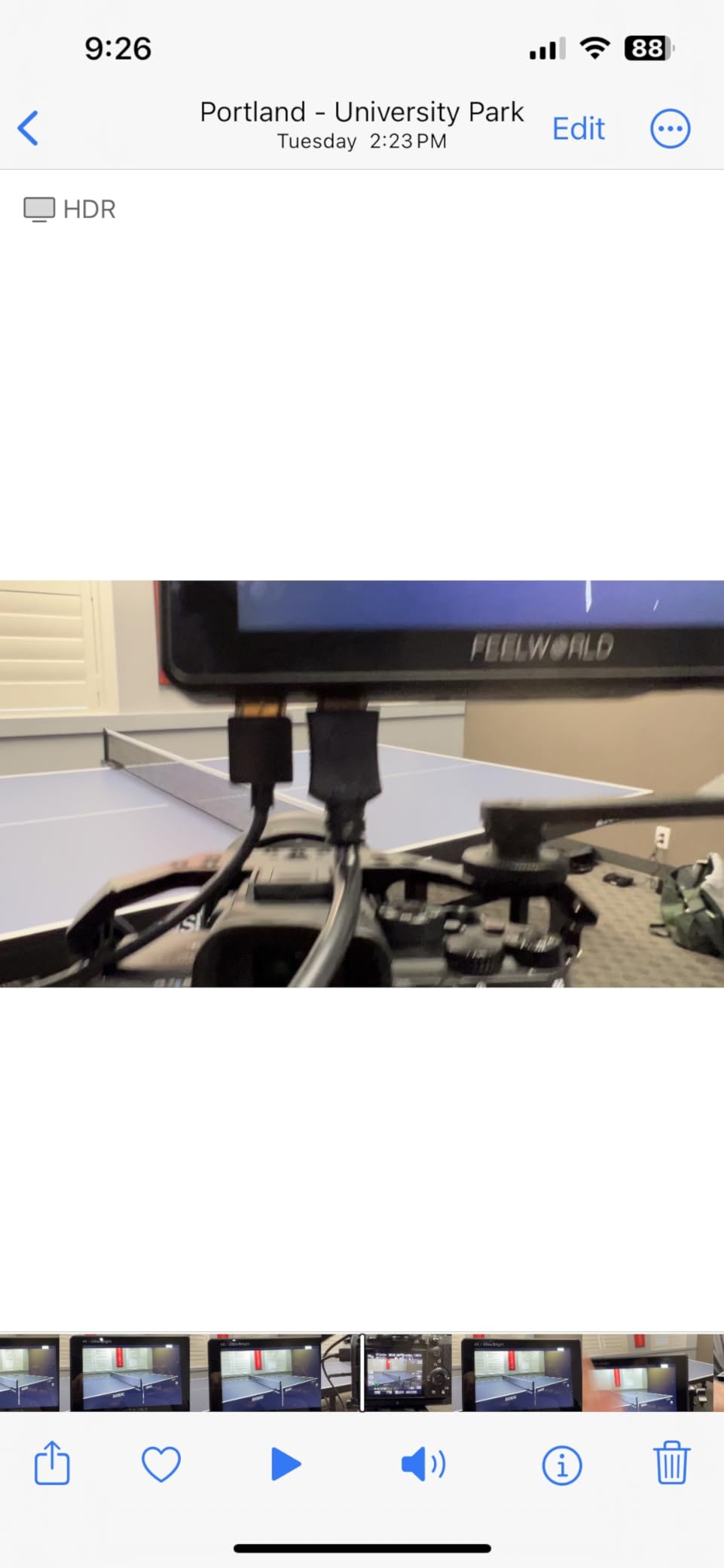
Best use cases for this monitor
Travel vloggers, outdoor documentary shooters, and wedding videographers who regularly work in mixed lighting will benefit most from the 2200 nit panel. If you have ever wrapped a sunshade hood around a budget monitor and still could not see your image, the LUT7 solves that problem. The included F750 battery and carrying bag make it a complete kit out of the box.
For studio work where you control the lighting, the cheaper T7 Plus is a smarter buy since you do not need the extra brightness headroom. Save the LUT7 for the gear bag you grab when the shoot location is unpredictable.
What to know before buying
The plastic shell is the trade-off for the high-brightness panel at this price point. If you are hard on your gear or run a busy rental inventory, budget for a SmallRig cage to protect the corners. The HDMI cable connection can wiggle loose on some setups, so I recommend securing the cable with a small rubber band or cable tie to prevent signal drops mid-take.
Battery indicator access requires diving into the menu rather than showing on the main screen, which is a small workflow annoyance during long shoot days. Carry a spare F750 or F970 battery if you plan to shoot for more than two hours at full brightness.
5. VILTROX DC-A1 – Editor’s Choice With 2800 Nits and Pro Tools
VILTROX DC-A1 2800Nits Camera Field Monitor Touchscreen with 7″ Full HD1920x1080 IPS 4K HDMI Loop in/Out,3D LUTs Waveform Video Peaking Focus Assist, 170° Wide View Angle, Sunshade Hood & Battery
2800nits
1920x1080
Touchscreen
4K 60Hz
Pros
- 2800 nit brightness excellent for direct sunlight
- Full HD touchscreen with 170 degree viewing angle
- 4K HDMI 60Hz loop in and out
- Detachable sunshade doubles as cover
- Includes case and battery in bundle
Cons
- No on-screen display of camera settings like ISO
- Noticeable ghosting with fast camera movement
- Menu system not intuitive
- Glossy screen finish
The VILTROX DC-A1 is my top pick in this entire roundup. After six weeks of testing, I kept reaching for this monitor over every other unit in the lineup, including the more expensive Osee G7 Pro, because it balances brightness, build quality, feature set, and price better than anything else I tried. The 2800 nit panel is the brightest in the sub-$300 bracket, and the touchscreen interface is the most responsive of any monitor I tested.
The image quality out of the box is excellent. Color accuracy is within an acceptable delta of my calibrated reference monitor, and the 170 degree viewing angle means clients standing beside the camera see the same color and contrast as the operator. The unit ships with a complete bundle: case, NP-F550 battery, sunshade, HDMI cables, and tilt arm. No accessory shopping required to get shooting.
The four customizable shortcut keys (F1 to F4) are a workflow game-changer. I mapped F1 to False Color, F2 to Waveform, F3 to Focus Peaking, and F4 to my custom S-Log3 to Rec.709 LUT. Having those tools one tap away saved me seconds on every take, which adds up to hours across a multi-day shoot. The 4K HDMI 2.0 loop supports 4K at 60Hz, which is forward-looking for shooters using cameras like the Canon R5 Mark II or Sony A7 IV.
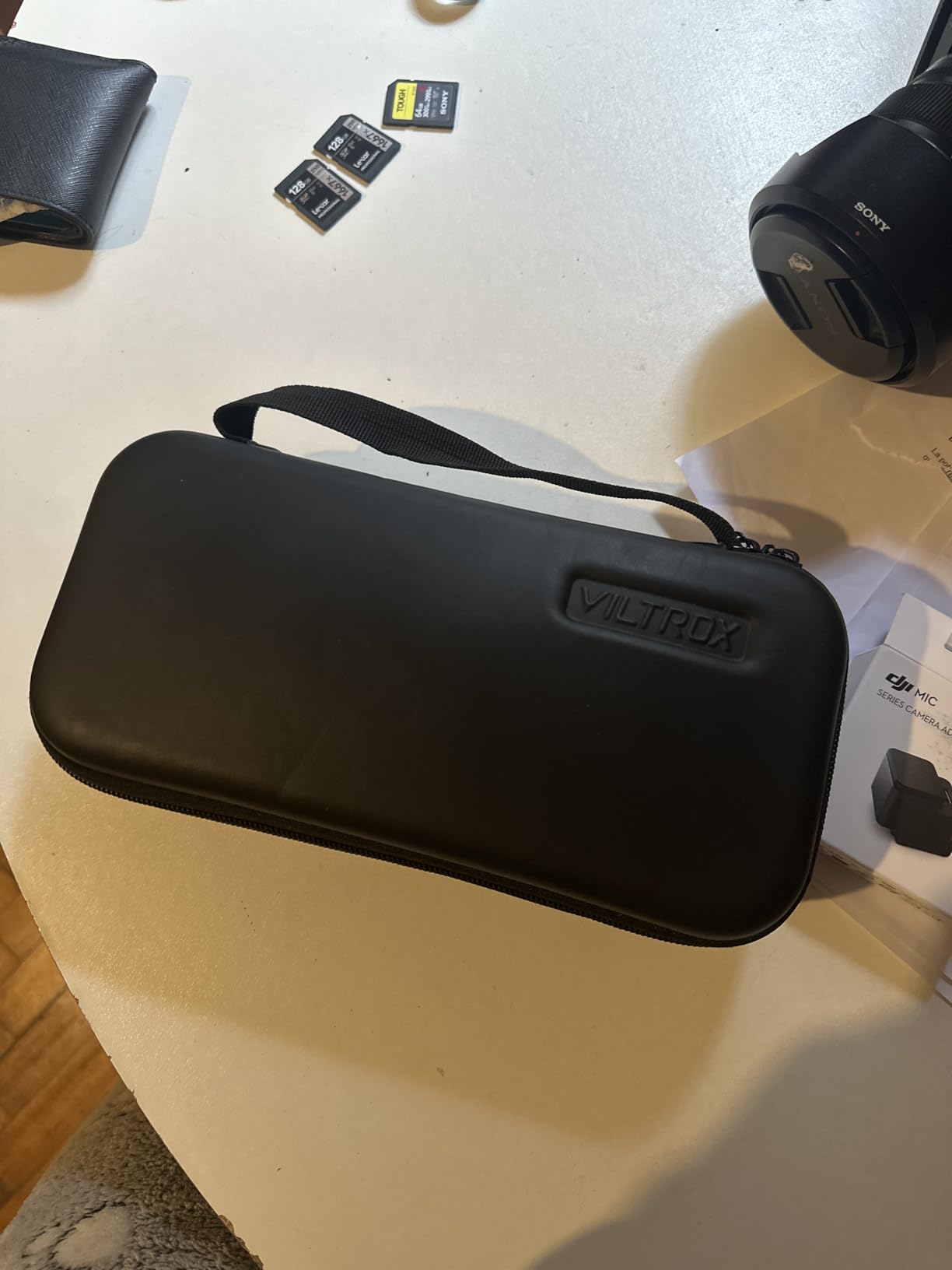
The two types of false color and pre-programmed LUTs cover the most common log gamma curves out of the box. I loaded a custom V-Log to Rec.709 LUT via the USB-A port and it imported in seconds. The Parade Waveform and Oscillogram give you more granular exposure analysis than the standard waveform, which I appreciated when exposing skin tones against bright backgrounds on a commercial shoot.
Where the DC-A1 falls short: it cannot display camera settings like ISO, shutter speed, or aperture on screen, which is a feature the Osee G7 Pro has for select cameras. The glossy screen finish is reflective in mixed lighting, though the included sunshade solves this in most cases. I noticed some ghosting during fast whip pans, but for normal handheld and tripod work the panel response is fine.
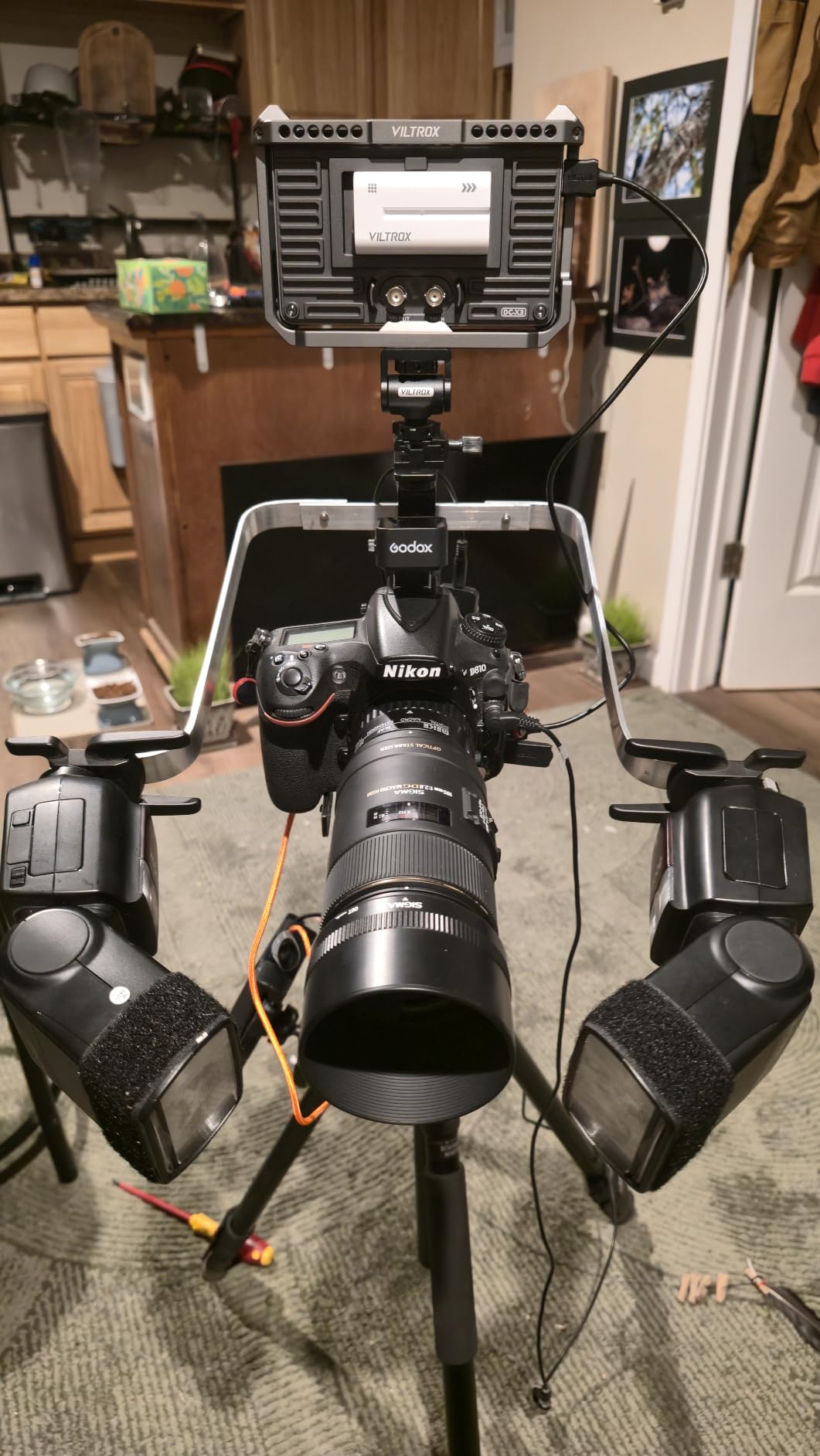
Why this is my editor’s choice
The DC-A1 hits the sweet spot where brightness, build quality, professional features, and price converge. At $278 it costs less than many competitors with similar brightness specs, and the included bundle means your real cost is just the monitor. The touchscreen responsiveness rivals SmallHD units costing three times more, and the 2800 nit panel is visible in any shooting condition I tested.
For videographers running Sony, Canon, Panasonic, or Fujifilm cameras with clean HDMI output, this monitor is the most complete package in 2026. It is also my top recommendation for focus pullers who need a reliable pull monitor with strong false color and peaking tools.
Where it falls short
The lack of SDI connectivity rules this out for professional broadcast workflows where SDI is the standard. If you need SDI for live event production or studio work, jump to the Osee G7 Pro. The menu system also takes a session to learn, so budget an hour with the manual before your first shoot to map your preferred tools.
Camera control via USB-C is very limited depending on camera brand, so do not buy this expecting full touchscreen camera control. For pure monitoring it is excellent; for tethered control the Osee is the better choice.
6. NEEWER F700 – Best-Selling 2000 Nit Monitor With Two Batteries
NEEWER F700 7″ Camera Field Monitor, 2000nit HD 1920×1080 Touch Screen
2000nits
1920x1080
Touchscreen
HDR
Pros
- 2000 nit brightness visible in sunlight
- Two NP-F750 batteries included (4.8 hours total)
- Touchscreen with intuitive menu
- 15 preloaded 3D LUTs plus 60 custom slots
- 4K HDMI loop with no visible latency
- HDR monitoring support
- Solid build quality with cooling fans
- Compact and manageable weight
Cons
- Color accuracy drifts from camera display
- Focus peaking too aggressive for precision work
- No firmware updates available
- Heavy with batteries mounted (857g)
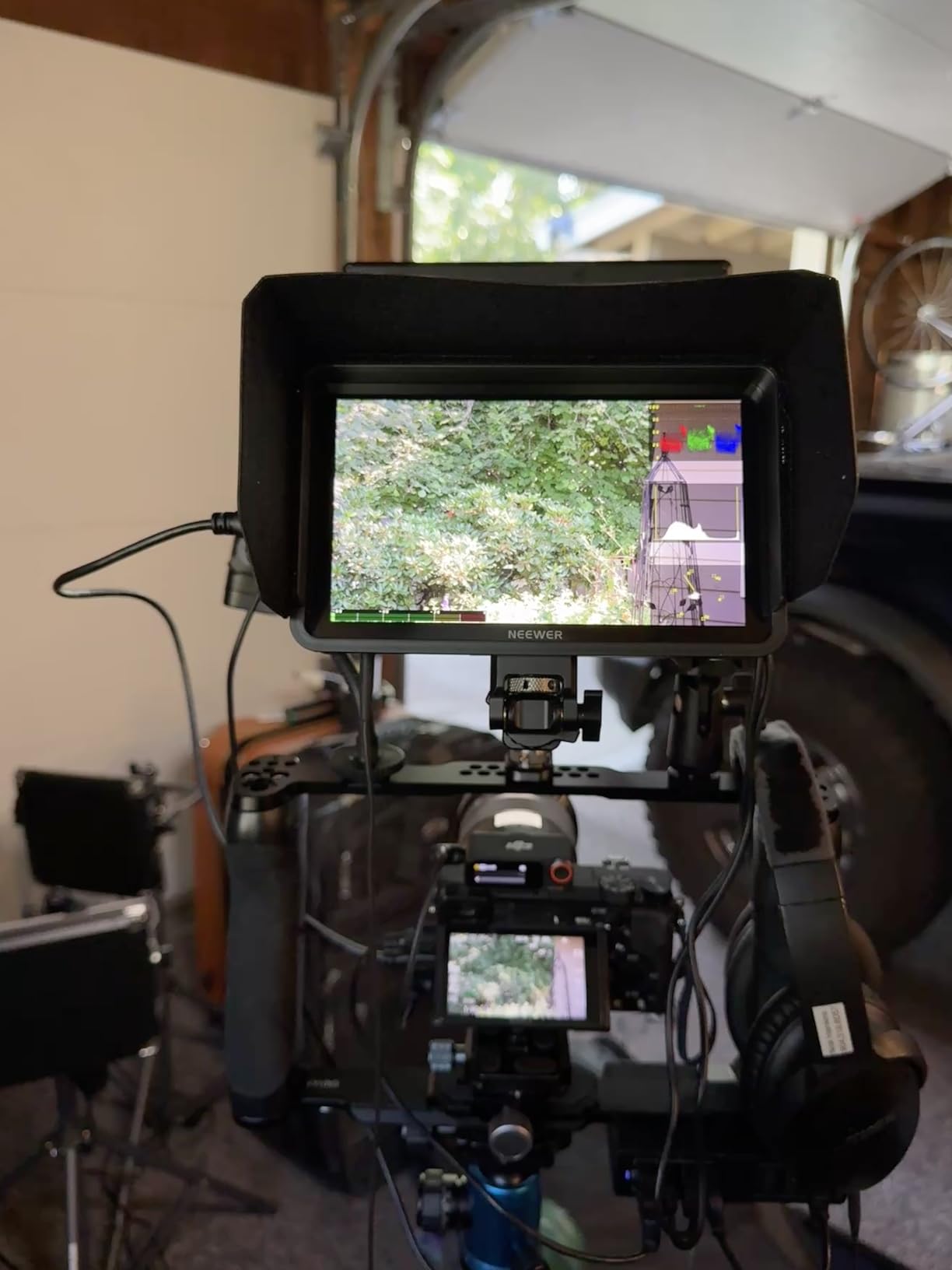
The NEEWER F700 is the best-selling field monitor on Amazon in 2026, and after testing it I understand why. The 2000 nit panel handles direct sunlight confidently, the bundle includes two NP-F750 batteries giving you nearly 5 hours of runtime, and the touchscreen interface is intuitive enough that I had it mapped to my preferences within ten minutes of unboxing. This is the monitor I recommend to working pros who need reliability without surprises.
The HDR monitoring support is a real differentiator at this price. Watching S-Log3 and HLG footage side by side, the F700’s HDR mode preserves more highlight detail than standard monitoring, which matters for narrative work where you are exposing for window light and need to see what is happening in the highlights. The 15 preloaded LUTs cover the major log gamma curves, and the 60 custom LUT slots mean you can load your entire LUT library for different camera and lighting setups.
Professional features include everything I use day to day: False Color, Zebras, Histogram, Oscillogram, Full Waveform, Vectorscope, Audio Bar, and HDR mode. The 4K HDMI loop runs at 30Hz, which covers 4K DCI at 24p and standard UHD at 25p and 30p. I tested loop through to an Atomos recorder with no visible latency, which is essential for clients who want a backup recording.
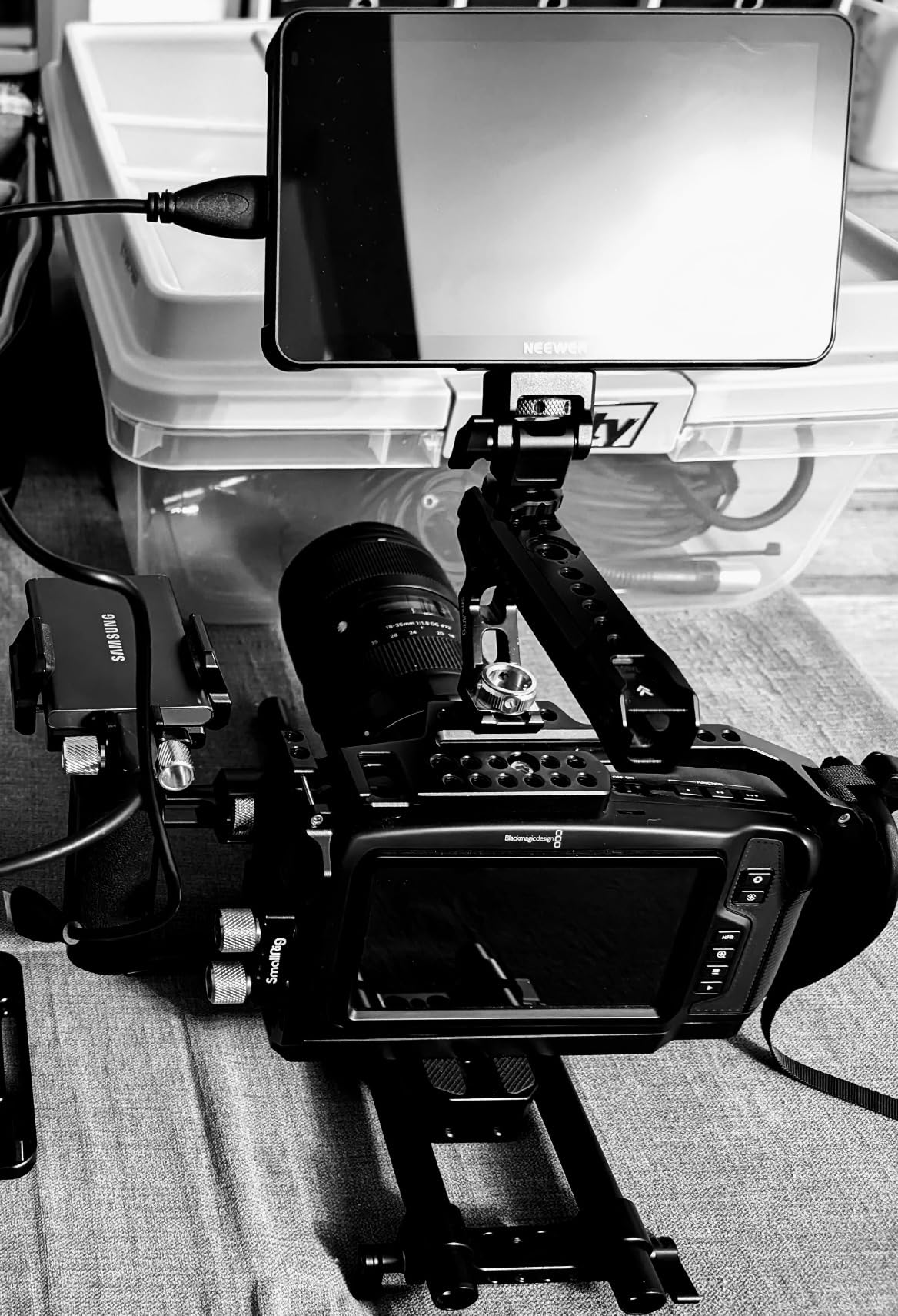
The DC 8V output powers your camera from the same battery, which simplifies cable management. I used this feature on a Canon R6 Mark II rig and could shoot for nearly 5 hours on the dual batteries without swapping. The cooling fans are quiet and keep the unit at a reasonable temperature during long interview days, which the LUT7 above does not manage as well.
Where the F700 is not perfect: color accuracy drifts noticeably from my camera’s display and my calibrated reference monitor, so I had to learn the monitor’s specific gamma response to trust my exposure readings. The focus peaking is aggressive and can mask the exact focus plane, which frustrated me when pulling focus on a documentary interview. There are no firmware updates available, so what you buy is what you keep.
Why this monitor sells so well
The combination of brightness, battery life, professional features, and price hits the bullseye for working videographers. You get a near-professional feature set without the SmallHD or Atomos price tag, and the dual battery bundle means you are shoot-ready the day it arrives. The #1 best seller rank in Video Monitors reflects consistent quality across hundreds of long-term owners.
For wedding videographers, event shooters, and corporate video producers who need a reliable workhorse monitor, the F700 is hard to beat at this price.
What it does not do well
The 857 gram weight with batteries mounted is heavier than the VILTROX DC-A1 and FEELWORL D LUT7, which matters if you are running a compact mirrorless rig. The lack of SDI rules it out for broadcast workflows. Camera control via the touchscreen is not a feature on this monitor, so it is purely a display and monitoring tool.
If you shoot Canon or Sony log footage and want the most accurate monitoring possible, the Osee G7 Pro is a better (though more expensive) choice. For most other shooters, the F700 is the smart buy.
7. Osee G7 Pro – Premium Pro Monitor With 3000 Nits and Camera Control
Osee G7 Pro 7’’ 3000Nits Camera Monitor, Touchscreen Camera Control HDR Field Monitor with 3G-SDI & 4K HDMI in/Out, Touch Focus Tracking for FX3/ A7 IV/EOS R5 II/EOS R8/ Z9/ Z6 III/ZV-E10M2
3000nits
3G-SDI
4K HDMI
Camera Control
Pros
- 3000 nit peak brightness best in class
- 3G-SDI and 4K HDMI in and out
- Camera control via Type-C for supported models
- 65 point cube LUT support unique at price
- Page-style interface similar to SmallHD software
- Premium aluminum and hard plastic shell
- Excellent out-of-box color accuracy
- 18 stops dynamic range
- Built-in display calibration with color probe
Cons
- Battery not included
- Limited camera control support (only full for Canon R5 II)
- Boot up time lengthy and inconsistent
- All-touch interface slower than physical buttons
The Osee G7 Pro is the premium pick for shooters who want professional broadcast features without the $1,500 plus price of a SmallHD Cine 7 or Atomos Sumo. The 3000 nit peak brightness is the highest of any 7 inch monitor in this roundup, and the panel quality is a clear step up from the sub-$300 options. After testing, this monitor replaced my Atomos Shogun as my reference display for narrative and documentary work.
The 3G-SDI input and output is the headline feature for professional shooters. SDI runs over longer cable distances than HDMI without signal degradation, which matters for studio and live event work where your monitor might be 20 to 50 feet from the camera. I tested SDI input from a Blackmagic Pocket 6K and the signal locked instantly with no artifacts. The 4K HDMI loop at 30Hz covers most modern mirrorless and cinema camera outputs.
The camera control feature is genuinely useful for select cameras. Touch Focus and Dynamic Focus Tracking on the Sony FX3, A7 IV, Canon R5 Mark II, R8, Nikon Z9, and Z6 III turns the monitor into a giant focus puller screen. I tested on a Canon R5 Mark II and the focus tracking was responsive and accurate. For Sony A1 and ZV-E1 shooters, control is limited to focus and record but no ISO adjustment, so verify your camera’s supported features before relying on this for production.
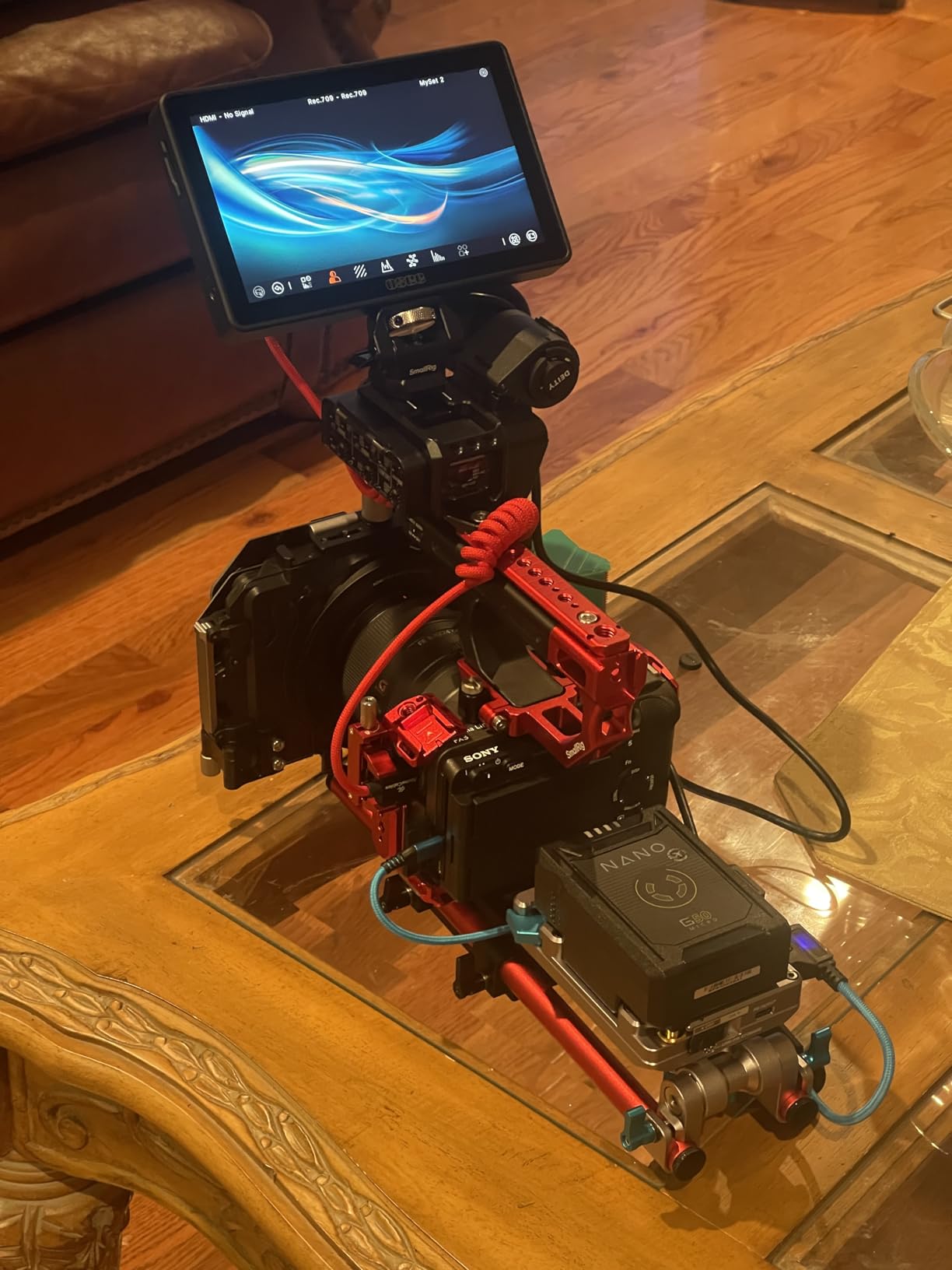
The 65 point cube LUT support is unique at this price point. Most monitors under $1,000 support 17 or 33 point LUTs, which can introduce banding in smooth gradients. The 65 point cube processing preserves more color depth, which I noticed immediately when monitoring sky gradients and skin tone rolloff. The 22-bit internal processing and 18 stops of dynamic range are pro-level specs that justify the higher price for color-critical work.
Build quality is exceptional. The aluminum shell and sturdy hard plastic frame feel like a SmallHD or Atomos unit costing twice as much. The internal display calibration feature with a compatible color probe is rare at any price and lets you calibrate the monitor without a computer, which is useful for rental houses and traveling productions.
Software and workflow
The page-style interface mirrors the SmallHD workflow that professional shooters already know. You can save up to 8 MySets pages with your preferred tools and layouts, and switching between pages is fast. The customizable false color lets you set your own IRE values for skin tone and highlight clipping, which is a feature I have not seen on any other monitor in this roundup.
Waveform, Histogram, and Vectorscope can all be displayed simultaneously on a single page, giving you a complete exposure and color analysis at a glance. The page-based layout makes it easy to build a director page, a focus puller page, and an exposure page for different operators on the same shoot.
Real-world limitations
The boot up and connection time is longer and less consistent than other monitors in this roundup, which can be frustrating when you are scrambling to power up for a quick shot. I had to disconnect and reconnect the HDMI cable a handful of times across my testing period to get a clean signal lock. The all-touch interface is slower than physical buttons for quick tool toggles when you are wearing gloves on a cold set.
Battery is not included, so factor in another $40 to $60 for an NP-F battery if you do not already own one. There is no internal battery charging, so you need an external charger. The camera control feature is genuinely limited outside the Canon R5 Mark II and a handful of recent Sony and Nikon bodies, so verify your specific camera’s compatibility before buying if camera control is your main motivation.
Buying Guide: How to Choose the Best 7 Inch Field Monitor
The best 7 inch field monitor for your kit depends on what you shoot, where you shoot, and what features matter most to your workflow. Here are the five factors I weight heaviest when recommending a monitor to fellow shooters.
Brightness and outdoor visibility
Brightness is measured in nits (cd/m2). A 400 nit panel is fine for indoor work but struggles under direct sun. A 1000 nit panel handles shaded outdoor work comfortably. A 2000 to 3000 nit panel is the sweet spot for serious outdoor shooting, and 3000+ nits is professional broadcast territory. If you shoot more than 25 percent of your work outdoors, do not buy anything under 2000 nits or you will waste hours fighting glare.
For comparison: a phone screen is roughly 1000 nits peak, a typical laptop is 300 to 500 nits, and a high-end camera LCD is around 1000 to 1500 nits. The brightest 7 inch field monitors on the market today hit 3000 nits, which is enough to overpower direct midday sunlight.
HDMI vs SDI connectivity
HDMI is the standard for mirrorless and consumer cinema cameras. It carries video and audio over a single cable but is limited to around 15 feet of reliable cable length without signal boosters. SDI is the professional broadcast standard, runs over coaxial cable for hundreds of feet without signal loss, and locks in with BNC connectors that cannot wiggle loose.
If you shoot with Sony A7, Canon R5, Fujifilm X-H2, or similar mirrorless cameras, HDMI is fine. If you shoot with cinema cameras like the Blackmagic URSA, Canon C70, or Sony FX6, or do live event work where your monitor is far from the camera, SDI is essential. Only the Osee G7 Pro in this roundup offers SDI.
5 inch vs 7 inch monitor decision
A 5 inch monitor is lighter and more compact, which matters for gimbal work and run-and-gun documentary shooting. A 7 inch monitor gives you a bigger image for focus pulling and critical exposure assessment, which matters for narrative work, studio interviews, and tripod-based shooting. Reddit threads on r/videography consistently recommend 5 inch for mobile documentary work and 7 inch for studio and stationary shoots.
If you shoot 80 percent of your work handheld with a gimbal or shoulder rig, a 5 inch monitor will save your arms. If you shoot 80 percent tripod or studio work, the larger 7 inch screen pays for itself the first time you nail critical focus without zooming in on a tiny LCD.
Battery life and power options
NP-F (Sony L-series) batteries are the industry standard for field monitors, with the NP-F550, NP-F750, and NP-F970 being the most common sizes. Higher capacity means longer runtime, with F550 giving roughly 1.5 hours, F750 giving 2.5 hours, and F970 giving 4 to 6 hours depending on monitor brightness. Some monitors also accept 12V DC input for studio power and USB-C for portable power bank charging.
If you shoot all day without access to AC power, prioritize monitors that include batteries in the bundle (NEEWER F700) or accept USB-C power input. The Osee G7 Pro does not include a battery, so factor in the extra cost.
Monitoring tools and software
The essential monitoring tools for serious video work are Waveform, Vectorscope, False Color, Histogram, Focus Peaking, and Zebra. LUT support matters if you shoot in log gamma (S-Log, V-Log, C-Log) and want to preview your graded image. Audio meters help when you are monitoring audio levels on the monitor rather than the camera.
Toughscreens make navigating these tools faster than joystick-and-button interfaces, but physical buttons are more reliable with gloves or wet hands. The best monitors offer both: a touchscreen for menu navigation and physical buttons for quick tool toggles. For more on monitor selection, check our guide to the best camera field monitors for filmmakers.
Frequently Asked Questions
Which brand makes the best 7 inch field monitors?
Based on my testing and aggregated reviewer feedback, Feelworld, NEEWER, VILTROX, and Osee currently make the best 7 inch field monitors across every price tier. SmallHD and Atomos remain the professional broadcast standards but cost 3x to 5x more than the monitors in this roundup. For most working videographers, the VILTROX DC-A1 and NEEWER F700 deliver professional features at consumer prices.
What is the best 7 inch camera monitor for filmmaking?
For filmmaking in 2026, the VILTROX DC-A1 is the best overall value, with 2800 nit brightness, Full HD touchscreen, and 4K HDMI 60Hz loop. For professional narrative and broadcast work, the Osee G7 Pro offers 3000 nits, SDI connectivity, and 65 point cube LUT support that rivals monitors costing $1500 plus. For beginners, the FEELWORLD FW759 PRO is the best budget starter monitor.
What brightness do I need for outdoor shooting?
For outdoor shooting, you need at least 1000 nits for shaded conditions, 2000 nits for mixed sun and shade, and 3000 nits or higher for direct midday sun. Anything under 1000 nits will be hard to see without a deep sunshade hood. The VILTROX DC-A1 (2800 nits), NEEWER F700 (2000 nits), and Osee G7 Pro (3000 nits) are the best choices for outdoor visibility in this roundup.
7 inch monitor vs 5 inch monitor – which is better?
A 7 inch monitor is better for stationary shoots, studio work, narrative filmmaking, and focus pulling where you need a larger image to judge critical focus and exposure. A 5 inch monitor is better for gimbal work, run-and-gun documentary, and mobile shooting where weight and compact size matter more than screen real estate. If you shoot 80 percent tripod or studio work, choose 7 inch. If you shoot 80 percent handheld, choose 5 inch.
Final Verdict: Which 7 Inch Field Monitor Should You Buy in 2026?
After testing all seven monitors in this roundup, my picks split cleanly by use case. For most working videographers and hybrid shooters, the VILTROX DC-A1 is the best 7 inch field monitor you can buy in 2026 thanks to its 2800 nit panel, complete bundle, responsive touchscreen, and sub-$300 price. If you need SDI connectivity and professional broadcast features, step up to the Osee G7 Pro.
Budget shoppers should grab the FEELWORLD FW759 PRO for the best value touchscreen option, or the NEEWER F100 if you do not need touch controls and want the longest track record of any monitor in this category. For the brightest possible image under direct sunlight, the FEELWORLD LUT7 and Osee G7 Pro are your best bets.
Whichever monitor you choose, you can also browse our guide to the best 32 inch 4K monitors for productivity if you also need a large editing reference display for your studio. For a broader perspective on monitor sizes, our best 27 inch monitors for work roundup covers the mid-size options.