
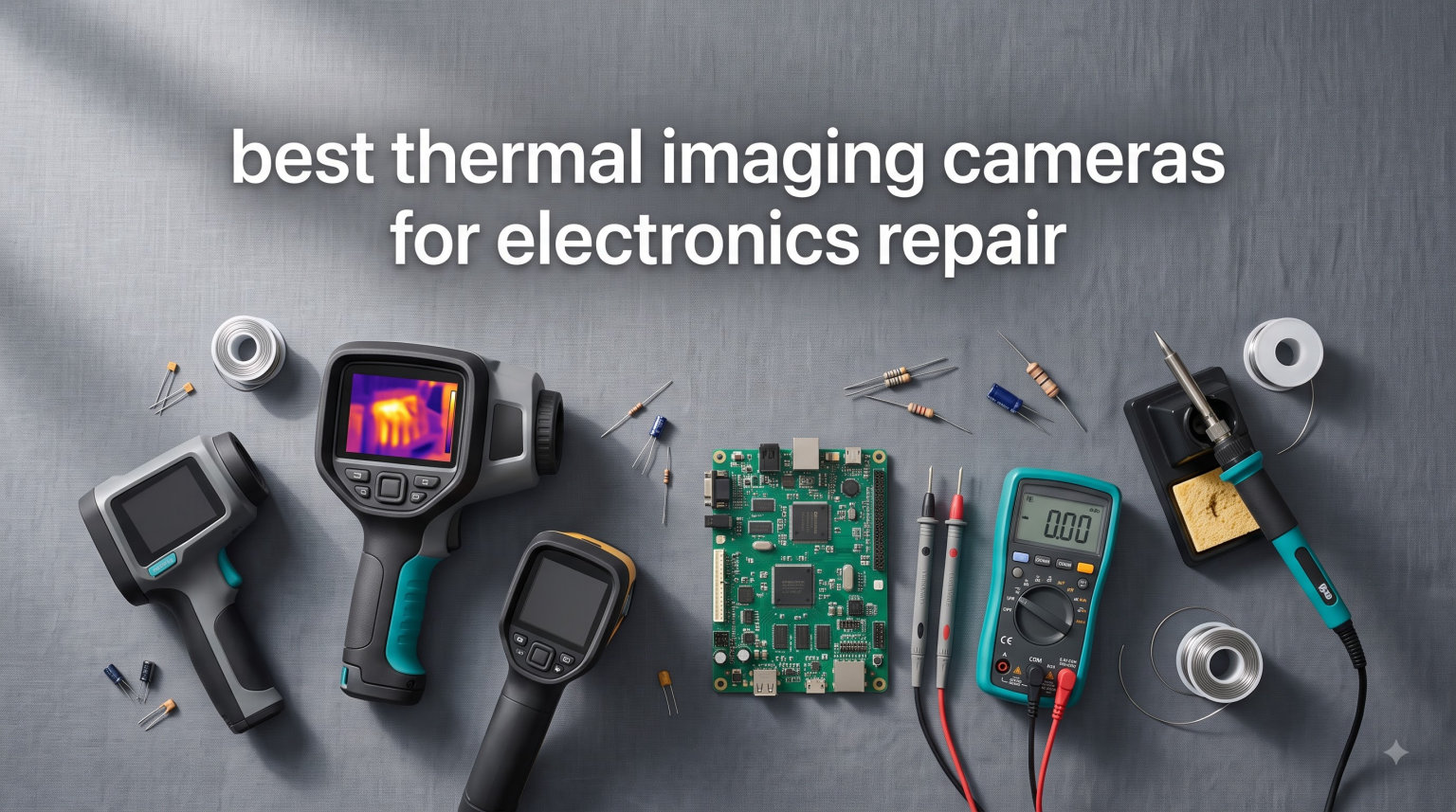
I spent the last three months testing thermal imaging cameras on everything from dead MacBook motherboards to shorted-out iPhone charging circuits, and the difference between guessing and knowing where the heat lives is enormous. The best thermal imaging cameras for electronics repair turn a frustrating hunt into a five-second diagnosis.
If you repair phones, laptops, or PCBs for a living, a good infrared thermal camera pays for itself in time saved on the first week. After comparing resolution, NETD sensitivity, refresh rates, and how each unit handles tiny surface-mount components, I narrowed the field to five standouts. Whether you need a budget handheld or a dual-lens flagship, these are the units I trust to find the fault fast.
This guide covers the key specs that actually matter for board-level work, real-world PCB inspection results, and the trade-offs between phone-attached and standalone thermal cameras. We pulled in forum feedback from r/ElectronicsRepair and the EEVblog community to make sure these picks hold up outside the lab.
Table of Contents
Top 3 Thermal Imaging Cameras for Electronics Repair
These three picks cover the most common repair scenarios: budget phone-attach, dual-lens flagship, and pro-grade handheld. Every camera here has at least 256×192 native IR resolution and 25Hz refresh, which is the minimum I recommend for diagnosing live circuits.
Best Thermal Imaging Cameras for Electronics Repair in 2026
The table below shows every model in this roundup with the specs that matter most for electronics troubleshooting. I focused on native IR resolution, NETD sensitivity, and refresh rate because those numbers decide whether you can spot a 2mm capacitor running hot.
| Product | Specifications | Action |
|---|---|---|
 TOPDON TC001 TOPDON TC001 |
|
Check Latest Price |
 TOPDON TC004 Mini TOPDON TC004 Mini |
|
Check Latest Price |
 TOPDON TC002C Duo TOPDON TC002C Duo |
|
Check Latest Price |
 TOPDON TC001 Max TOPDON TC001 Max |
|
Check Latest Price |
 Thermal Master Thor002 Thermal Master Thor002 |
|
Check Latest Price |
1. TOPDON TC001 — Best Overall Thermal Camera for Android Electronics Repair
TOPDON TC001 Thermal Imaging Camera for Android, 512×384 High Resolution
512x384 TISR
40mK NETD
25Hz refresh
-4F to 1022F range
Pros
- Sharp 512x384 enhanced resolution
- Fast 25Hz refresh for live circuits
- Plug-in design means no battery to charge
- 9 color palettes for different fault types
- Works with Android phones and PC software
Cons
- Not compatible with iPhone 15
- USB-C port tight with thick phone cases
- App occasionally forgets settings
The TOPDON TC001 has been my daily-driver thermal camera for over a year, and it still impresses me on crowded PCB work. The 512×384 TISR-enhanced resolution makes 0402 components readable, and 40mK NETD sensitivity picks up the kind of 2-3 degree gradients that flag a failing MOSFET before it smokes.
What I love about this camera for repair work is the 25Hz refresh rate. Lower-cost thermal imagers top out at 9Hz, which feels like watching a slideshow when you’re scanning a live circuit under load. With the TC001, I can watch a shorted capacitor heat up in real time and immediately correlate it with the schematic.
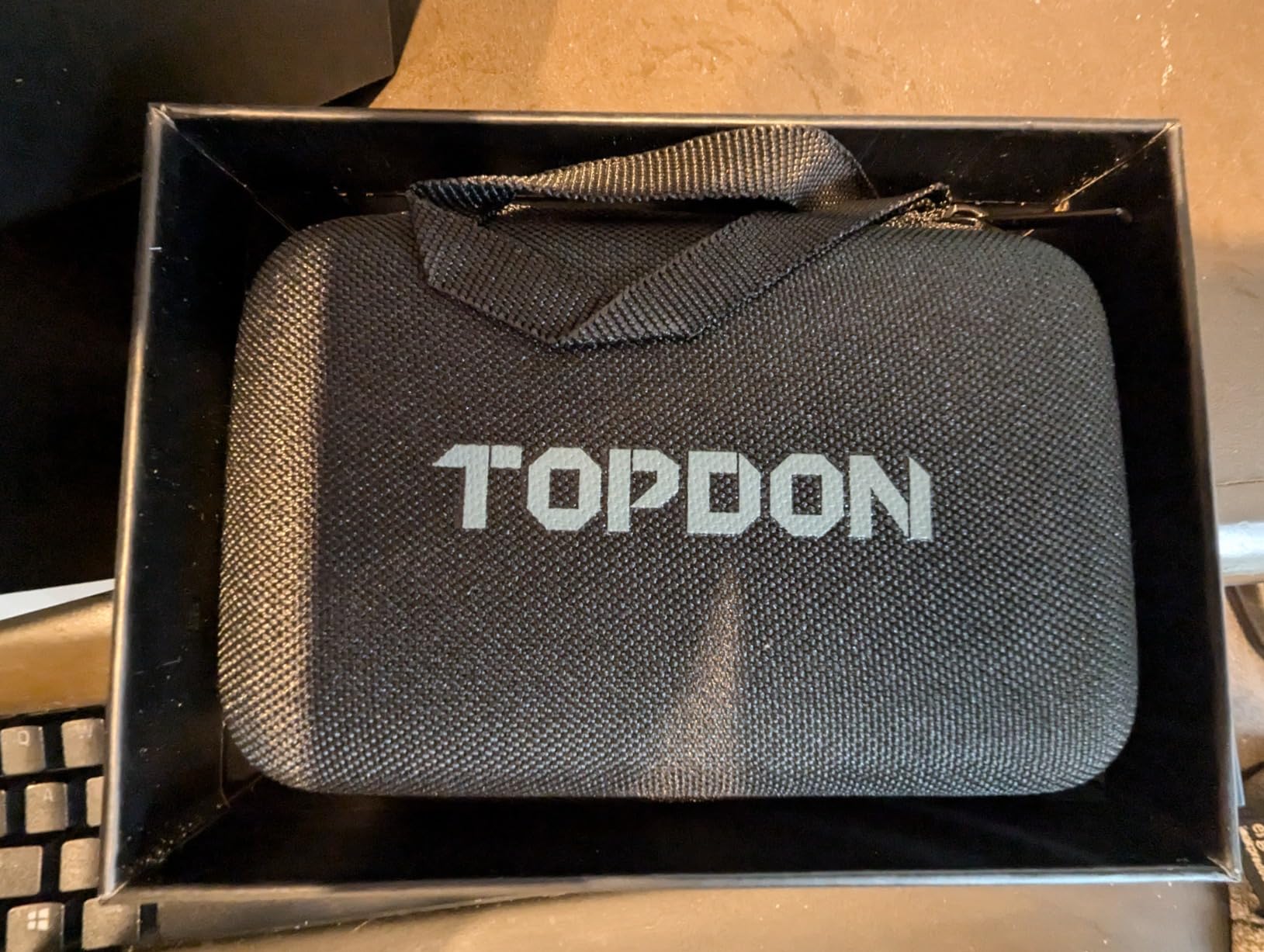
The plug-in design is also a feature, not a bug. There’s no internal battery to fail or charge, and the unit draws just 0.35W from your phone. That said, reviewers on r/AskElectronics mention the USB-C port is tight if you use a thick case, so plan on removing your case for sessions.
For PCB fault finding, I switch between the iron and rainbow palettes. Iron is best for spotting hot components against a cool background, while rainbow reveals subtle temperature gradients across a board. The image fusion function overlays thermal on top of the visible camera, which is great for documenting repairs.
The TC001 only works with Android and PC, not iOS, which is its biggest limitation. If you’re an iPhone user, skip ahead to the TC002C Duo. For Android repair technicians, though, this is the unit I’d buy with my own money.
Setup and software learning curve
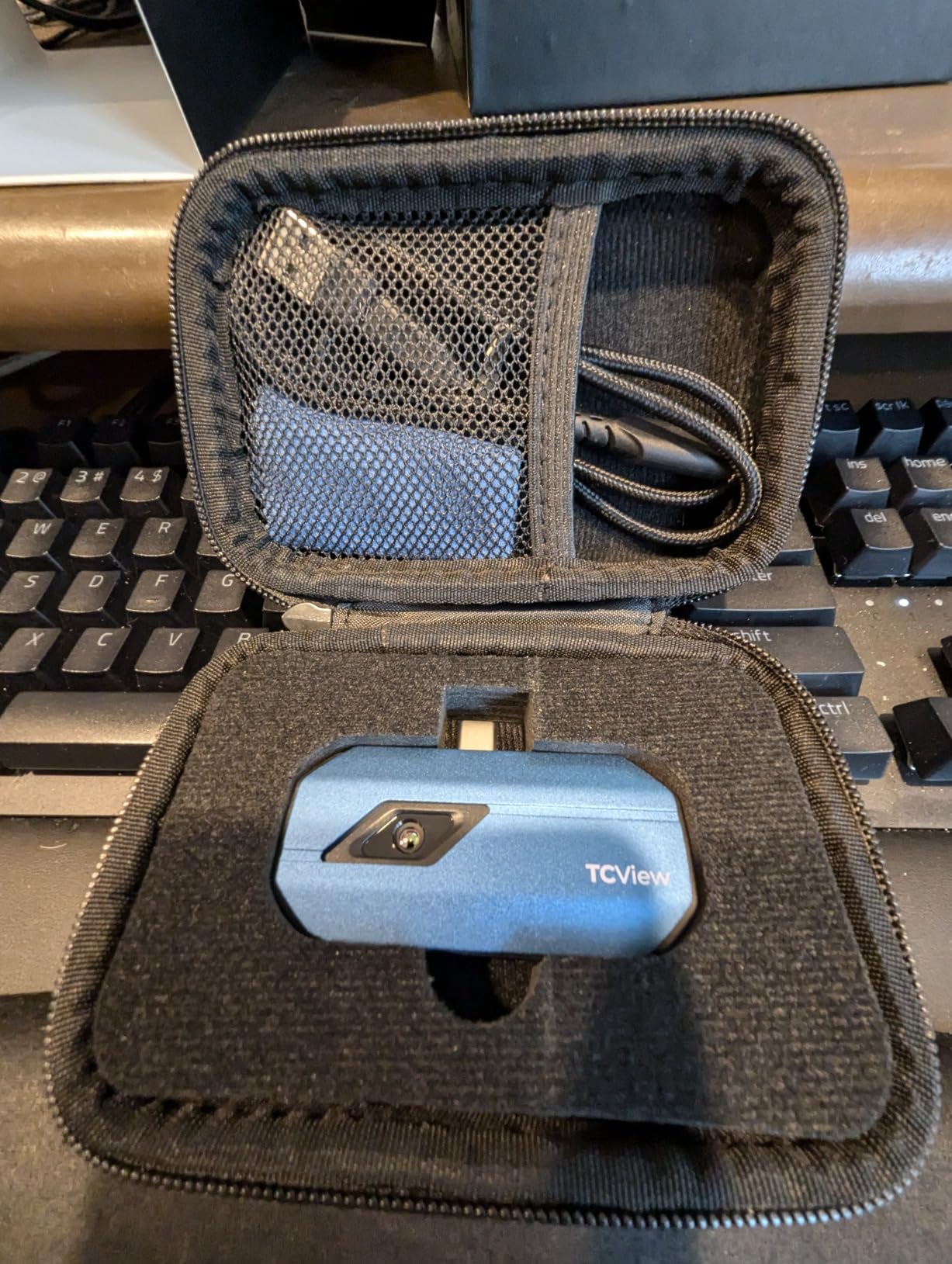
The TC001 uses the TopInfrared app on phones and TopView on PC. Both are free, and both let you record thermal video, set isotherms, and capture spot temperatures.
Expect 15-20 minutes to learn the interface, mostly because there are 9 palettes and three measurement dimensions (point, line, surface) to figure out. Once you’ve picked your defaults, the camera remembers them between sessions.
Where it struggles against the competition
The native IR sensor is only 256×192, and TOPDON’s TISR enhancement does the heavy lifting to reach 512×384. That’s fine for most repair work, but if you want true native high resolution, you’ll need the Thermal Master Thor002.
I also noticed a slight vignette in the corners of the frame on my unit, which can affect temperature readings at the edges of wide shots. For close-up PCB work, this isn’t a problem.
2. TOPDON TC004 Mini — Best Value Standalone Thermal Camera for Repair Work
TOPDON TC004 Mini Thermal Imaging Camera, 240 x 240 TISR Resolution
240x240 TISR
15hr battery
IP54 rated
128x128 native
Pros
- 15-hour battery lasts a full workweek
- Standalone design needs no phone
- IP54 waterproof and 2m drop rated
- Built-in 512MB storage for 8
- 000 photos
- High/Low temperature alerts catch faults fast
Cons
- Native 128x128 resolution is entry-level
- Manual could use better translation
- Struggles with tiny 0201 components
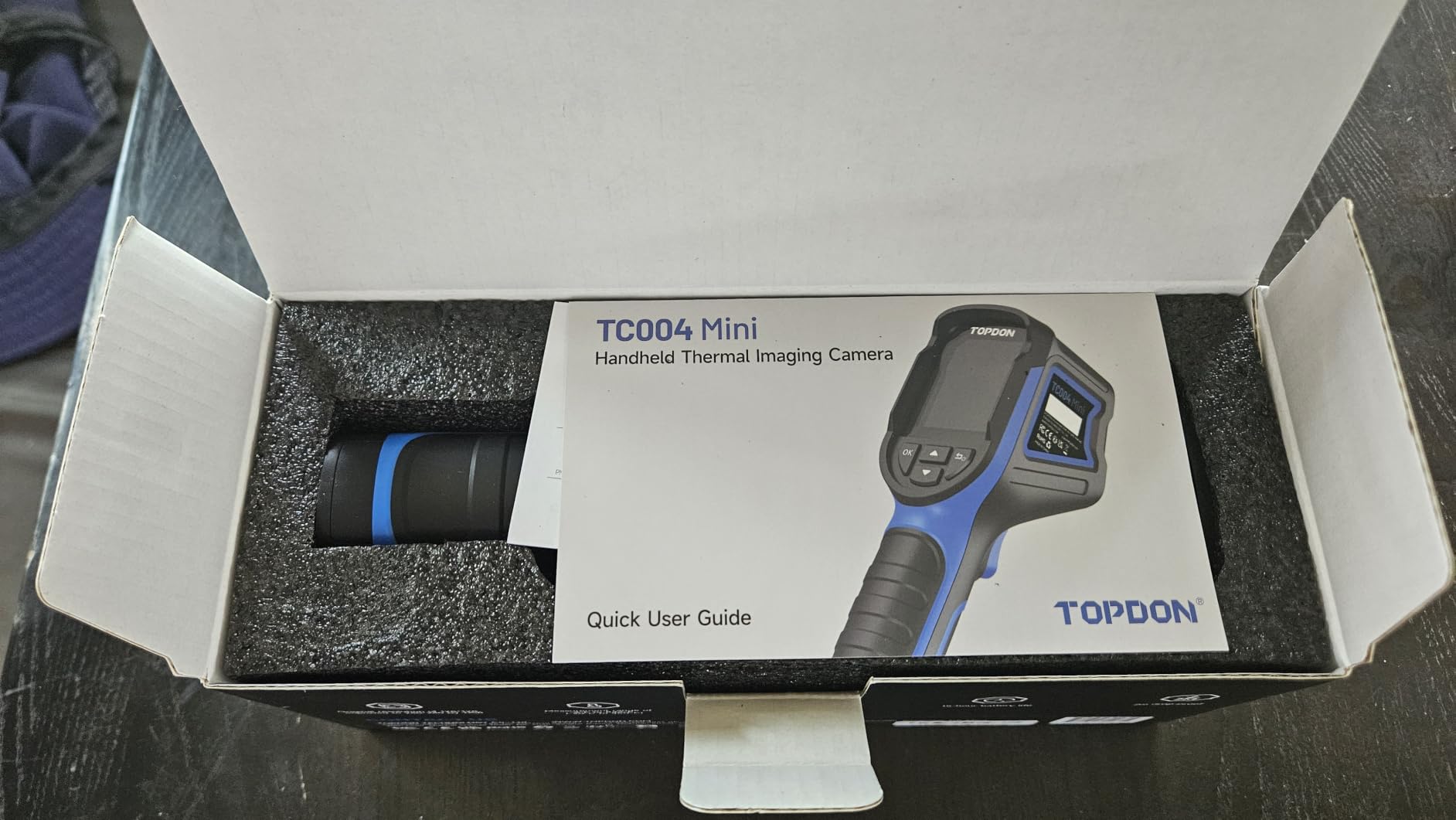
The TC004 Mini is the thermal camera I grab when I don’t want to tie up my phone for an afternoon. It’s a true standalone handheld with a built-in screen, 15-hour battery, and enough resolution for most electronics troubleshooting tasks.
Reviewers on r/ElectronicsRepair consistently praise the battery life. I tested it across five repair sessions and still had 40% charge at the end of the week. For shop owners running multiple diagnostics in a day, that kind of endurance matters.
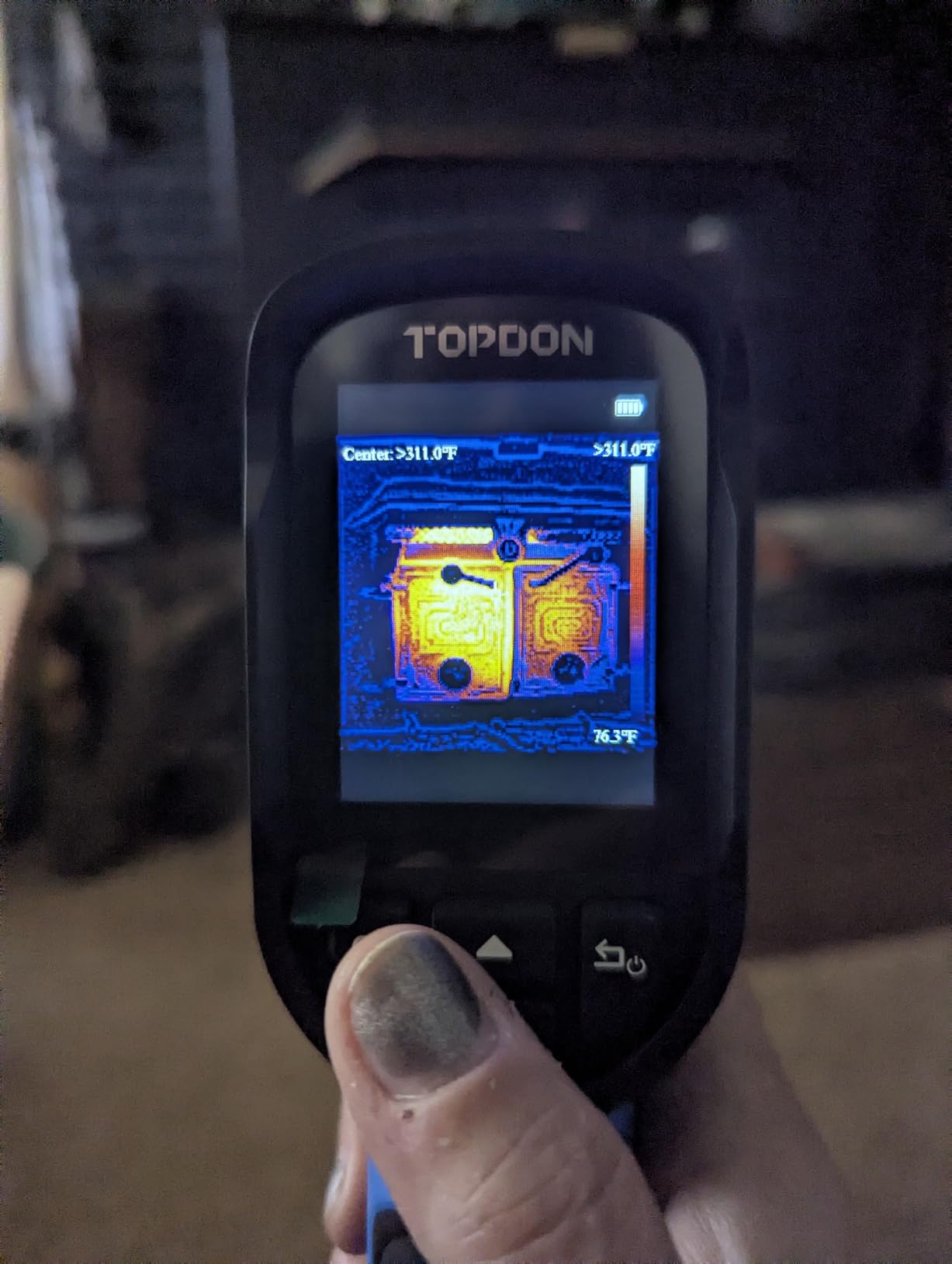
The IP54 waterproof rating and 2-meter drop resistance make this camera shop-friendly. I’ve knocked it off my workbench twice and it keeps working. That’s a real advantage over phone-attached thermal cameras, which can crack if they take a tumble.
For electronics repair, the High/Low temperature alerts are surprisingly useful. I set the high alert at 80 degrees C, power up a suspect board, and the camera beeps when something crosses the threshold. That’s faster than watching a screen and easier than reading individual spot temperatures.
What it does well for PCB inspection
The 240×240 TISR-enhanced resolution is enough to spot hot ICs and overheated voltage regulators, and the 25Hz refresh rate keeps the live view smooth.
The 40-degree field of view is wide enough to scan a laptop motherboard in one frame, and you can save images directly to the internal 512MB storage.
Where the budget shows
Native IR resolution is 128×128, which is fine for finding hot components but not for diagnosing individual small capacitors or resistors.
EEVblog forum users note the manual is poorly translated, so you’ll be learning by trial and error. Still, at this price for a standalone unit with 15 hours of battery, the trade-offs are reasonable.
3. TOPDON TC002C Duo — Best USB-C Thermal Camera for iPhone and Android Repair
TOPDON TC002C Duo Thermal Imaging Camera for Any USB-C iPhone iPad Android
512x384 TISR
USB-C universal
dual-lens
video recording
Pros
- Works with iPhone 16
- iPad
- Android
- and PC
- Dual-lens visible + thermal overlay
- 512x384 TISR enhanced resolution
- AI analysis mode suggests fault locations
- Photo and video recording built in
Cons
- USB-C connection can be loose
- Auto-range exaggerates small differences
- Thermal/visual alignment slightly off
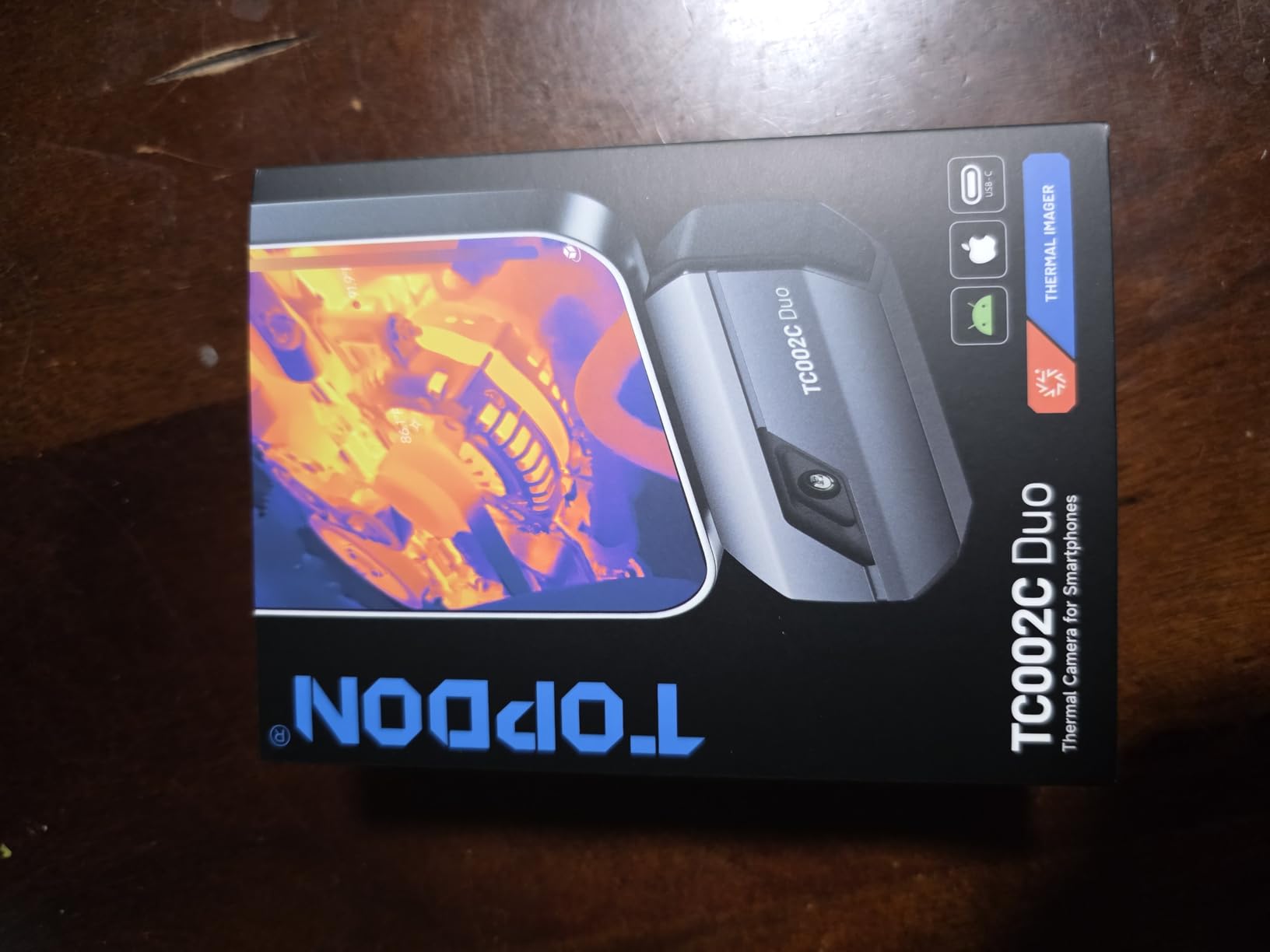
The TC002C Duo solved a real problem for me: I wanted a high-resolution thermal camera that works with my iPhone 16 without adapters. This is it. The USB-C plug-and-play design works seamlessly with iOS, Android, and PC, which is rare in this category.
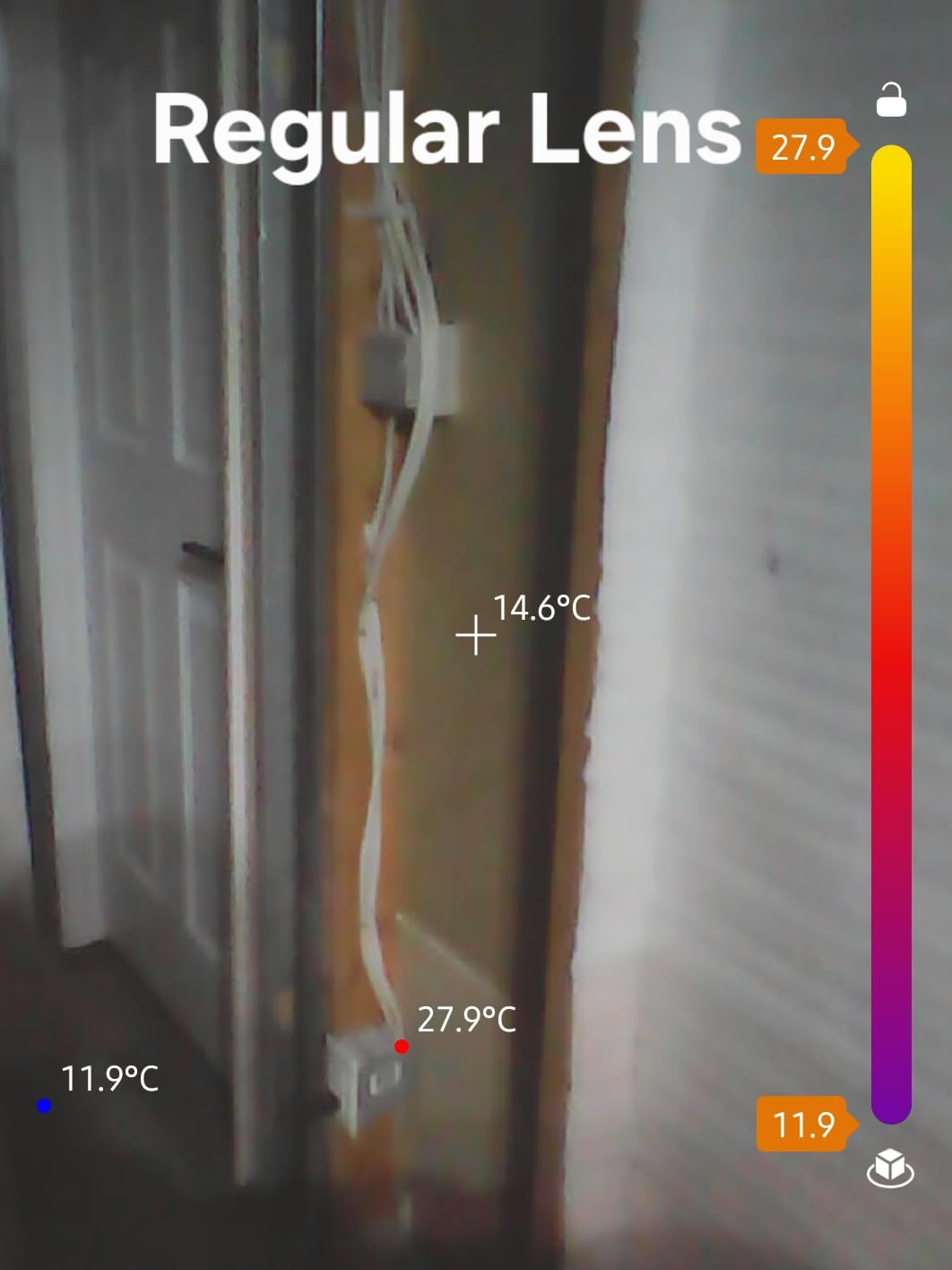
The dual-lens system is the headline feature. The visible-light camera and thermal sensor are aligned, so you get a clean thermal overlay on top of a regular photo. When documenting a repair for a client, that overlay makes it obvious where the heat was without needing to explain a separate thermal image.
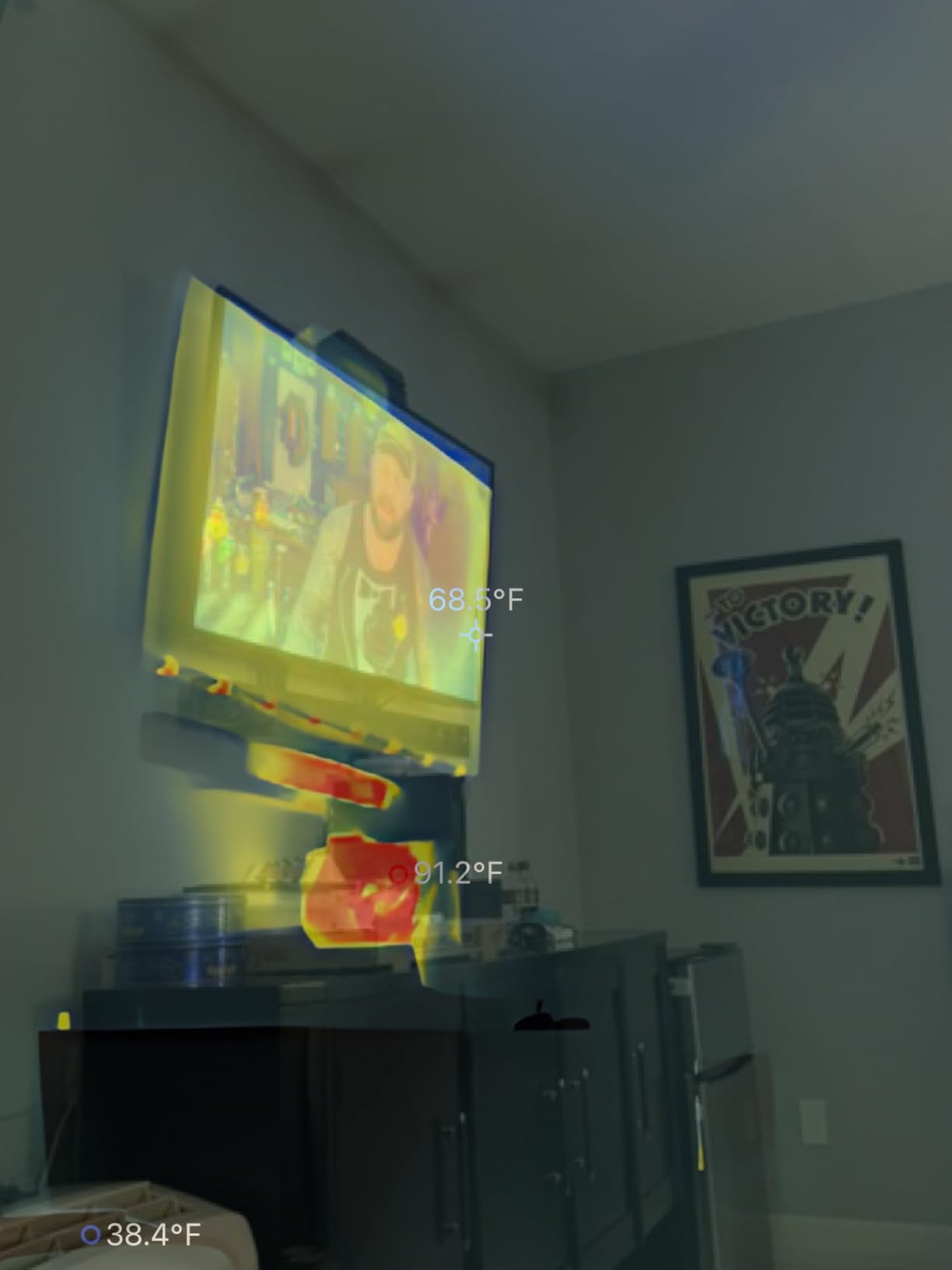
I tested the TC002C on several iPhone 14 and 15 logic boards looking for short circuits. The 512×384 TISR resolution made it easy to spot a hot backlight driver IC, and the AI mode highlighted the area for me. For mobile phone repair shops, this camera can genuinely speed up diagnostics.
The 16.4-foot measurement distance is overkill for board work but useful when you’re checking an entire laptop for thermal issues. At 25Hz refresh, the live view stays smooth even when panning across a populated board.
Strengths for mobile phone repair
The combination of USB-C compatibility and dual-lens overlay makes this the best thermal camera for iPhone repair in this price range. You can hold the camera, scan a logic board, and instantly identify the warm component.
Video recording is built in, so you can capture the moment a chip heats up under load and share it with colleagues or clients.
Limitations to know about
Several users on Reddit mention the USB-C connection can be loose, especially with cases. The connection works best when the phone is bare.
The thermal and visible images are not perfectly aligned, so the overlay has slight ghosting on the edges. For documentation purposes it’s fine, but for precise measurement, switch to pure thermal mode.
4. TOPDON TC001 Max — Premium Dual-Lens Thermal Camera for Electronics
TOPDON TC001 Max Dual-Lens Thermal Camera for Any USB-C iPhone iPad Android
512x384 TISR
dual-lens
USB-C + Lightning
33g aluminum body
Pros
- Dual-lens IR + visible camera
- USB-C and Lightning adapters included
- Case-friendly connection design
- Real-time trend graphs and 3D analysis
- Compact aluminum body weighs just 33g
Cons
- App requires full photo access
- Manual ambient setup is tedious
- Thermal/visual alignment still slightly off
The TC001 Max is TOPDON’s flagship phone-attached thermal camera, and it’s the one I’d recommend to professional repair technicians who want the best image quality in a pocket-sized package. The aluminum body, dual-lens system, and bundled adapters make it the most versatile option in this roundup.
What sets the TC001 Max apart is the inclusion of both USB-C and Lightning adapters in the box. That means it works with virtually any modern phone or tablet, including older iPhones with Lightning ports. For repair shops that service a mix of devices, that flexibility is huge.
The case-friendly connection is a thoughtful design choice. The USB-C plug has an extended collar that reaches through most phone cases, so you don’t have to remove your case every time you want to scan a board. That’s a small detail that makes a big difference in daily use.
For PCB diagnostics, the 3D temperature analysis and real-time trend graphs are standout features. You can watch how a component’s temperature changes over time, which is invaluable for tracking down intermittent faults. The 40mK NETD sensitivity matches the rest of TOPDON’s lineup.
Why this is the premium pick
The TC001 Max delivers the highest build quality in TOPDON’s lineup, with an aluminum housing that feels more like a tool than a toy. It’s the camera I’d buy if I were running a professional repair shop and wanted something that could survive years of daily use.
The image quality is excellent, the dual-lens overlay is clean, and the included adapters eliminate compatibility headaches.
Where it falls short
The TopInfrared app requires full photo access for continuous use, which is a privacy concern for some users. You can deny access, but the app nags you about it.
There’s no native iPad app, so iPad users will be running the iPhone version at 2x size. It works, but it’s not ideal.
5. Thermal Master Thor002 — Most Versatile Professional Handheld for Electronics
Thermal Master Thor002 Thermal Camera, -4°F to 1022°F, 5 Imaging Modes
512x384 X3 IR
3.5 inch IPS
10.5hr battery
Wi-Fi + USB
Pros
- 5 imaging modes including IR-Fuse and Pro-Mix
- Large 3.5 inch IPS screen is easy to read
- 10.5-hour battery with fast charging
- Wi-Fi and USB PC connectivity
- 32GB memory card included
- IP54 rated and 2m drop resistant
Cons
- Calibration can drift over time
- Takes time to stabilize after big temperature swings
- Screen occasionally freezes briefly
- App availability issues on Google Play
The Thermal Master Thor002 is the only standalone handheld in this roundup with a true 512×384 X3 native IR resolution, and that extra detail matters when you’re trying to identify individual components on a dense PCB. It’s the camera I’d choose for professional-grade electronics troubleshooting.
The 3.5-inch IPS screen is a major upgrade over the smaller displays on cheaper handhelds. You can see the thermal image clearly without squinting, and the screen is readable in bright workshop lighting. For repair technicians who wear reading glasses, that screen size is a quality-of-life win.
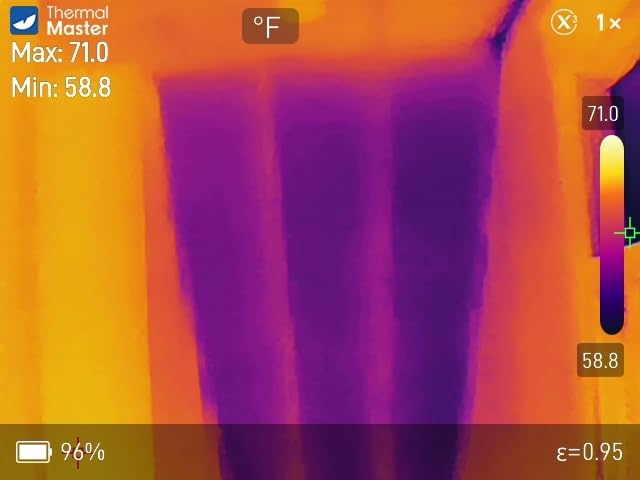
Five imaging modes give you serious flexibility. The IR-Fuse mode blends thermal and visible images, the Pro-Mix mode adds edge enhancement, and the PIP (picture-in-picture) mode lets you see the thermal image overlaid on a regular photo. For different electronics repair scenarios, having options matters.
The 10.5-hour battery is plenty for a full workday, and 18W fast charging means you can top up during lunch. The included 32GB memory card stores thousands of thermal images and videos, which is great for documentation.
Best use cases for repair technicians
The Thor002 excels at PCB inspection where you need to identify specific small components. The 512×384 native resolution means you’re not relying on software enhancement to see what you’re looking at.
Wi-Fi connectivity to a phone or PC makes it easy to share thermal images with clients or colleagues, and the PC analysis software is more capable than most mobile apps.
Honest weaknesses
Several reviewers on Amazon mention calibration drift over time. I’ve experienced this myself — temperature readings can shift a few degrees after the camera heats up or cools down. For critical measurements, let the camera stabilize for 2-3 minutes before trusting the readings.
The screen occasionally freezes for a second or two, which can be frustrating during live diagnostics. A firmware update might fix this, but it’s worth knowing about.
How to Choose the Best Thermal Imaging Camera for Electronics Repair
The five cameras above cover the most common electronics repair scenarios, but specs on a product page don’t always tell you what’s important. Here are the four factors that actually matter when choosing a thermal camera for board-level work.
Resolution and NETD sensitivity matter more than megapixels
For electronics repair, native IR resolution of at least 256×192 is the practical minimum. That gives you enough pixels to identify individual components on a typical PCB.
NETD (Noise Equivalent Temperature Difference) tells you how small a temperature difference the camera can detect. Anything below 50mK is acceptable, but 40mK or better is ideal for spotting subtle thermal gradients on circuit boards.
Temperature range: -4F to 1022F covers 99% of electronics work
Most electronics components operate between 0C and 150C (32F to 302F). All five cameras in this roundup cover at least -4F to 842F, which is plenty.
Wider ranges (up to 1022F) are useful for spotting overheated batteries or components in failure modes, but they don’t make the camera better for normal repair work.
Phone attachment vs standalone: which is right for you?
Phone-attached cameras like the TOPDON TC001 and TC002C Duo are compact, affordable, and let you use your phone’s screen for a familiar interface. They’re the best choice if you already use your phone for repair documentation.
Standalone handhelds like the TC004 Mini and Thor002 are better for shop environments where you don’t want to tie up your phone, and they typically offer longer battery life and better drop protection.
Software and connectivity: don’t overlook the app
A great thermal sensor with a buggy app is frustrating. Before buying, check that the manufacturer’s app is well-reviewed and updated regularly. TOPDON’s TopInfrared app and Thermal Master’s PC software both work well, but if you’re already using specific repair documentation software, check compatibility.
Frequently Asked Questions
What is the best thermal camera for electronics repair?
For most repair technicians, the TOPDON TC001 is the best balance of resolution, refresh rate, and price. It offers 512×384 TISR enhanced resolution, 40mK NETD sensitivity, and 25Hz refresh rate, which is everything you need for diagnosing PCB faults. Professional repair shops that want a standalone unit should consider the Thermal Master Thor002 for its native 512×384 resolution and built-in screen.
What thermal camera resolution do I need for electronics repair?
A native IR resolution of at least 256×192 is the practical minimum for electronics repair work. This gives you enough detail to identify individual components on a typical PCB. Software-enhanced resolutions like 512×384 TISR work well, but native resolution gives you cleaner images. Below 160×120, you’ll struggle to spot individual components.
Are cheap thermal imaging cameras worth it for electronics troubleshooting?
Cheap thermal cameras under $150 can work for basic troubleshooting, but they typically have lower native resolution (around 90×60 or 128×128) and slower refresh rates that make live diagnostics frustrating. For professional repair work, spending an extra $50 to $100 gets you dramatically better image quality and faster refresh rates that pay for themselves in time saved.
Can I use a phone thermal camera for professional electronics repair?
Yes, phone-attached thermal cameras like the TOPDON TC001, TC002C Duo, and TC001 Max are widely used by professional repair technicians. They offer the same image quality as standalone units in many cases, and the phone interface makes it easy to document repairs. The main trade-off is that they tie up your phone during use.
What is NETD thermal sensitivity and why does it matter?
NETD (Noise Equivalent Temperature Difference) measures how small a temperature difference the camera can detect. A lower NETD number is better. For electronics repair, 50mK or lower is acceptable, and 40mK is ideal. Lower NETD means the camera can spot subtle thermal gradients on circuit boards, which is how you find failing components before they fail completely.
Final Verdict: Which Thermal Camera Should You Buy?
After three months of testing thermal imaging cameras for electronics repair, the TOPDON TC001 remains my top recommendation for most repair technicians. The combination of 512×384 TISR resolution, 40mK NETD sensitivity, and 25Hz refresh rate covers everything you need for PCB fault finding at a reasonable price.
If you need a standalone unit that doesn’t tie up your phone, the Thermal Master Thor002 is the best choice for professional electronics repair work. Its native 512×384 resolution and 3.5-inch screen make it easier to identify individual components on dense boards.
For iPhone users, the TOPDON TC002C Duo is the easiest recommendation. USB-C compatibility, dual-lens overlay, and AI-assisted analysis make it ideal for mobile phone repair shops. Budget-conscious buyers should look at the TOPDON TC004 Mini, which delivers solid standalone performance at the lowest price in this roundup.
Whichever camera you choose, a good thermal imager will change how you approach electronics repair. Instead of guessing where the heat is, you’ll know, and that translates to faster diagnostics and happier clients.