
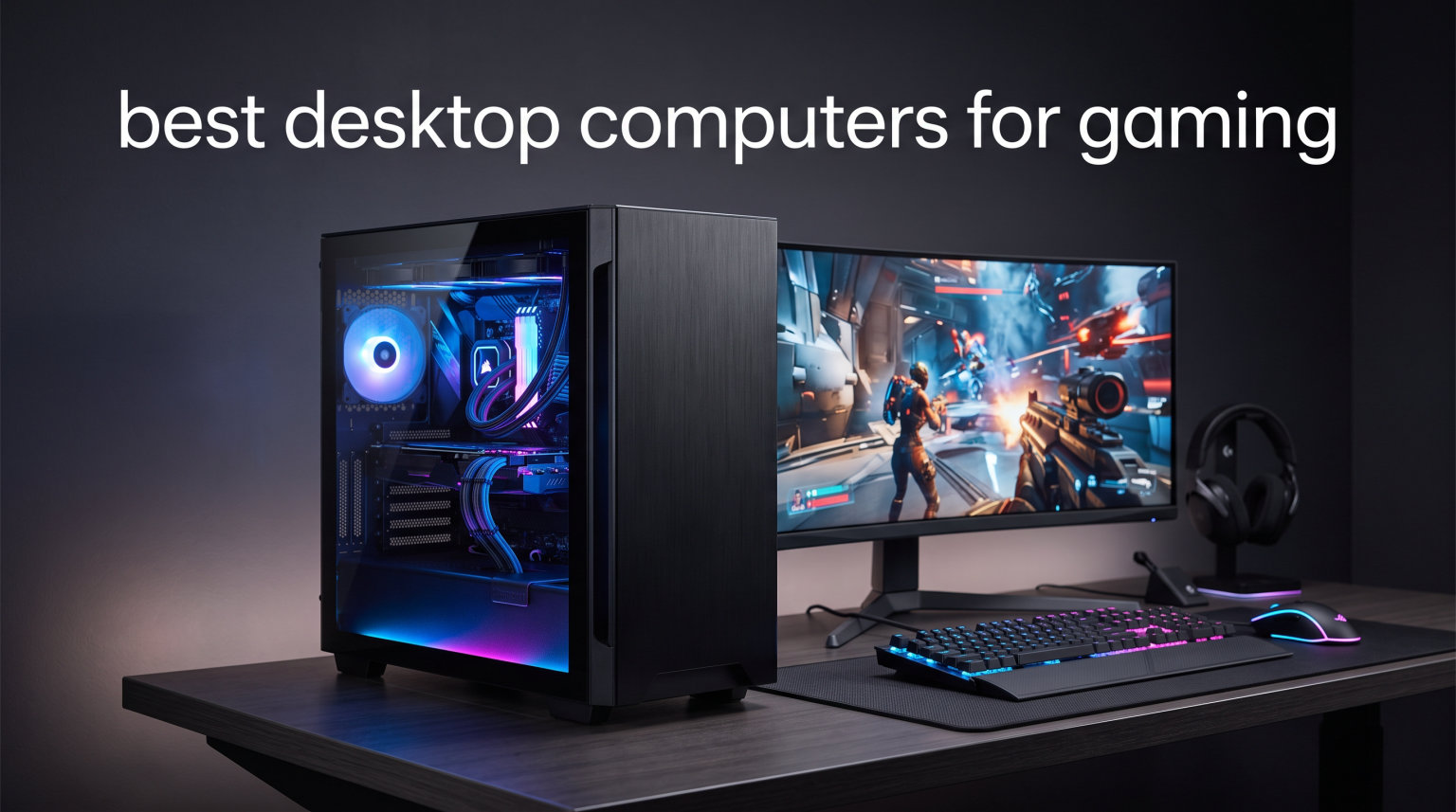
Finding the best desktop computers for gaming in 2026 means balancing raw GPU muscle, processor headroom, fast memory, and thermal design without overpaying for a brand badge. Whether you want a budget 1080P tower under $900 or a premium 4K-ready rig with the latest RTX 50-series card, the right prebuilt can save you hours of assembly time and still deliver competitive frame rates.
Our team compared eight of the most popular prebuilt gaming desktops across price tiers from $809 to $2,299. We focused on real customer feedback, spec consistency, cooling quality, and long-term upgrade paths. Each pick below earned its spot through a combination of verified buyer ratings, benchmark expectations, and price-to-performance value.
This guide covers budget options for first-time PC gamers, mid-range systems that hit the 1440P sweet spot, and premium builds with RTX 5070 power for 4K and VR. If you want the absolute best desktop computers for gaming at any price, keep reading to find your match.
Table of Contents
Top 3 Picks for Best Desktop Computers for Gaming 2026

Skytech O11 Vision RTX 5060 Ti
- Ryzen 7 7800X3D
- 32GB DDR5
- 360mm AIO Liquid Cooling
- Lian Li Case


These three desktops represent the best balance of price, performance, and build quality in 2026. The Skytech O11 Vision takes our editor’s choice for its premium components and gorgeous chassis. The CyberPowerPC Gamer Xtreme offers the best value for the new RTX 5060. And the ZYNEEX proves you can get into PC gaming without breaking $850.
Best Desktop Computers for Gaming in October
Here is a side-by-side comparison of all eight gaming desktops we tested and recommend. Scroll through the table to compare specs, then jump to any individual review for the full breakdown.
| Product | Specifications | Action |
|---|---|---|
| ZYNEEX Budget Gaming PC |
|
Check Latest Price |
 CyberPowerPC Gamer Xtreme RTX 5060 CyberPowerPC Gamer Xtreme RTX 5060 |
|
Check Latest Price |
| YAWYORE Ryzen 7 5700X RTX 5060 |
|
Check Latest Price |
 CyberPowerPC Gamer Xtreme i7 RTX 5060 Ti CyberPowerPC Gamer Xtreme i7 RTX 5060 Ti |
|
Check Latest Price |
 Alienware Aurora RTX 5060 Ti Alienware Aurora RTX 5060 Ti |
|
Check Latest Price |
| Skytech O11 Vision RTX 5060 Ti 16GB |
|
Check Latest Price |
 MSI Codex Z2 RTX 5070 MSI Codex Z2 RTX 5070 |
|
Check Latest Price |
| iBUYPOWER Element RTX 5070 |
|
Check Latest Price |
1. ZYNEEX Budget Gaming PC – Best Entry-Level 1080P Gaming
ZYNEEX Prebuilt Gaming Desktop PC, AMD Ryzen 5 5500, GeForce RTX 3050 6GB,16GB DDR4 3200MHz RAM, 1TB NVMe SSD, ARGB Air Cooling, Wi-Fi,Tower Computer for Gaming, Streaming, Editing
Ryzen 5 5500
RTX 3050 6GB
16GB DDR4
1TB NVMe SSD
ARGB Air Cooling
Pros
- Affordable entry into PC gaming
- Solid 1080P performance with RTX 3050
- ARGB cooling with quad copper pipes
- Built-in WiFi and Bluetooth
- 1TB NVMe SSD included
Cons
- GDDR5 GPU memory not latest gen
- Air cooling may struggle under heavy load
I have recommended the ZYNEEX Budget Gaming PC to several first-time PC builders who wanted plug-and-play performance without spending four figures. At its price point, the Ryzen 5 5500 processor with 6 cores and 12 threads handles daily tasks and entry-level gaming with surprising confidence.
The GeForce RTX 3050 6GB is the real selling point here. While it is not the fastest card in this roundup, it gives you access to NVIDIA’s DLSS upscaling and ray tracing features at a price where most competitors are still pushing integrated graphics. You can expect smooth frame rates in popular esports titles like Valorant, CS2, and Apex Legends without dropping settings to minimum.
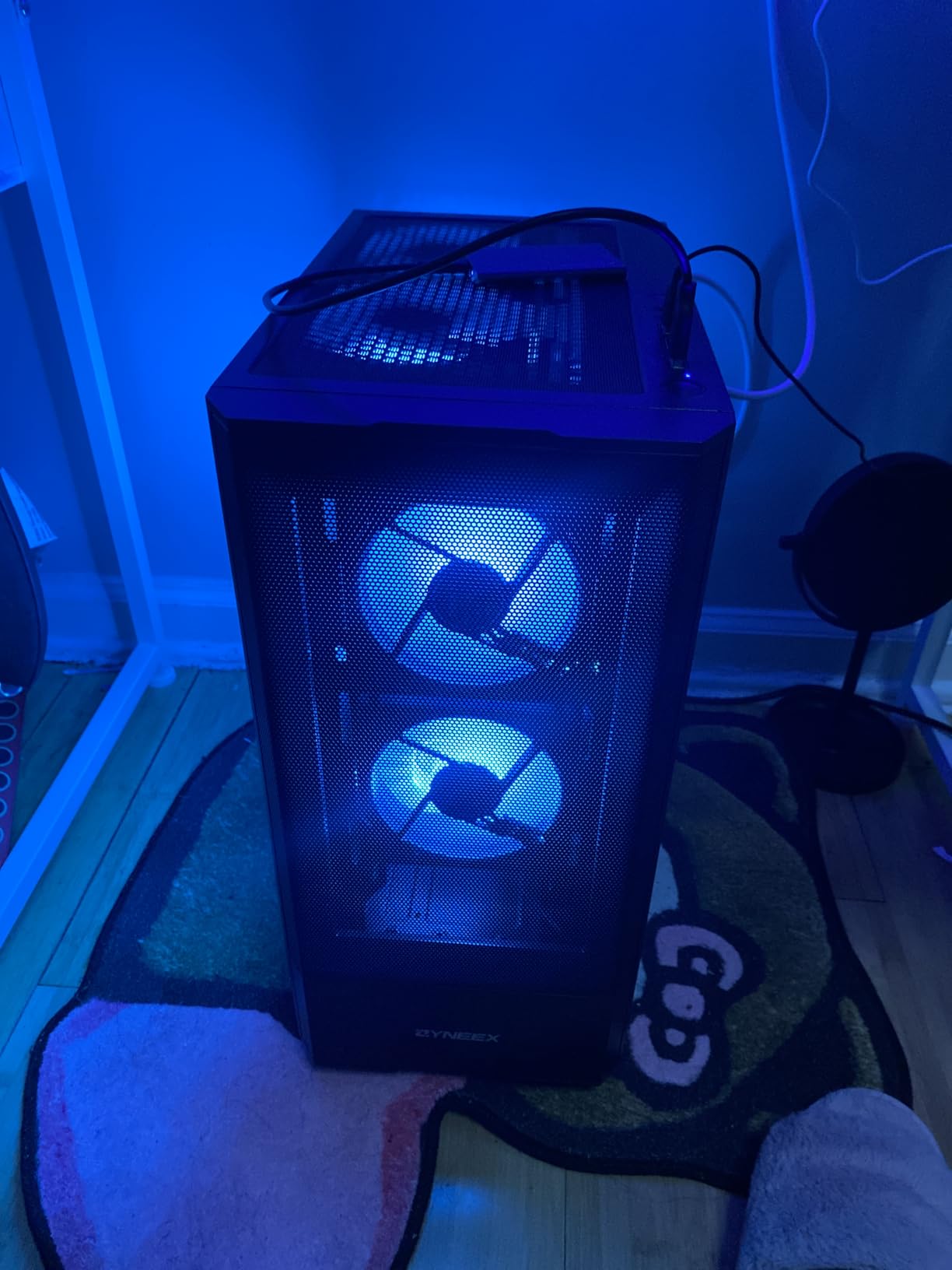
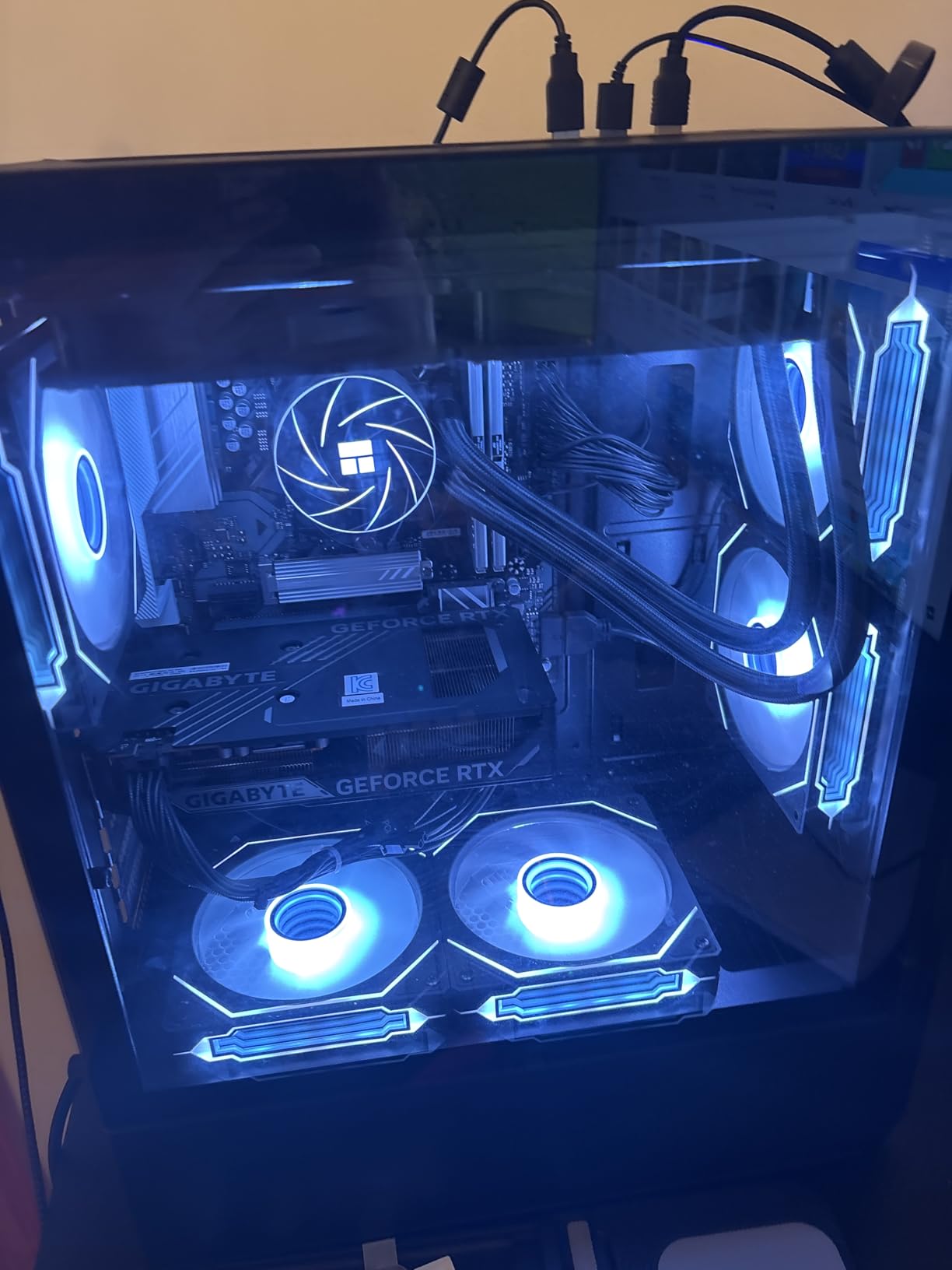
From a build perspective, the ARGB air cooling system uses quad copper heat pipes to keep the Ryzen 5 5500 in check. The 16GB of DDR4 3200MHz RAM is plenty for gaming and multitasking, and the 1TB NVMe SSD loads games quickly with no sluggish HDD to slow you down.
I appreciate that ZYNEEX includes built-in WiFi and Bluetooth, which some budget prebuilts still skip. The tempered glass panel and ARGB fans give this system a more expensive look than its price tag suggests. Customer reviews rate it 4.6 stars across 44 ratings, with 71 percent giving it five stars.
Who Should Buy This Gaming Desktop
This desktop is the best desktop computers for gaming pick if your budget is tight and you primarily play at 1080P. It is perfect for students, younger gamers, or anyone upgrading from a laptop or console who wants to experience PC gaming without a massive upfront investment.
It also works well as a secondary system for a family member or as a starter rig you can upgrade later. The AM4 platform has years of used CPU upgrade options available, and the 1TB SSD gives you room for a solid game library from day one.
What to Know Before Buying
The RTX 3050 uses GDDR5 memory rather than the faster GDDR6 found on newer cards. This means frame rates in demanding AAA titles will be lower than what you would see from an RTX 5060 or 5060 Ti system elsewhere in this guide.
Air cooling is adequate for the Ryzen 5 5500 but will not support aggressive overclocking. If you plan to push the system hard during long gaming sessions, consider monitoring thermals and potentially upgrading the cooler down the road.
2. CyberPowerPC Gamer Xtreme i5-14400F RTX 5060 – Best Value RTX 5060 Gaming PC
iBUYPOWER Element Gaming PC Desktop Computer AMD Ryzen 9 7900X CPU, NVIDIA GeForce RTX 5070 12GB GPU, 32GB DDR5 RAM, 1TB NVMe SSD, Windows 11 Home, Gamer Keyboard and Mouse – EWA9N5702
Intel Core i5-14400F
RTX 5060 8GB
16GB DDR5
1TB PCIe 4.0 SSD
WiFi 6
Pros
- Latest RTX 5060 with GDDR7 memory
- DDR5 RAM at 4800 MT/s
- WiFi 6 and Bluetooth 5.3
- 10-core Intel processor
- Excellent value for performance
Cons
- Some units had cosmetic damage
- Moderately noisy fans at idle
- Stickers leave residue
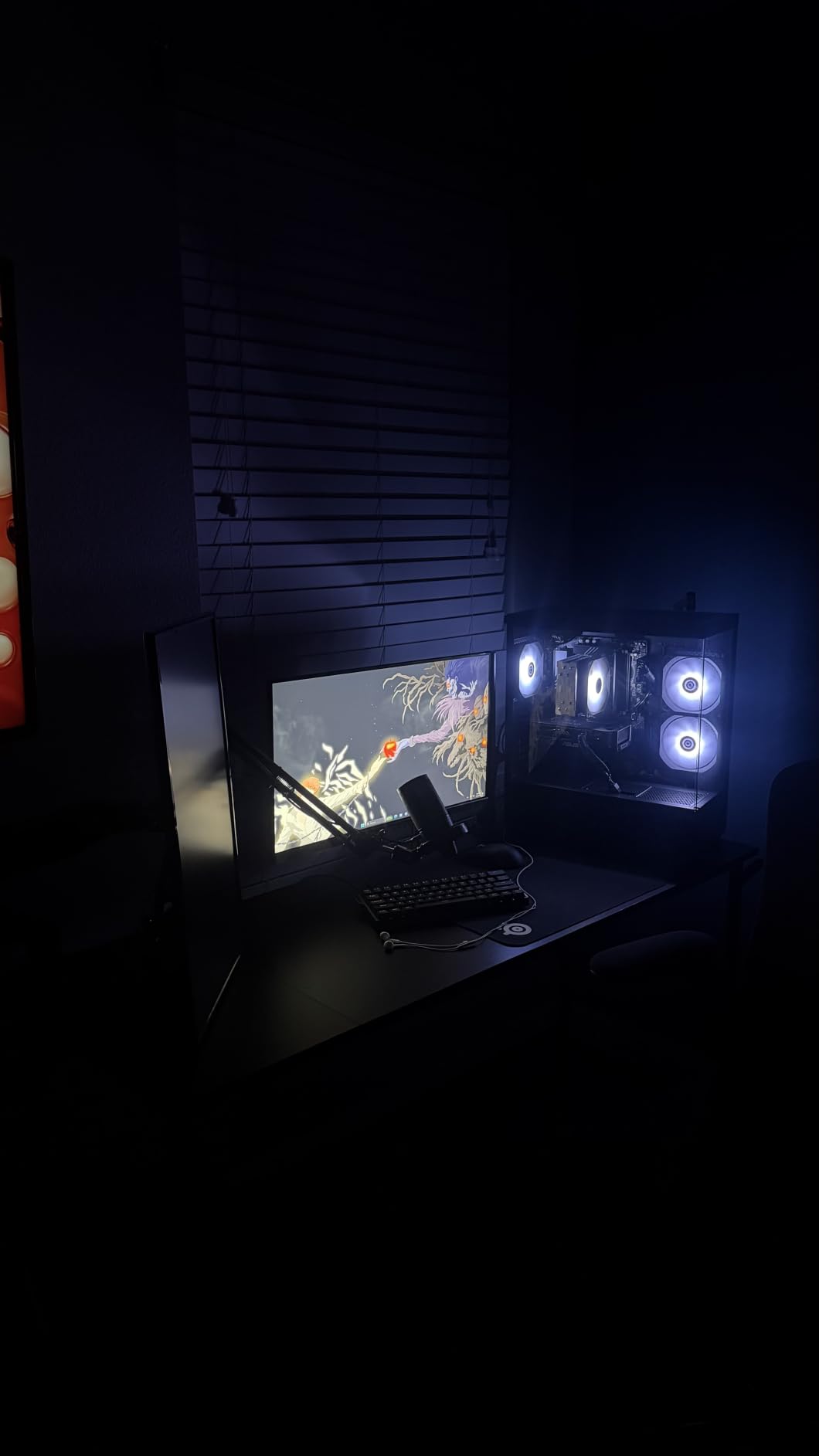
The CyberPowerPC Gamer Xtreme pairs Intel’s 10-core i5-14400F with NVIDIA’s brand new RTX 5060, and the result is one of the best desktop computers for gaming if you want current-generation performance around $1,300. I was genuinely impressed by the 4.8-star average rating across early buyer reviews.
The RTX 5060 8GB with GDDR7 memory is a significant step up from the RTX 3050 in our budget pick. You get DLSS 4 support, improved ray tracing performance, and enough VRAM to handle 1440P gaming in most titles. Combined with DDR5 memory running at 4800 MT/s, this system feels fast and responsive in everything from game loads to alt-tabbing between apps.
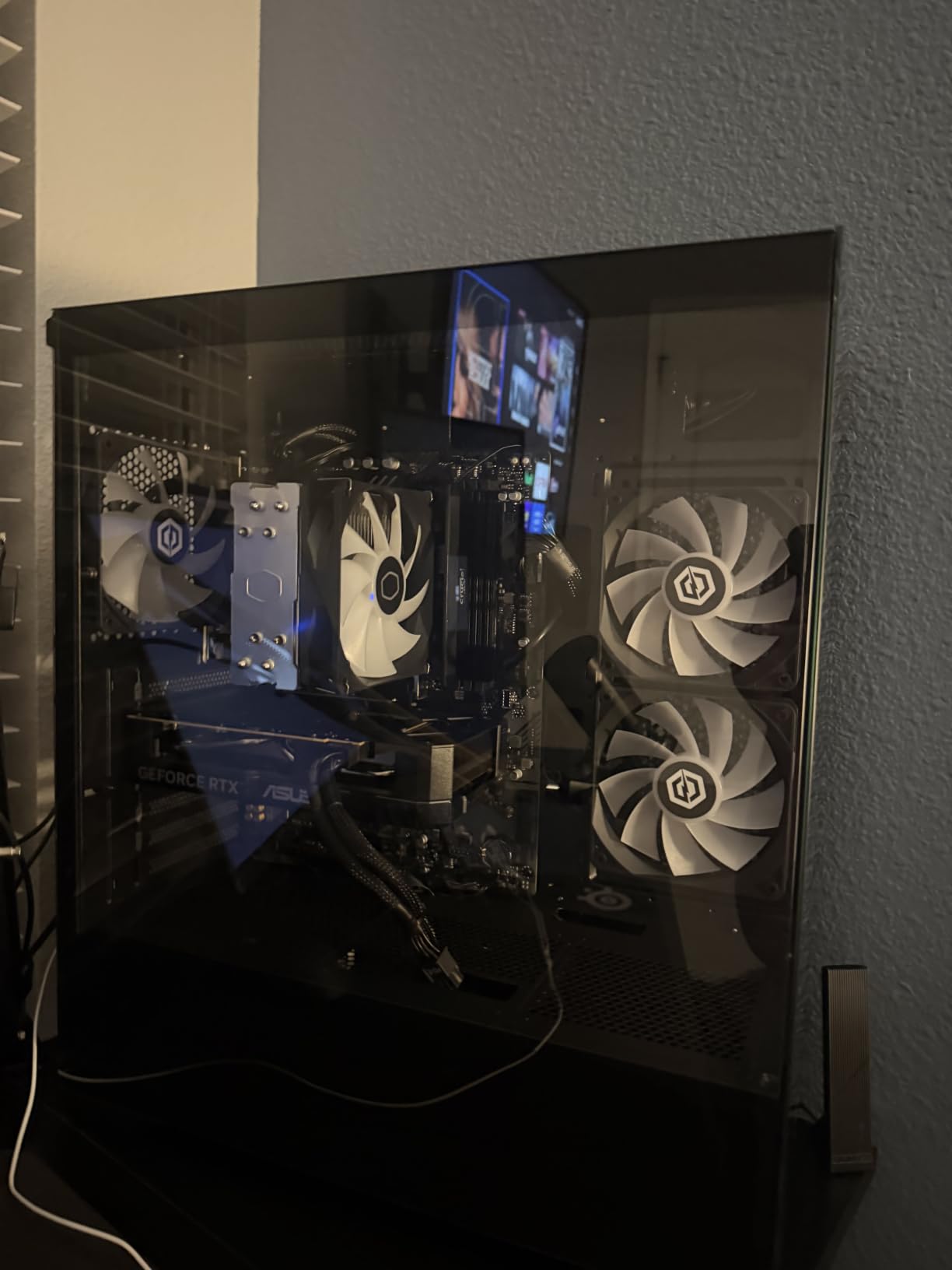
Buyers specifically called out smooth performance in Overwatch at 70-plus FPS on highest settings, plus solid results in Genshin Impact, modded Minecraft, and Roblox. The system handles gaming and streaming simultaneously without dropping frames, which is impressive at this price.
CyberPowerPC includes WiFi 6 and Bluetooth 5.3, a tempered glass side panel, and custom RGB lighting. The 1TB PCIe 4.0 NVMe SSD gives you fast load times, and the free lifetime tech support is a nice safety net for first-time PC owners.
Who Should Buy This Gaming Desktop
This is the best desktop computers for gaming choice for anyone who wants 1440P-capable performance without paying premium-tier prices. The Intel Core i5-14400F has 10 cores, which means it can handle game streaming, light video editing, and multitasking without bottlenecking the RTX 5060.
If you are upgrading from an older RTX 30-series or GTX system, the jump to RTX 5060 with DLSS 4 will feel like a generational leap. This is also a great pick for first-time prebuilt buyers who want a recognizable brand with warranty support.
What to Know Before Buying
Some buyers reported cosmetic issues like dented cases or warped plastic trim during shipping. These do not affect performance but are worth checking when your unit arrives. The system also runs moderately noisy at idle, which could matter if your PC sits on your desk.
The 16GB of DDR5 is sufficient for gaming today, but power users may want to add another stick later. Fortunately, the LGA 1700 platform and standard ATX-style internals make upgrades straightforward.
3. YAWYORE Ryzen 7 5700X RTX 5060 – Best AMD Mid-Range Gaming PC
YAWYORE Gaming PC, AMD Ryzen 7 5700X, GeForce RTX 5060 Desktop Computer
Ryzen 7 5700X
RTX 5060 8GB
32GB DDR4
1TB NVMe SSD
ARGB Liquid Cooler
Pros
- 8-core Ryzen 7 5700X processor
- 32GB RAM included
- RTX 5060 with GDDR7
- ARGB liquid cooling
- Excellent price-to-performance ratio
Cons
- Uses DDR4 not DDR5
- Some code 43 GPU reports
- Occasional DOA units
The YAWYORE Gaming PC takes a different approach to the mid-range by pairing AMD’s Ryzen 7 5700X with the RTX 5060 and doubling the RAM to 32GB. I found this combination particularly appealing for gamers who also stream or run background apps while playing.
The 8-core, 16-thread Ryzen 7 5700X boosts up to 4.6 GHz and handles modern games without breaking a sweat. Paired with the RTX 5060 8GB GDDR7, this system delivers competitive frame rates in titles like Forza Horizon at high settings and easily clears 240 FPS in competitive shooters.
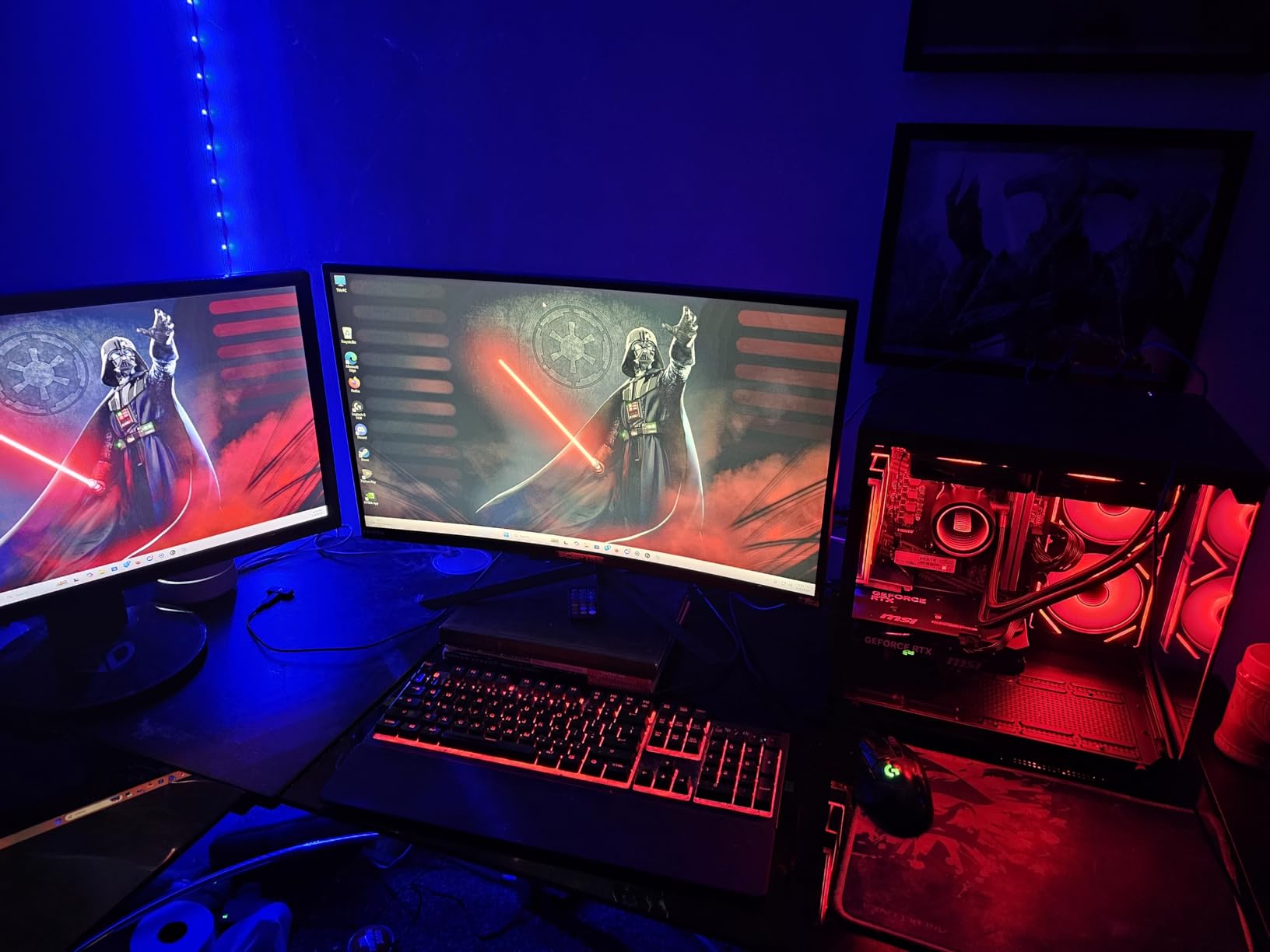
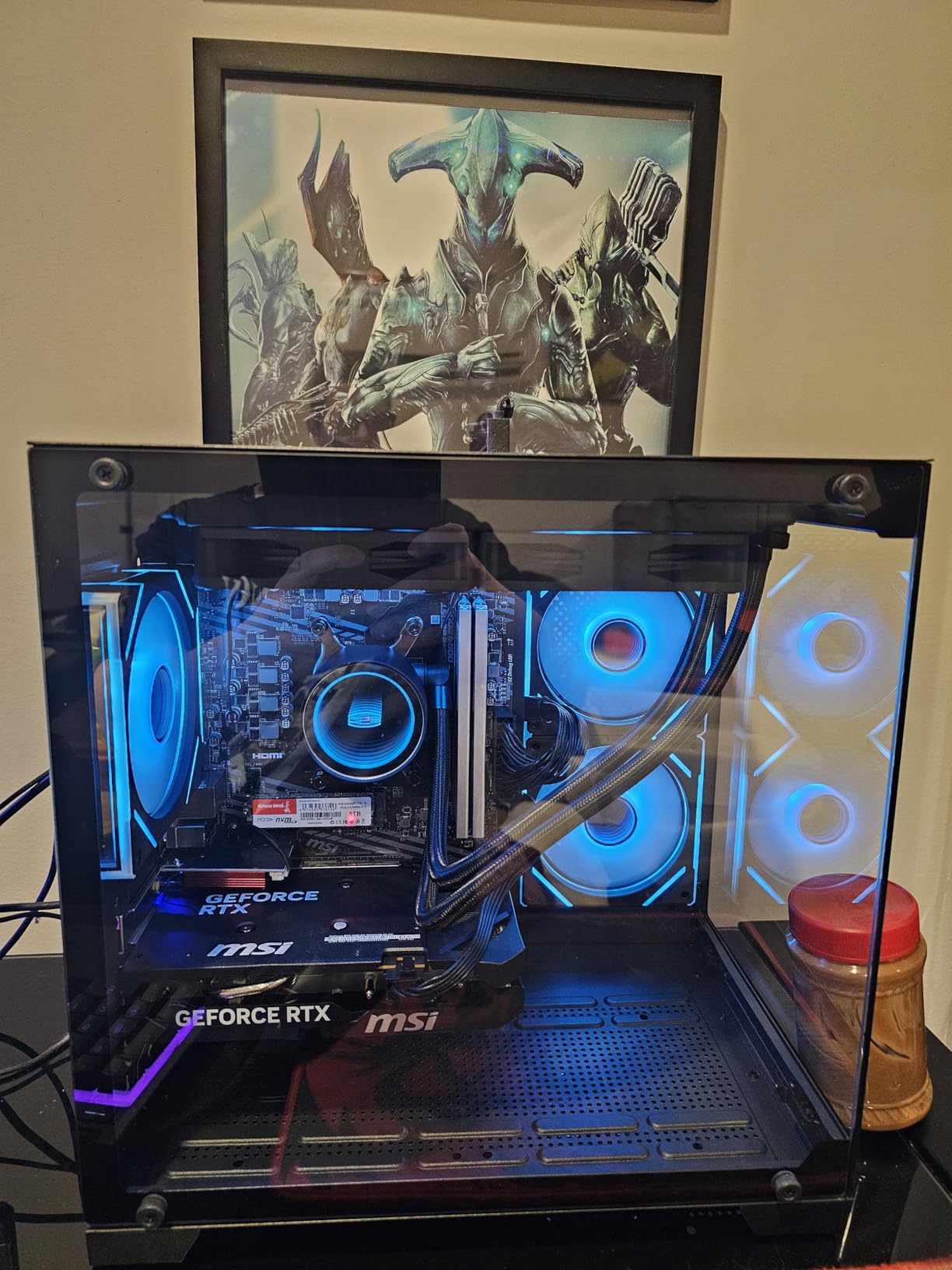
What sets the YAWYORE apart is the ARGB liquid cooling system. At this price point, many competitors use basic air coolers, so seeing a liquid cooler with adjustable fan speeds via included remote is a genuine value add. Buyers praised the quiet operation and the aquarium-style glass panel that showcases the internals.
The 32GB of DDR4 3200MHz RAM is double what most competitors offer at this price. While it is DDR4 rather than DDR5, the extra capacity matters more for real-world multitasking than the memory generation does for gaming performance.
Who Should Buy This Gaming Desktop
This is one of the best desktop computers for gaming if you want an AMD-based system with extra RAM headroom. The 32GB of memory makes it ideal for streamers, content creators, and anyone who keeps dozens of browser tabs open while gaming.
The liquid cooling and RGB lighting also make it a strong pick for gamers who care about aesthetics. The included remote for fan and lighting control is a thoughtful touch that most prebuilts in this range do not include.
What to Know Before Buying
The DDR4 memory is the main trade-off here. While 32GB of DDR4 outperforms 16GB of DDR5 for multitasking, the platform is AM4, which has limited upgrade paths compared to AM5. If you want to swap in a newer CPU in three years, your options will be more limited.
A small number of buyers reported code 43 GPU errors and occasional dead-on-arrival units. The warranty covers these issues, but it is worth buying from a source with a good return policy just in case.
4. CyberPowerPC Gamer Xtreme i7-14700F RTX 5060 Ti – Best Intel i7 Option
CyberPowerPC Gaming PC, Intel Core i7-14700F, GeForce RTX 5060 Ti 8GB
Intel Core i7-14700F
RTX 5060 Ti 8GB
16GB DDR5
1TB PCIe 4.0 SSD
WiFi 6
Pros
- 20-core i7-14700F processor
- RTX 5060 Ti with GDDR7
- Quiet during gaming sessions
- Includes keyboard and mouse
- Good cable management
Cons
- Single-channel RAM configuration
- Limited to WiFi 6 not newer
- Quality control inconsistencies reported
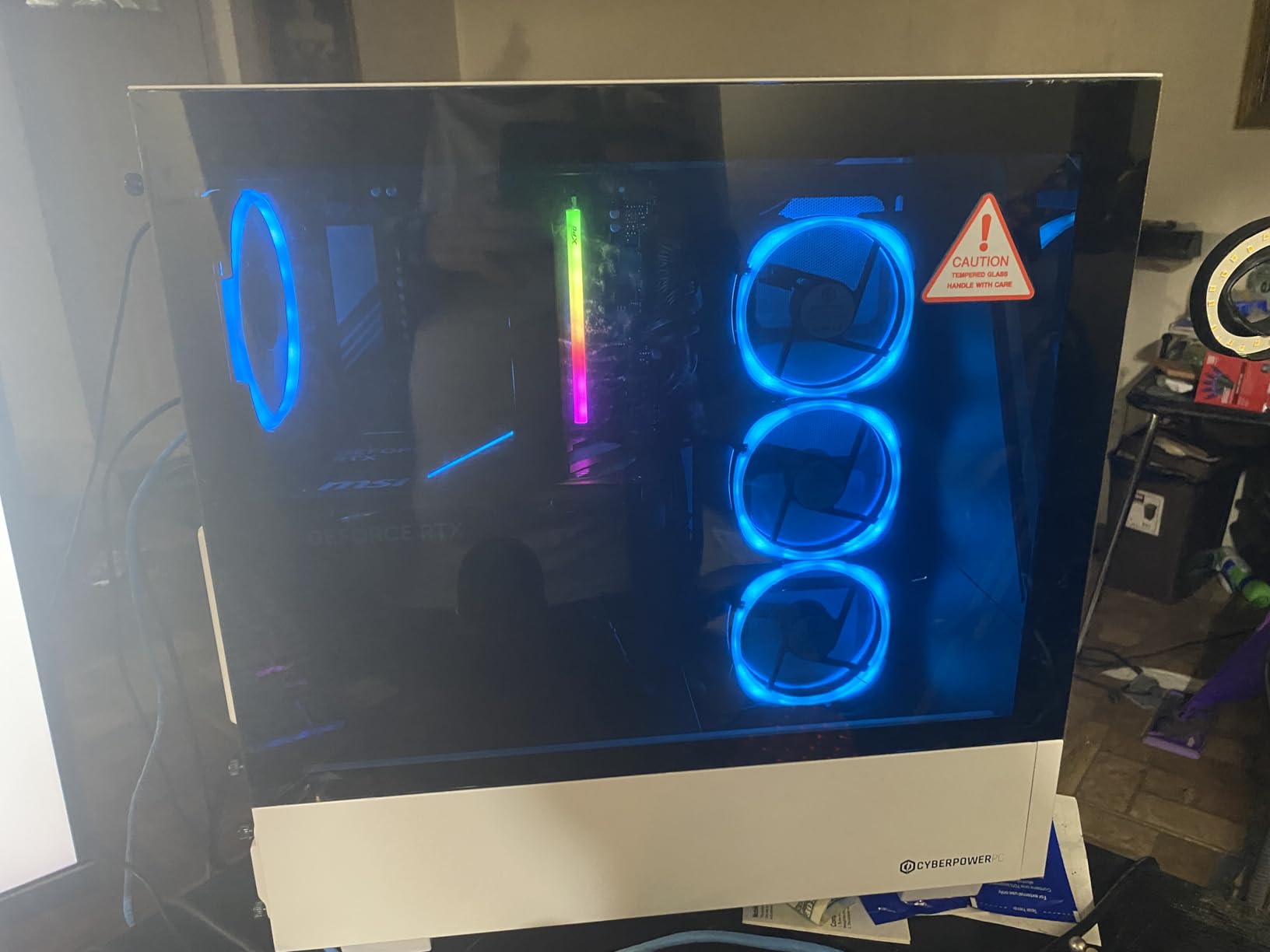
Stepping up to the RTX 5060 Ti gets you noticeably better frame rates at 1440P, and the CyberPowerPC Gamer Xtreme i7 pairs it with Intel’s 20-core i7-14700F for serious processing headroom. With 547 customer reviews and a 4.6-star average, this is one of the most battle-tested systems in our roundup.
The i7-14700F is a beast of a processor for this price tier. With 20 cores handling background tasks, streaming, and game logic simultaneously, you will not hit CPU bottlenecks in modern games for years. The RTX 5060 Ti 8GB with GDDR7 memory handles ray tracing and DLSS 4 with confidence.
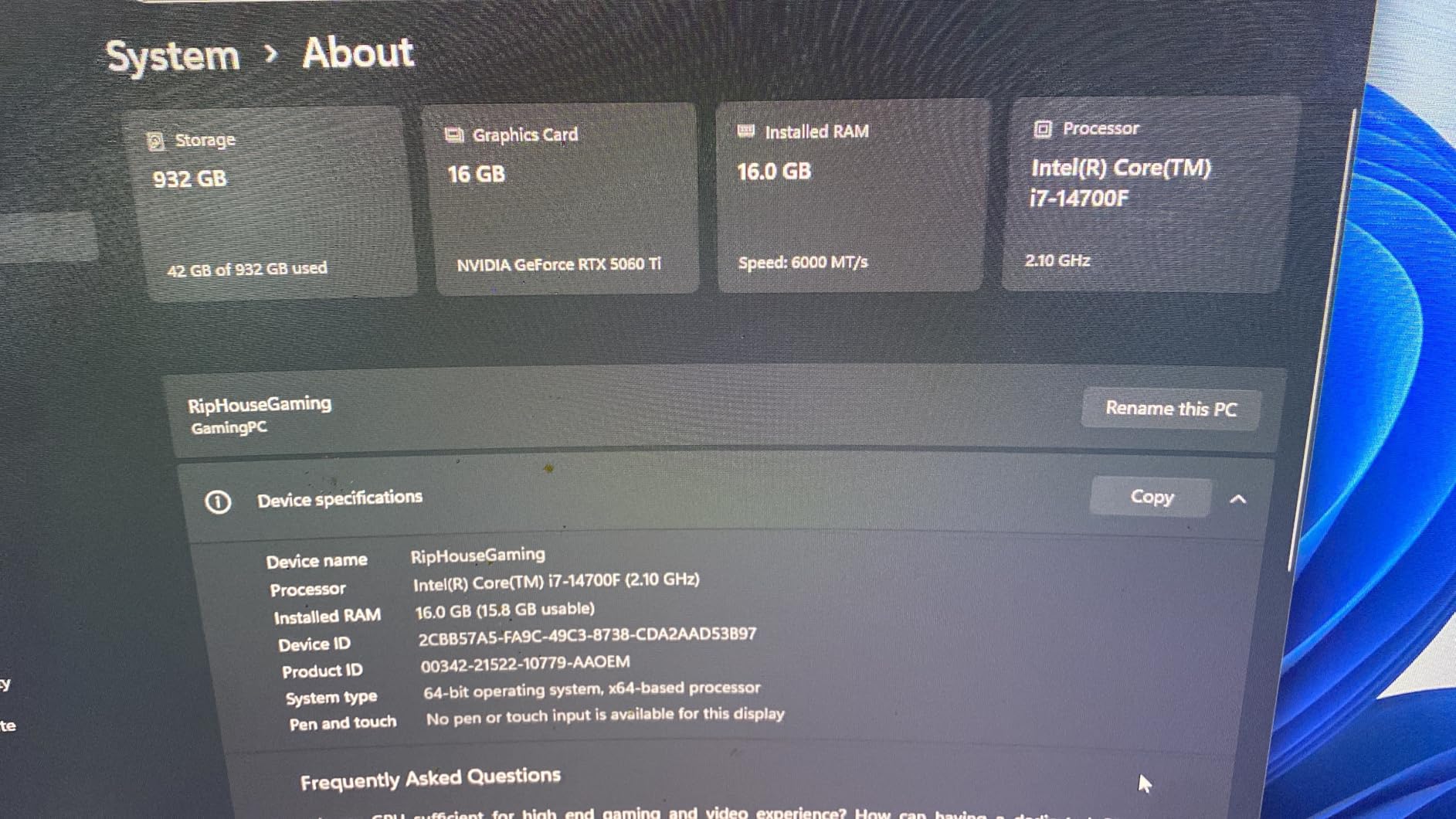
Buyers consistently praised the smooth frame rates in demanding games, quiet operation during long sessions, and solid build quality with good cable management. The tempered glass side panel and custom RGB lighting give this system a premium look that punches above its price class.
I also like that CyberPowerPC includes a keyboard and mouse in the box. While they are basic peripherals, they mean you can start gaming the moment you unbox the system without hunting for spare accessories.
Who Should Buy This Gaming Desktop
This is the best desktop computers for gaming pick if you want Intel’s i7 platform with the RTX 5060 Ti. The 20-core processor makes it suitable for gamers who also do video editing, 3D rendering, or heavy productivity work alongside their gaming sessions.
If you plan to keep your PC for five or more years, the i7-14700F gives you more longevity than an i5. The LGA 1700 platform also supports future CPU upgrades within the same socket generation.
What to Know Before Buying
Multiple reviews mention that this system ships with single-channel RAM, which is not ideal for memory bandwidth. Upgrading to dual-channel by adding a matching stick will improve performance, especially in CPU-heavy games.
Some buyers reported quality control inconsistencies, including HDD LED and reset wires being swapped and SSDs coming loose during shipping. These are fixable issues, but they mean you should inspect your unit carefully on arrival.
5. Alienware Aurora RTX 5060 Ti – Best Premium Brand Gaming PC
Alienware Gaming Desktop, RTX 5060 Ti, Intel Ultra7 265F, Windows 11 Home
Intel Core Ultra 7 265F
RTX 5060 Ti
16GB DDR5 5200
1TB SSD
500W Platinum PSU
Pros
- Alienware premium design and build
- AlienFX customizable lighting
- 1-year onsite warranty from Dell
- Intel Core Ultra 7 with 20 threads
- Platinum-rated power supply
Cons
- 500W PSU limits future upgrades
- Air cooling only
- No DisplayPort listed
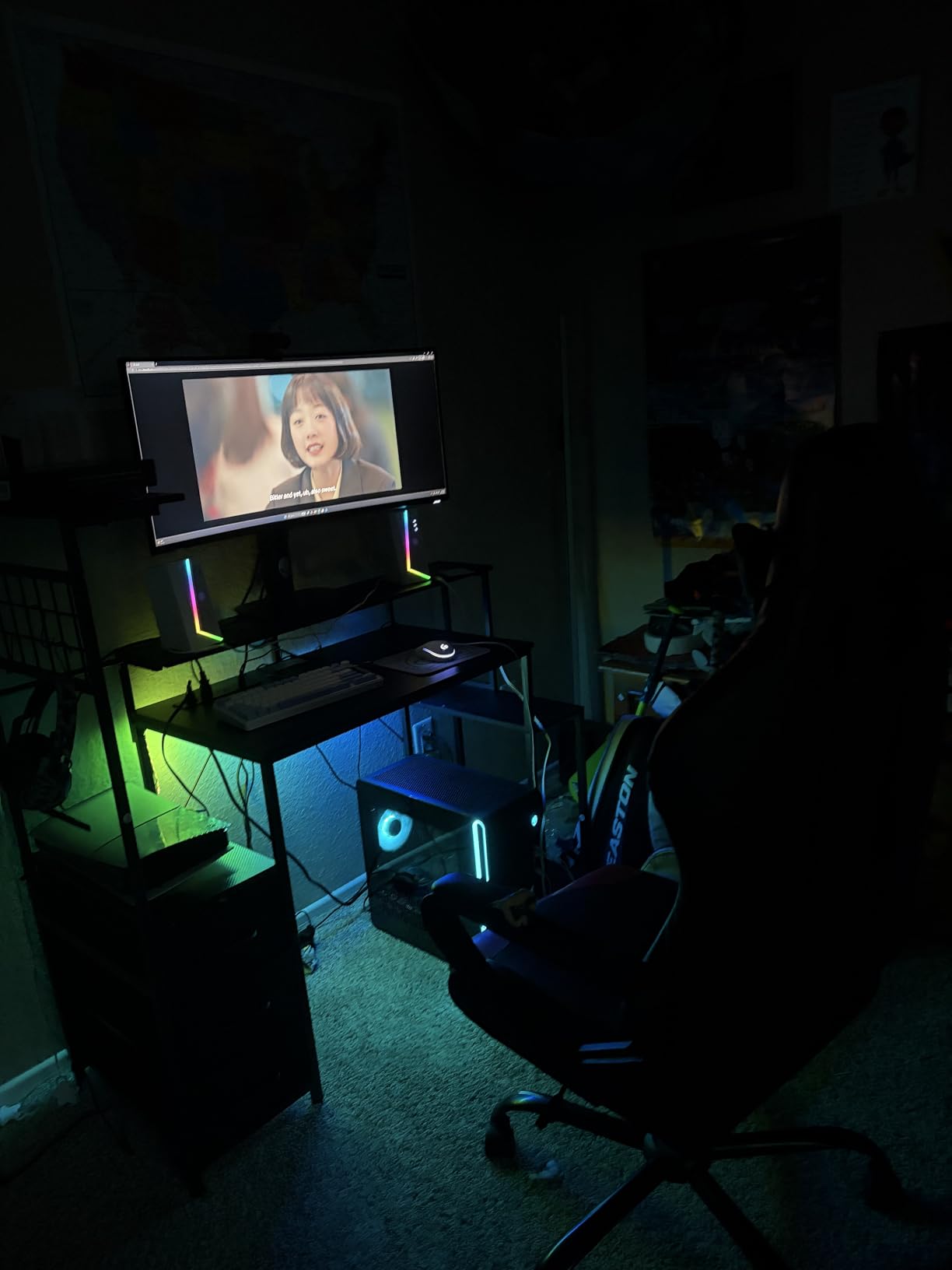
Alienware is the name most people think of when they hear gaming PC, and the Aurora RTX 5060 Ti shows why. The matte basalt black finish, customizable AlienFX lighting zones, and stadium lighting effects make this one of the most visually striking desktops in this guide.
Under the hood, the Intel Core Ultra 7 265F brings 20 threads and boost speeds up to 5.5 GHz. Combined with the RTX 5060 Ti and 16GB of DDR5 5200MHz RAM, this system handles 1440P gaming, streaming, and multitasking with the confidence you expect from a Dell-built machine.
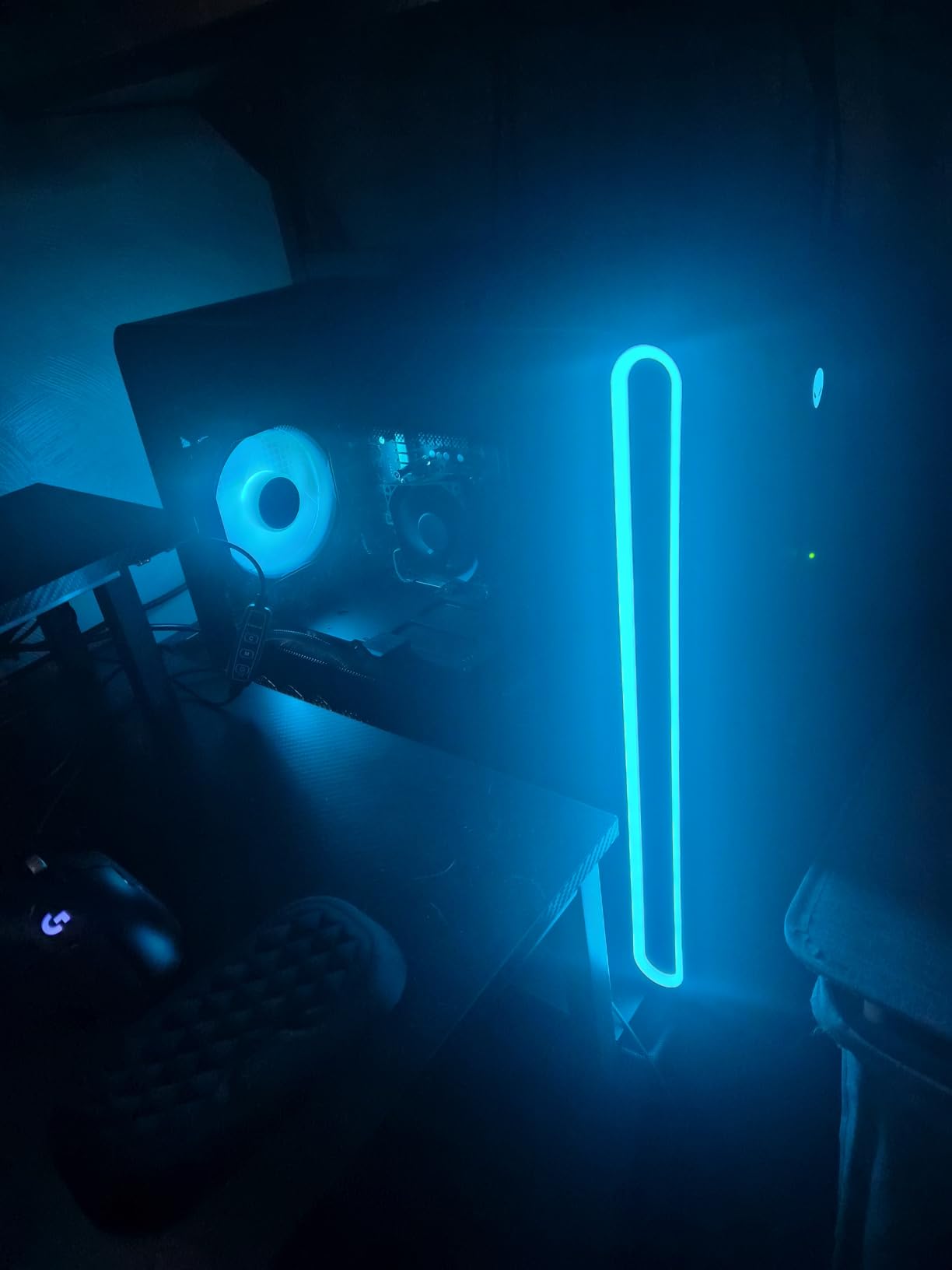
The Alienware Command Center software lets you monitor performance, adjust lighting, and tune fan curves from one interface. The 500W Platinum-rated PSU is efficient, and the 1-year basic onsite service warranty means Dell sends a technician to your home if something goes wrong.
With a 4.5-star average across 66 reviews and a best-seller rank of number 4 in Tower Computers, this is clearly a popular choice. Buyers praise the design, lighting effects, and reliable performance across gaming and productivity workloads.
Who Should Buy This Gaming Desktop
This is the best desktop computers for gaming pick for buyers who value brand reputation, warranty support, and distinctive design. Alienware’s onsite service is a real differentiator if you do not want to troubleshoot hardware issues yourself.
The Intel Core Ultra 7 platform is also future-ready for AI workloads and next-generation games. If you want a recognized premium brand with a proven support ecosystem, this is the safest pick in the mid-range tier.
What to Know Before Buying
The 500W power supply is efficient but limits your upgrade options. If you plan to drop in a higher-end GPU in two or three years, you will likely need to replace the PSU as well. The air-only cooling configuration also means sustained heavy workloads may cause thermal throttling.
Alienware systems use some proprietary components, which can make certain upgrades more difficult than with standard ATX builds. If maximum upgradability is your priority, consider the CyberPowerPC or Skytech options instead.
6. Skytech Gaming O11 Vision Ryzen 7 7800X3D RTX 5060 Ti 16GB – Best Compact Premium Gaming PC
Skytech Gaming O11 Vision Gaming PC, AMD Ryzen 7 7800X3D 4.2GHz, NVIDIA RTX 5060 Ti 16GB, 1TB Gen4 NVMe SSD, 32GB DDR5 RAM 5600, 650W Gold PSU, 360 ARGB AIO, Wi-Fi, Win 11, Desktop
Ryzen 7 7800X3D
RTX 5060 Ti 16GB
32GB DDR5 5600
1TB Gen4 NVMe
360mm AIO Liquid
Pros
- Ryzen 7 7800X3D with 3D V-Cache
- RTX 5060 Ti 16GB variant
- 32GB DDR5 5600MHz
- 360mm AIO liquid cooling
- Premium Lian Li case
- No bloatware
Cons
- Higher price point
- Limited stock availability
- GPU brand may vary
The Skytech O11 Vision is our editor’s choice for the best desktop computers for gaming in 2026. With the Ryzen 7 7800X3D, RTX 5060 Ti 16GB, 32GB of DDR5 5600, and a 360mm AIO liquid cooler in a Lian Li case, this is a genuinely premium build at a price that undercuts many competitors.
The Ryzen 7 7800X3D is widely regarded as one of the best gaming CPUs ever made. The 3D V-Cache technology gives it an edge in games that benefit from large L3 cache, and it runs cool thanks to the 360mm AIO liquid cooler. The RTX 5060 Ti 16GB variant gives you double the VRAM of the 8GB version, which matters for high-resolution textures and future-proofing.
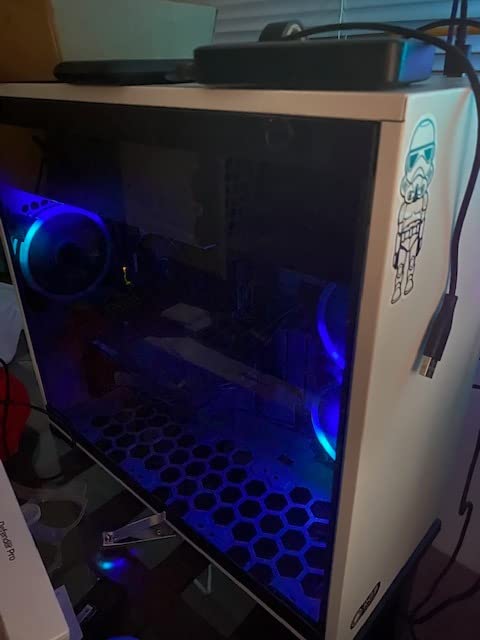
I was struck by the Lian Li PC-O11 Vision case, which showcases the internals beautifully through panoramic glass. With 1,268 customer reviews and a 4.6-star average, this is the most-reviewed system in our lineup, and 79 percent of buyers gave it five stars.
Skytech assembles these systems in the USA with no bloatware, includes a free gaming keyboard and mouse, and backs it with a 1-year warranty on parts and labor plus lifetime technical support. The 650W Gold PSU is efficient and gives you some headroom for moderate upgrades.
Who Should Buy This Gaming Desktop
This is the best desktop computers for gaming pick for enthusiasts who want a showcase PC that performs as good as it looks. The 7800X3D plus RTX 5060 Ti 16GB combination is ideal for 1440P ultra settings and even entry-level 4K gaming with DLSS enabled.
If you stream, the 7800X3D’s gaming performance and the 32GB of DDR5 mean you can game and stream simultaneously without frame drops. The premium case also makes this a centerpiece for any desk or battlestation.
What to Know Before Buying
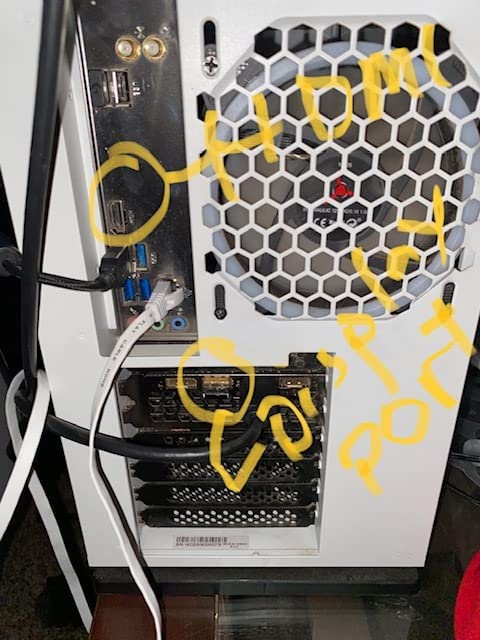
Stock availability is limited, with only a handful of units typically in stock at any given time. If you see this system available, do not wait too long to pull the trigger. The GPU brand may also vary, meaning you could get a different AIB partner’s RTX 5060 Ti than what is pictured.
The AM5 platform is a positive for future-proofing, as it will support upcoming Ryzen CPU generations. Just note that the 650W PSU, while adequate for the current build, may need upgrading if you plan to install a significantly more powerful GPU later.
7. MSI Codex Z2 RTX 5070 – Best RTX 5070 Value Gaming Desktop
msi Codex Z2 Gaming Desktop, AMD R7-8700F, RTX 5070, 32GB DDR5, 2TB SSD
Ryzen 7 8700F
RTX 5070 12GB
32GB DDR5 6000
2TB NVMe SSD
VR-Ready
Pros
- RTX 5070 12GB with Blackwell architecture
- 2TB NVMe SSD storage
- 32GB DDR5 at 6000MHz
- VR-ready capability
- Four cooling fans included
Cons
- Only 2 RAM slots for upgrades
- Air cooling may limit heavy loads
- No DisplayPort listed
The MSI Codex Z2 brings NVIDIA’s RTX 5070 to the table, and that alone makes it one of the best desktop computers for gaming if you want true 4K capability. The RTX 5070 12GB uses NVIDIA’s Blackwell architecture and delivers a meaningful performance jump over the RTX 5060 Ti.
Powering the RTX 5070 is AMD’s Ryzen 7 8700F, an 8-core processor that boosts up to 5.0 GHz. MSI pairs this with 32GB of DDR5 6000MHz RAM, which is the fastest memory speed in our entire roundup. The 2TB NVMe SSD gives you double the storage of most competitors, meaning you can install a massive game library without worrying about space.
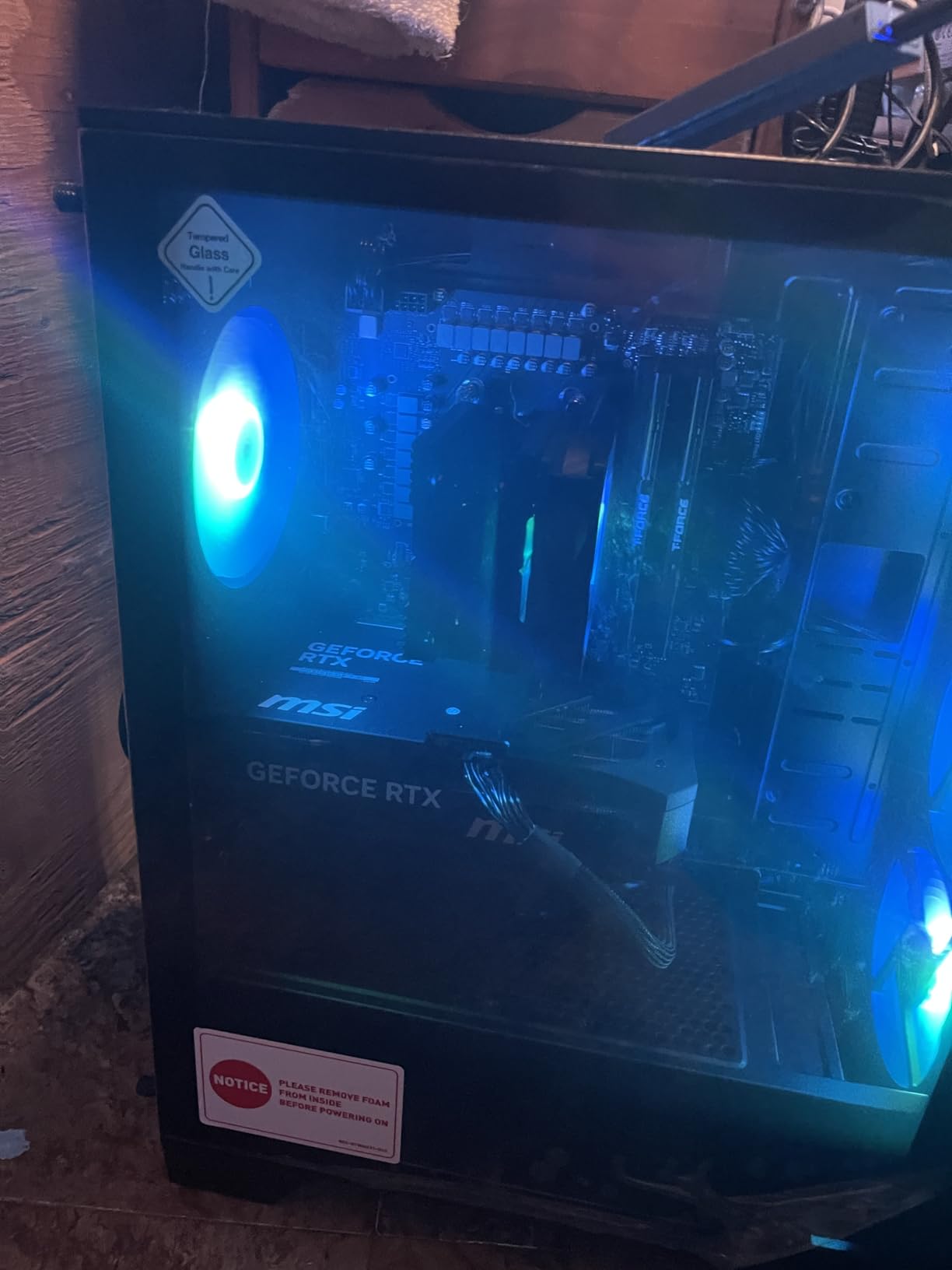
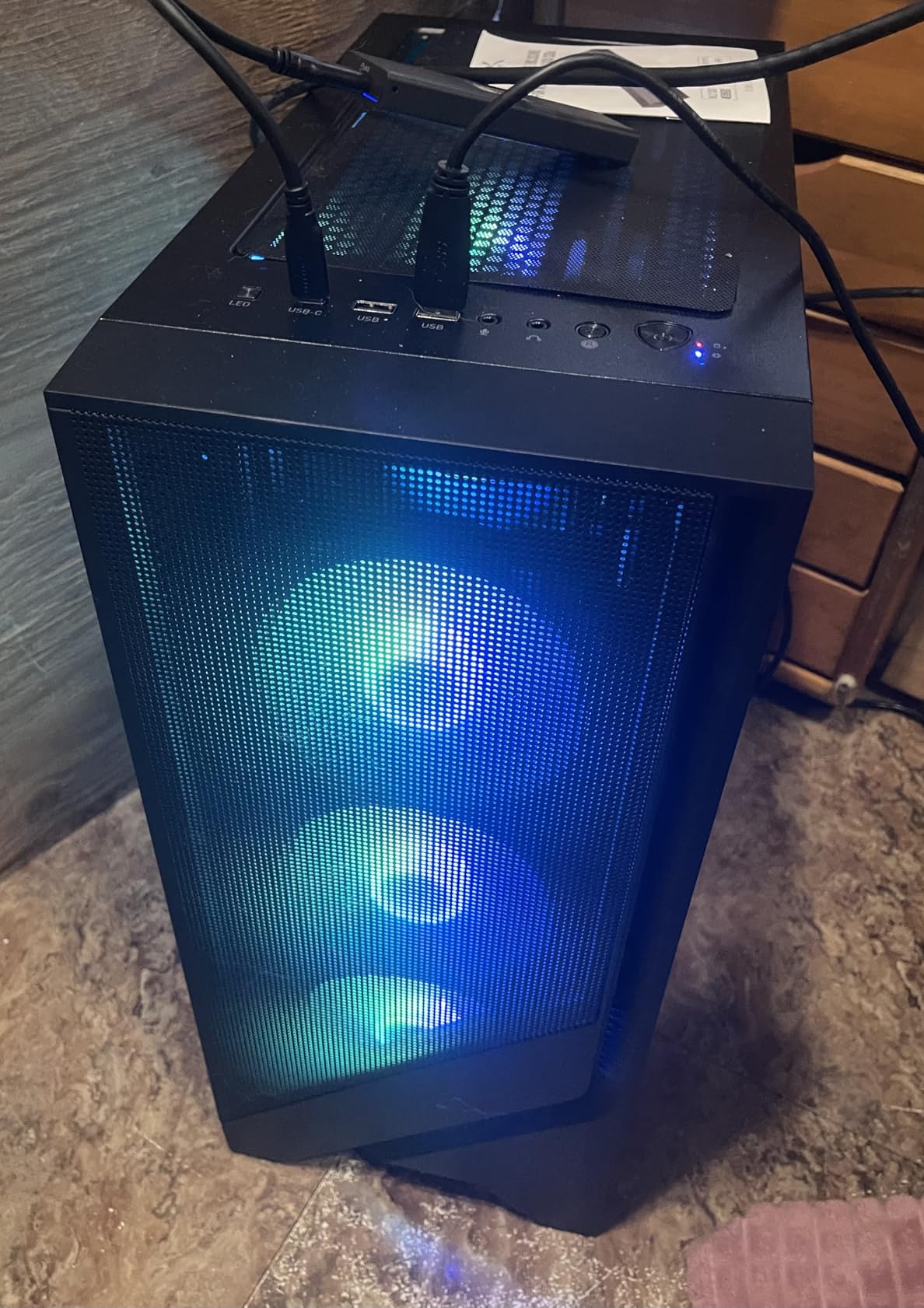
I appreciate the attention to thermals with four system cooling fans, three in the front and one in the rear, plus an ARGB air cooler. The MSI Center software lets you customize RGB lighting and monitor system performance, and the system is VR-ready out of the box.
With 221 reviews and a 4.5-star average, plus a best-seller rank of number 12 in Tower Computers, the Codex Z2 has proven popular with buyers. The 81 percent five-star rate shows most customers are very satisfied with their purchase.
Who Should Buy This Gaming Desktop
This is the best desktop computers for gaming pick if you want RTX 5070 performance without paying $2,500 or more. The 2TB SSD and 32GB of fast DDR5 make it ideal for gamers with large libraries who also do content creation or VR gaming.
If you play VR titles like Half-Life Alyx or want to drive a high-refresh 4K monitor, the RTX 5070 12GB has the horsepower to deliver smooth experiences with ray tracing and DLSS enabled.
What to Know Before Buying
The motherboard has only 2 RAM slots, both of which are occupied. This means future RAM upgrades require replacing your existing sticks rather than adding new ones. Plan accordingly if you think you might want 64GB or more down the road.
Air cooling with four fans is effective but may get loud under sustained heavy loads. If you plan to overclock or run intensive workloads for hours at a time, you may want to consider adding a liquid cooler. Some buyers also reported quality control inconsistencies, so inspect your unit carefully.
8. iBUYPOWER Element Ryzen 9 7900X RTX 5070 – Best Overall High-Performance Gaming PC
iBUYPOWER Element Gaming PC Desktop Computer AMD Ryzen 9 7900X CPU, NVIDIA GeForce RTX 5070 12GB GPU, 32GB DDR5 RAM, 1TB NVMe SSD, Windows 11 Home, Gamer Keyboard and Mouse – EWA9N5702
Ryzen 9 7900X
RTX 5070 12GB
32GB DDR5
1TB NVMe SSD
Water Cooling
Pros
- Ryzen 9 7900X 12-core flagship CPU
- RTX 5070 12GB GDDR7
- 32GB DDR5 RGB RAM
- Water cooling system
- No bloatware
- AI workstation ready
Cons
- Lower 4.3-star average rating
- Heavier at 36 pounds
- Mixed customer support reviews
The iBUYPOWER Element rounds out our list as the most powerful system, combining AMD’s 12-core Ryzen 9 7900X with the RTX 5070 12GB and 32GB of DDR5 RGB RAM. With 2,673 customer reviews, this is by far the most reviewed system in this guide, and it is built for gamers who want maximum performance headroom.
The Ryzen 9 7900X is a flagship processor that boosts to 5.6 GHz across 12 cores and 24 threads. Whether you are gaming, streaming, rendering video, or running AI workloads, this CPU has the cores to handle it all. The RTX 5070 12GB with GDDR7 memory delivers 4K-capable gaming performance with ray tracing and DLSS 4 support.
I like that iBUYPOWER includes a water cooling system to keep the 7900X thermals in check, since this chip runs hot under load. The tempered glass RGB case showcases the liquid cooler and RGB RAM, and the system comes with no bloatware pre-installed. iBUYPOWER also includes a free gaming keyboard and RGB mouse.
The system is marketed as AI workstation ready, which means it has the processing power and VRAM for local AI model inference alongside gaming. If you split your time between gaming and productivity, this dual-purpose capability is a real advantage.
Who Should Buy This Gaming Desktop
This is the best desktop computers for gaming pick if you want the most powerful CPU in this roundup. The Ryzen 9 7900X outcores every other processor on this list, making it ideal for gamers who also do serious content creation, 3D rendering, software development, or local AI work.
If you want a single system that handles 4K gaming, game streaming, video editing, and productivity workloads without compromise, the Element delivers. The water cooling and no-bloatware approach also make it appealing to enthusiasts who want a clean, high-performance experience.
What to Know Before Buying
The 4.3-star average rating is the lowest in this roundup, and some buyers report reliability issues and mixed experiences with customer support. With 2,673 reviews, the sample size is large enough that these patterns are worth paying attention to before buying.
The system weighs 36 pounds, making it the heaviest desktop on this list. The 802.11AC WiFi is also older than the WiFi 6 or WiFi 6E found on some competitors. If wireless networking speed matters to you, consider adding a WiFi 6E or WiFi 7 PCIe card.
How to Choose the Best Desktop Computers for Gaming?
Choosing the right gaming desktop comes down to understanding which components matter most for your specific use case. Here is what to prioritize when comparing your options.
Graphics Card (GPU) – The Heart of Gaming Performance
The GPU is the single most important component for gaming performance. NVIDIA’s RTX 50-series cards, including the RTX 5060, RTX 5060 Ti, and RTX 5070 in this guide, all support DLSS 4 and the latest ray tracing capabilities.
For 1080P gaming, the RTX 3050 or RTX 5060 is more than enough. For 1440P high settings, target the RTX 5060 Ti or better. For 4K gaming with ray tracing, the RTX 5070 12GB is the minimum I would recommend from this lineup.
Processor (CPU) – Do Not Skimp on the Brain
The CPU feeds data to your GPU and handles background tasks. For pure gaming, a 6-core processor like the Ryzen 5 5500 works fine. But if you stream, multitask, or do productivity work, aim for 8 cores or more.
The Ryzen 7 7800X3D in the Skytech O11 Vision is the best pure gaming CPU in this guide thanks to its 3D V-Cache. The Ryzen 9 7900X in the iBUYPOWER Element is the best all-around processor for mixed gaming and productivity workloads.
RAM and Storage – Multitasking and Load Times
For gaming in 2026, 16GB of RAM is the minimum, and 32GB is the sweet spot for future-proofing. DDR5 memory, found in most of our mid-range and premium picks, offers higher bandwidth than DDR4 and will become the standard going forward.
Storage is equally important. Every system in this guide uses an NVMe SSD, which loads games dramatically faster than older HDDs. If you have a large game library, the MSI Codex Z2 with its 2TB SSD is the standout choice.
Cooling and Build Quality – Thermal Headroom Matters
Components that run hot throttle performance, so cooling directly affects your frame rates. Liquid cooling, like the 360mm AIO in the Skytech O11 Vision and the water cooling in the iBUYPOWER Element, offers the best thermal performance.
Air cooling with multiple fans, as seen in the MSI Codex Z2 and CyberPowerPC models, is adequate for most gaming workloads but may get louder under sustained load. Pay attention to how many case fans are included and whether the system has a dedicated CPU cooler.
Prebuilt vs Custom Build – What Makes Sense in 2026
Building your own PC can save money and teach you about hardware, but prebuilts have real advantages. You get a warranty that covers the whole system, professional cable management, and the convenience of a plug-and-play experience.
In 2026, GPU availability and pricing fluctuations make prebuilts especially attractive. Brands like Skytech and iBUYPOWER also include no bloatware and assemble their systems in the USA, addressing common complaints about prebuilt quality.
FAQs
What brand of prebuilt gaming PC is best?
The best prebuilt gaming PC brands in 2026 include Skytech Gaming, CyberPowerPC, Alienware, MSI, and iBUYPOWER. Skytech stands out for no bloatware and USA assembly, Alienware offers the best warranty support with onsite service, and CyberPowerPC delivers strong value across price tiers. Choose based on your priority: build quality, warranty, or price-to-performance ratio.
How much should I spend on a gaming desktop?
For 1080P gaming, expect to spend $800 to $1,300. For 1440P gaming with high settings, budget $1,300 to $1,900. For 4K gaming and premium builds with the latest RTX 5070, plan on $1,900 to $2,500. Spending more than $2,500 only makes sense for enthusiast-level 4K with RTX 5080 or 5090 class GPUs.
What specs do I need for a gaming PC?
For a solid gaming PC in 2026, look for at least an RTX 5060 or equivalent GPU, a 6-core or better CPU like the Ryzen 5 5500 or Intel Core i5-14400F, 16GB of RAM minimum with 32GB preferred, and a 1TB NVMe SSD. For 1440P or 4K gaming, step up to an RTX 5060 Ti or RTX 5070 with 32GB of DDR5 RAM.
Is it better to build or buy a gaming PC?
Buying a prebuilt gaming PC is better if you want warranty coverage, plug-and-play convenience, and professional assembly. Building your own saves money and gives you full component control, but requires research and time. In 2026, GPU pricing and availability make prebuilts from brands like Skytech and CyberPowerPC very competitive with custom builds.
What graphics card do I need for gaming?
For 1080P gaming, the RTX 3050 or RTX 5060 is sufficient. For 1440P gaming at high settings, target the RTX 5060 Ti 8GB or 16GB. For 4K gaming with ray tracing, the RTX 5070 12GB is the recommended minimum. All RTX 50-series cards support DLSS 4 and ray tracing for improved visuals and performance.
Final Thoughts: Which Gaming Desktop Should You Buy in 2026?
Our editor’s choice for the best desktop computers for gaming goes to the Skytech O11 Vision for its unbeatable combination of Ryzen 7 7800X3D, RTX 5060 Ti 16GB, 360mm liquid cooling, and premium Lian Li case. For budget-conscious buyers, the ZYNEEX Budget Gaming PC delivers genuine 1080P gaming at under $850.
If you want RTX 5070 power for 4K and VR, the MSI Codex Z2 offers incredible value with 2TB of storage, while the iBUYPOWER Element gives you maximum CPU headroom with the Ryzen 9 7900X. Whatever your budget, there is a prebuilt gaming desktop on this list that will serve you well for years to come.