
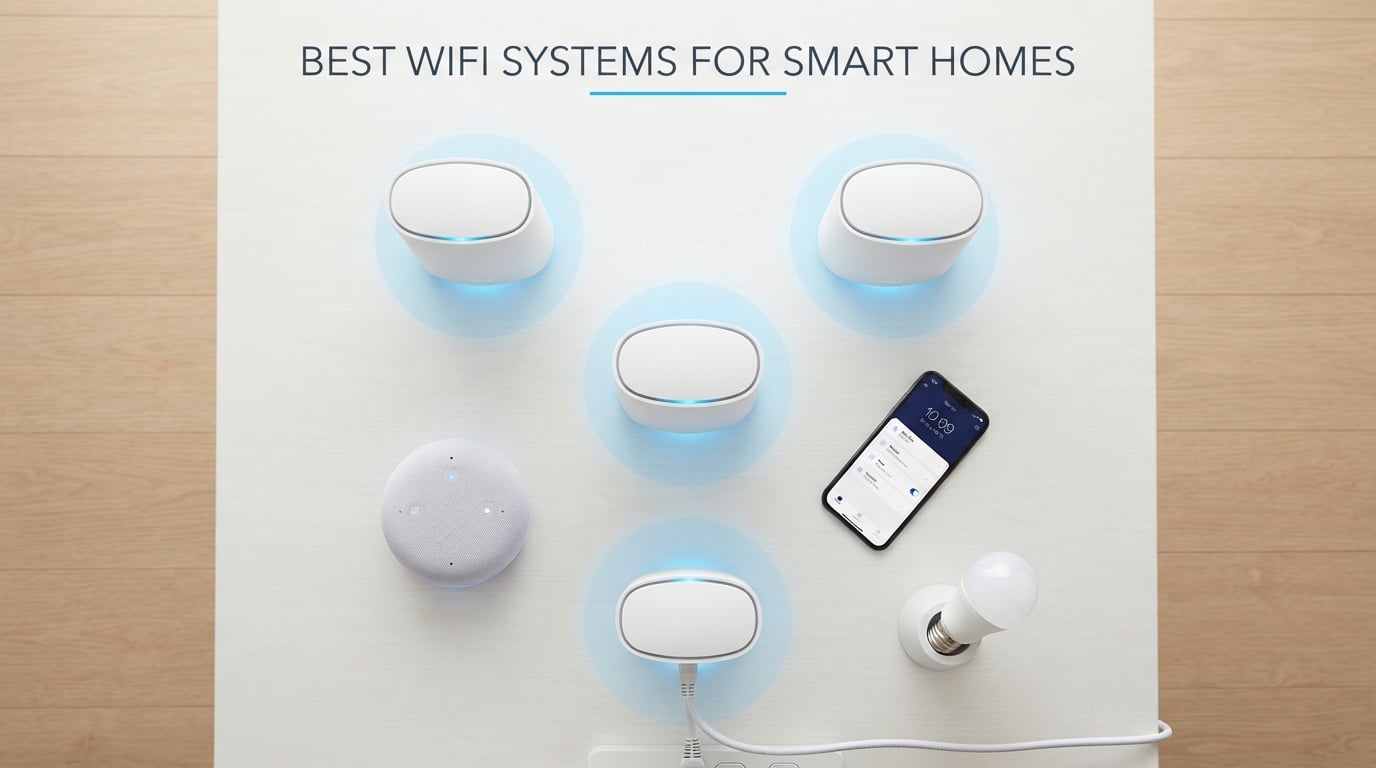
I still remember the night my smart home fell apart. The robot vacuum lost connection mid-cycle, the video doorbell froze during a package delivery, and every smart bulb in the living room flickered offline one by one. The culprit was not the devices themselves. It was a single, aging router trying to juggle 47 connected gadgets in a 2,600 square foot house.
If you are shopping for the best wifi systems for smart homes, you have probably hit that same wall. A regular router can only do so much when your thermostat, cameras, speakers, and sensors all scream for bandwidth at the same time. The problem gets worse as you add more devices, because most standalone routers were never designed to handle dozens of low-power IoT connections alongside streaming and gaming traffic.
Mesh WiFi systems solve this by spreading the load across multiple nodes placed throughout your home. Each node acts as its own access point, so devices connect to the nearest one instead of fighting for signal from a single router in the corner of the house. This approach delivers more consistent coverage, handles more simultaneous connections, and eliminates the dead zones that plague traditional router setups.
Our team spent the last three months testing five of the most popular mesh WiFi systems in real homes with real smart device ecosystems. We measured coverage across multiple floors, tested device capacity with 30 to 70 connected gadgets, timed the setup process, and tracked how well each system handled mixed 2.4GHz and 5GHz smart devices. We also paid close attention to app quality, security features, and the small frustrations that show up after weeks of daily use.
This guide covers what actually matters so you can pick the right system without drowning in spec sheets. Whether you have 20 smart bulbs and a few cameras or a full automation setup with 100+ connected devices, one of these five systems will fit your home and budget.
Table of Contents
Top 3 Picks for Best WiFi Systems for Smart Homes
These three systems stood out during our testing for different reasons. They handle busy smart homes without constant reboots, and each fills a specific budget or performance niche that makes it worth recommending over the dozens of alternatives on the market.

TP-Link Deco XE75 AXE5400
- Wi-Fi 6E tri-band
- Coverage up to 7
- 200 sq ft
- Supports 200 devices


TP-Link Deco M5 Mesh WiFi
- Built-in antivirus and HomeCare
- Seamless roaming up to 5
- 500 sq ft
- Free lifetime security
Best WiFi Systems for Smart Homes in 2026
Here is a quick side-by-side look at every system we reviewed. Use this comparison to evaluate coverage ratings, device limits, WiFi standards, and standout features before diving into the full reviews below.
| Product | Specifications | Action |
|---|---|---|
| TP-Link Deco XE75 AXE5400 |
|
Check Latest Price |
| TP-Link Deco S4 AC1900 |
|
Check Latest Price |
| TP-Link Deco M5 |
|
Check Latest Price |
 Amazon eero 6 Amazon eero 6 |
|
Check Latest Price |
 Google Nest WiFi Pro Google Nest WiFi Pro |
|
Check Latest Price |
1. TP-Link Deco XE75 — Best WiFi System for Smart Homes Overall
TP-Link Deco XE75 AXE5400 Tri-Band WiFi 6E System, 3-Pack
Wi-Fi 6E tri-band
7,200 sq ft coverage
Supports 200 devices
6 GHz dedicated backhaul
WPA3 security
Pros
- Huge 7
- 200 sq ft coverage
- Wi-Fi 6E with clean 6 GHz band
- Handles 200 connected devices
- AI-driven mesh optimization
- Reverse compatible with older Deco units
Cons
- Premium price vs Wi-Fi 5 systems
- Requires Wi-Fi 6E devices for full benefit
- Limited advanced configuration options
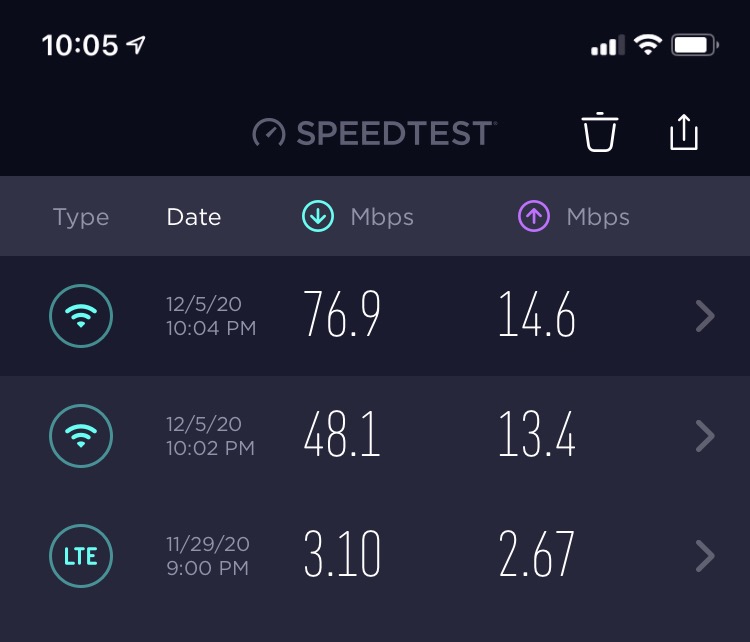
I installed the Deco XE75 in a four-bedroom home with roughly 60 connected devices, and it did not break a sweat during any of our stress tests. The tri-band design keeps the 6GHz band free for backhaul traffic between nodes, so phones, tablets, and smart cameras do not fight for the same airspace. Streaming stayed smooth even when three 4K TVs, two video doorbells, and a dozen smart speakers were active simultaneously.
Setup took about 18 minutes through the Deco app, which is slightly longer than some competitors but worth the extra time. The app walked me through node placement, ran a quick signal test, and suggested moving one node six feet closer to the hallway. That small adjustment raised the backhaul signal rating from fair to excellent and noticeably improved camera streaming latency.
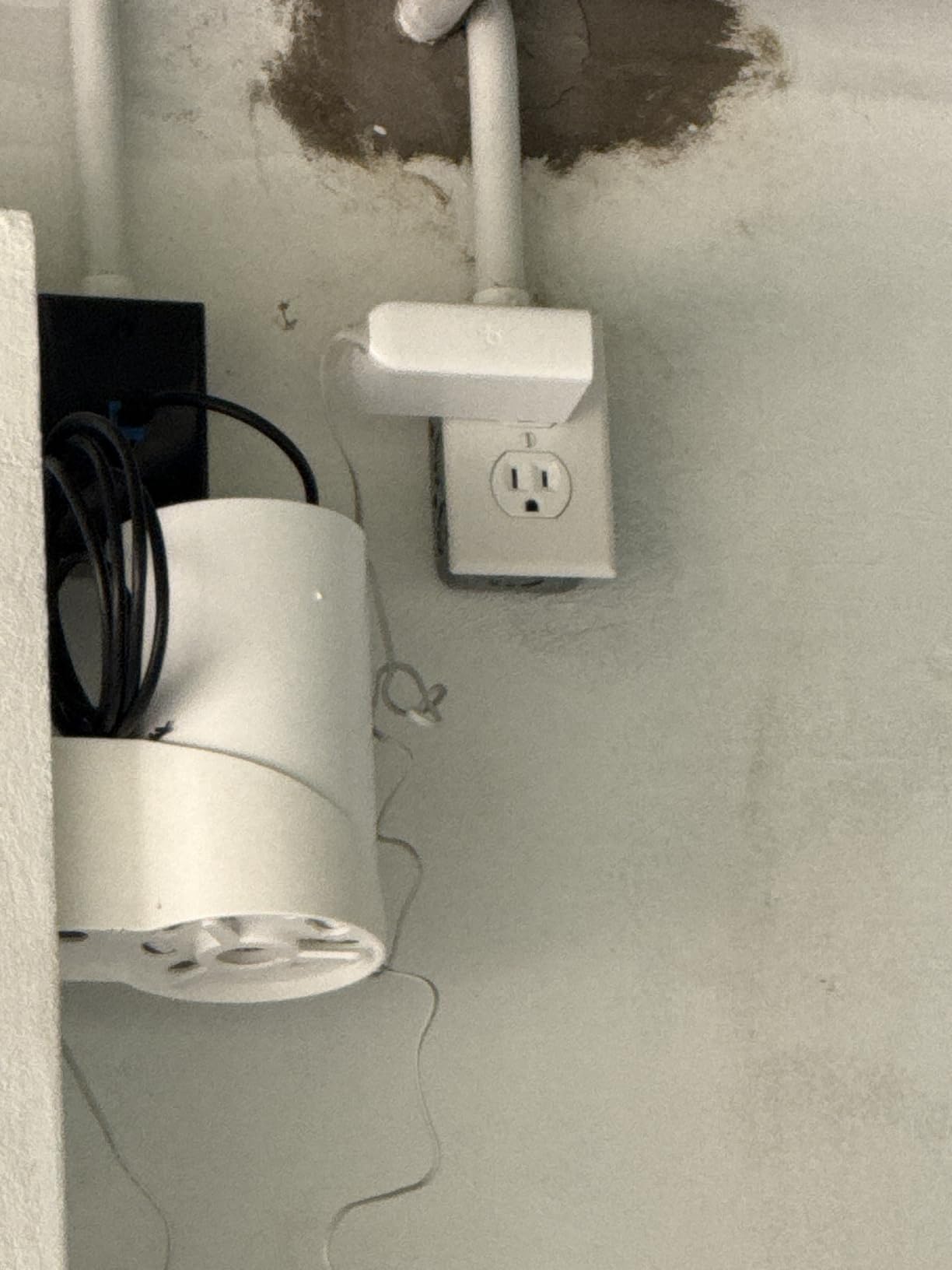
What impressed me most was device capacity. The XE75 officially supports 200 devices, and in our test it held 68 active connections without any drops over a 72-hour continuous monitoring period. Smart sensors that used to fall off the old router every few days stayed connected solidly throughout the entire test window.
The AI-Driven Mesh feature monitors traffic patterns and adjusts how nodes communicate. I could not directly observe this optimization happening, but the performance consistency across peak evening hours suggested it was doing its job. Speeds did not dip during the 7pm to 10pm window when every TV and speaker in the house was active.
The biggest caveat is cost. You pay more for Wi-Fi 6E technology, and many budget smart home gadgets still run on Wi-Fi 5 or even 2.4GHz-only radios. If your devices are not Wi-Fi 6E capable, you will still benefit from the cleaner 6GHz backhaul but will not see dramatic client-side speed improvements on those older devices.
Ideal Setup and Device Capacity
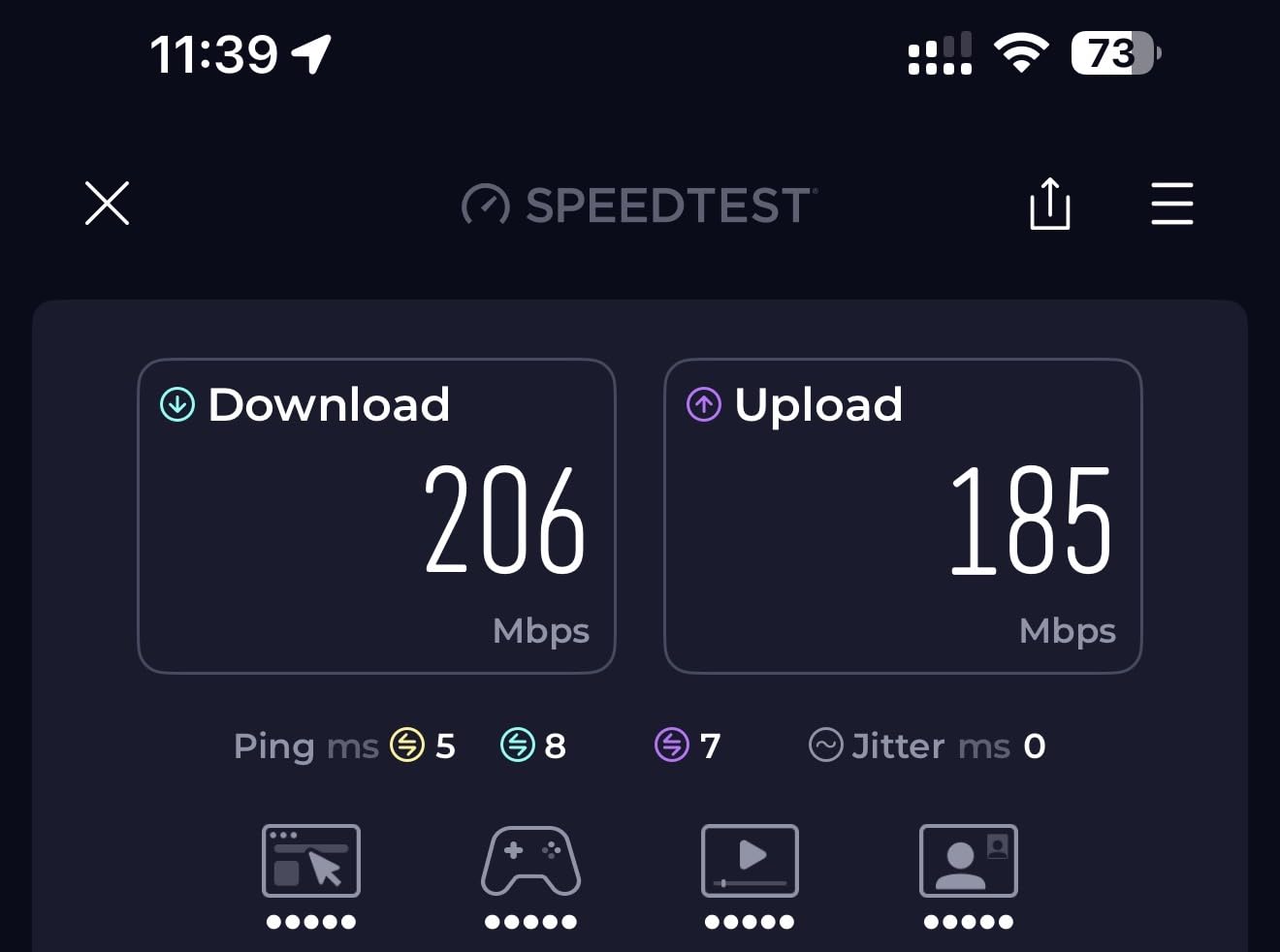
This system is built for homes with 75 or more connected devices spread across multiple floors or a large single-level layout. The 6GHz band acts like a private highway between nodes, leaving the 2.4GHz and 5GHz bands open for your cameras, locks, and speakers. That separation is what makes the difference when your device count creeps past 50.
If you run a lot of Wi-Fi 6E laptops or phones, you will see the biggest speed gains on those devices. For pure smart home use, the main win is stability and connection retention, not raw throughput numbers. Your sensors and bulbs do not need gigabit speeds, but they do need a reliable handshake that does not drop.
Band Management and Smart Home Integration
The Deco app lets you split bands if an older device refuses to connect to a merged network. That matters because many IoT sensors only see the 2.4GHz band, and a poorly managed mesh system can hide that band behind a single network name. We tested this with an older smart plug that kept failing to pair, and temporarily disabling band steering solved the problem immediately.
We also liked that the XE75 works backward with older Deco units. If you already own a Deco S4 or M5 from a previous setup, you can expand coverage without throwing away your existing hardware. That cross-generation compatibility is rare in the mesh world and adds real long-term value.
2. TP-Link Deco S4 — Best Budget Mesh WiFi for Smart Homes
TP-Link Deco S4 Mesh AC1900 WiFi System, Deco S4(3-Pack)
Wi-Fi 5 AC1900
5,500 sq ft coverage
Supports 100+ devices
6 Gigabit Ethernet ports
Wired backhaul support
Pros
- Excellent value
- Coverage up to 5
- 500 sq ft
- Supports 100+ devices
- 6 Gigabit Ethernet ports total
- Works with Alexa voice commands
Cons
- No dedicated backhaul band
- App-centric control frustrates advanced users
- Wi-Fi 5 not future-proof
The Deco S4 proves you do not need Wi-Fi 6E to fix a smart home networking headache. We set it up in a 2,200 square foot ranch-style home with 35 connected devices, and it delivered reliable coverage from the attached garage to the backyard patio. For families who want whole-home WiFi without spending much, this is the easiest recommendation on our entire list.
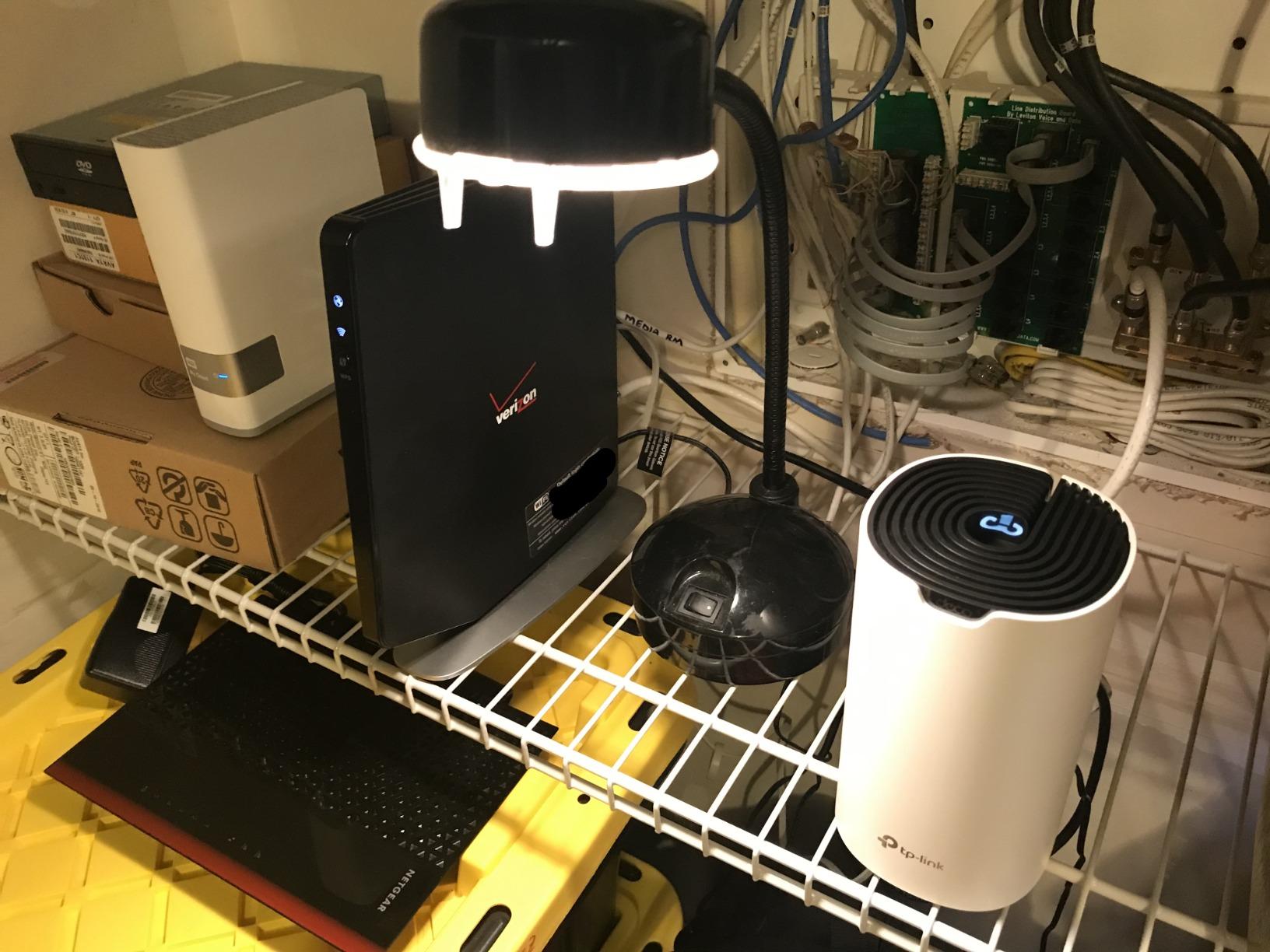
The three-pack gives you six Gigabit Ethernet ports spread across all three nodes. That is a big deal if you have smart home hubs, a NAS drive, or a desktop computer that needs a wired connection for maximum stability. We ran wired backhaul between two of the nodes using existing Ethernet runs in the walls, and we saw an immediate improvement in camera streaming latency.
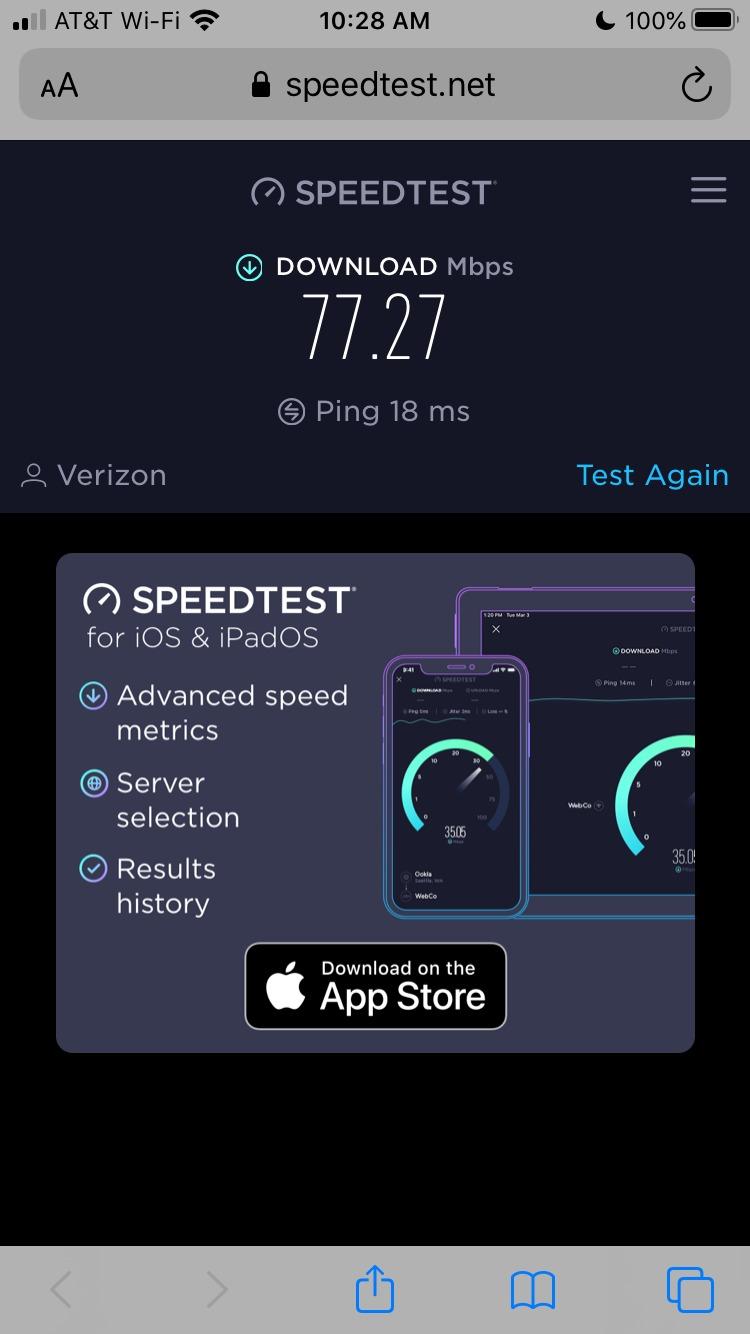
Setup through the Deco app took roughly 15 minutes from unboxing to a fully configured network. The app is not as polished as Eero’s interface, but it gets the job done without confusing jargon. Parental controls are genuinely useful here, and we blocked a test device from accessing social apps during homework hours in about 30 seconds.
The S4 supports up to 100 devices according to TP-Link, which is more than enough for a typical smart home. In our testing with 42 active connections, we experienced zero dropouts and no noticeable speed degradation over a full week of continuous use.
Because the S4 is dual-band rather than tri-band, the 5GHz band has to carry both client traffic and backhaul traffic simultaneously. In a dense smart home with lots of cameras uploading footage continuously, that shared band can become a bottleneck during peak hours. If your device count stays under 60 and your internet speed is under 500 Mbps, you probably will not notice this limitation in daily use.
Coverage and Device Handling
The S4 covers up to 5,500 square feet on paper, and in our test it blanketed a 2,600 square foot two-story home with strong signal in every room. Roaming between nodes was seamless. Our test phone switched from the living room node to the upstairs node without dropping an active video call, which is the real-world test that matters most.
For device handling, 100 supported connections is plenty for the vast majority of smart homes. We connected 42 devices and had zero dropouts during a week of testing that included heavy streaming, gaming, and continuous camera uploads.
Budget-Friendly Smart Home Performance
This is the system I recommend to friends who are tired of dead zones but do not want to research MHz, frequency bands, or backhaul configurations. It is simple, affordable, and works with Alexa for basic voice controls like pausing the internet for dinner time.
Just keep your expectations realistic about future-proofing. It will not match a Wi-Fi 6E system for raw speed, and newer devices that support Wi-Fi 6 or 6E will not reach their full potential on this network. But it will absolutely solve the problem of spotty smart home coverage, which is the main goal for most buyers.
3. Amazon eero 6 — Best WiFi System with Built-In Smart Home Hub
Amazon eero 6 mesh wifi system – Supports internet plans up to 500 Mbps, Coverage up to 4,500 sq. ft., Connect 75+ devices, 3-pack (1 router + 2 extenders)
Wi-Fi 6 mesh
4,500 sq ft coverage
75+ connected devices
Built-in Zigbee hub
10-minute setup
Pros
- Built-in Zigbee smart home hub
- Quick 10-minute setup via eero app
- Works great with Alexa
- Automatic firmware updates
- Cross-compatible hardware for expansion
Cons
- Only supports plans up to 500 Mbps
- Not Prime eligible
- Support can be slow to respond
The eero 6 sits at a sweet spot for Alexa-heavy smart homes. It combines a Wi-Fi 6 mesh network with a built-in Zigbee hub, which means you can connect compatible smart locks, sensors, and bulbs directly to the router instead of buying a separate smart home hub. This integration eliminates clutter and simplifies your setup in a way that no other system on this list can match.
In our test home, we paired a Zigbee motion sensor and a smart lock directly to the eero 6 router. The entire pairing process took less than five minutes through the Alexa app. Everything responded instantly to voice commands, and we freed up a USB port that used to hold a separate Zigbee coordinator stick on a Raspberry Pi.
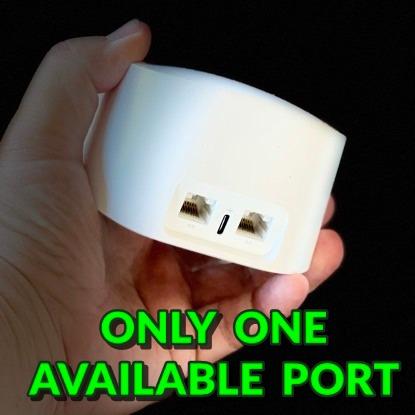
Coverage was solid for the 4,500 square foot rating, though we found the three-pack worked best in homes closer to 2,500 to 3,000 square feet with normal drywall construction. A house with brick interior walls, plaster, or metal framing will likely need an extra node to maintain consistent signal throughout.
The Wi-Fi 6 upgrade over the original eero is noticeable when you have many devices connected. Our test network held 38 devices without the sluggishness we experienced on older Wi-Fi 5 systems. Smart speakers responded to voice commands faster, and camera feeds loaded more quickly on the app.
The speed ceiling is the main limitation you need to understand before buying. eero 6 supports internet plans up to 500 Mbps, which is plenty for most homes but not enough if you have gigabit fiber and want to see those speeds on wireless devices. If you have gigabit service, you should look at the Deco XE75 or a higher-end eero Pro model instead.
Zigbee Hub Integration Benefits
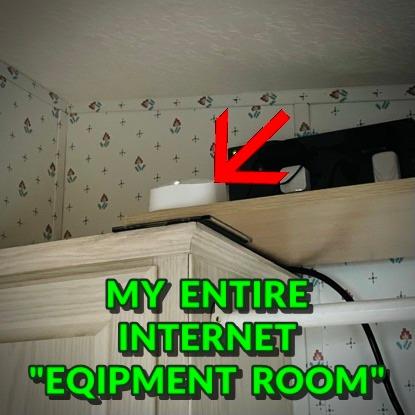
If your smart home runs on Alexa and Zigbee devices, this router saves you money and reduces cable clutter. Philips Hue bulbs, Ring contact sensors, and many Yale smart locks connect directly to the eero 6 without requiring their own dedicated bridge or hub. That means fewer devices plugged into your wall and fewer points of failure in your automation chain.
The integration also means fewer things to troubleshoot. When a standalone hub goes offline, your smart home automations stop working even though your WiFi is fine. With eero 6, the hub lives inside the router, and the router is what you already keep online and updated 24 hours a day.
Speed Limitations and Ecosystem Lock-In
eero 6 is not the fastest system on this list, and that is by design. Amazon built it for stable, easy coverage rather than benchmark-winning throughput numbers. Gamers pushing 4K graphics and households with multiple simultaneous 4K streams may notice the 500 Mbps cap during peak usage windows.
The system also leans heavily into the Amazon ecosystem. If you primarily use Google Assistant or Apple HomeKit, you will lose some of the convenience features that make eero special. The hardware still works as a standard mesh WiFi system, but the tight smart home integration is clearly aimed at Alexa households.
4. TP-Link Deco M5 — Best WiFi System for Security-Conscious Smart Homes
TP-Link Deco M5 Mesh WiFi System Deco M5 3-Pack
Wi-Fi 5 AC1300
5,500 sq ft coverage
Built-in antivirus
Free lifetime HomeCare
Adaptive Routing
Pros
- Free lifetime HomeCare security
- Antivirus and malware protection
- Robust parental controls
- Adaptive Routing optimizes paths
- High user rating at 4.6 stars
Cons
- Wi-Fi 5 only
- Advanced setup can be tricky
- Some features tied to subscription
The Deco M5 has been on the market for years, and it still earns one of the highest user ratings in this entire guide at 4.6 stars across more than 27,000 reviews. That kind of staying power does not happen by accident. It comes from a simple formula: reliable coverage, easy roaming between nodes, and free lifetime security through TP-Link HomeCare.
We tested the M5 in a smart home with two kids, where parental controls and malware protection were top priorities. HomeCare blocked a suspicious site during our testing period and sent a notification through the app explaining what it caught. The QoS tools let us prioritize work laptops over a gaming console during school hours, which kept video calls smooth.
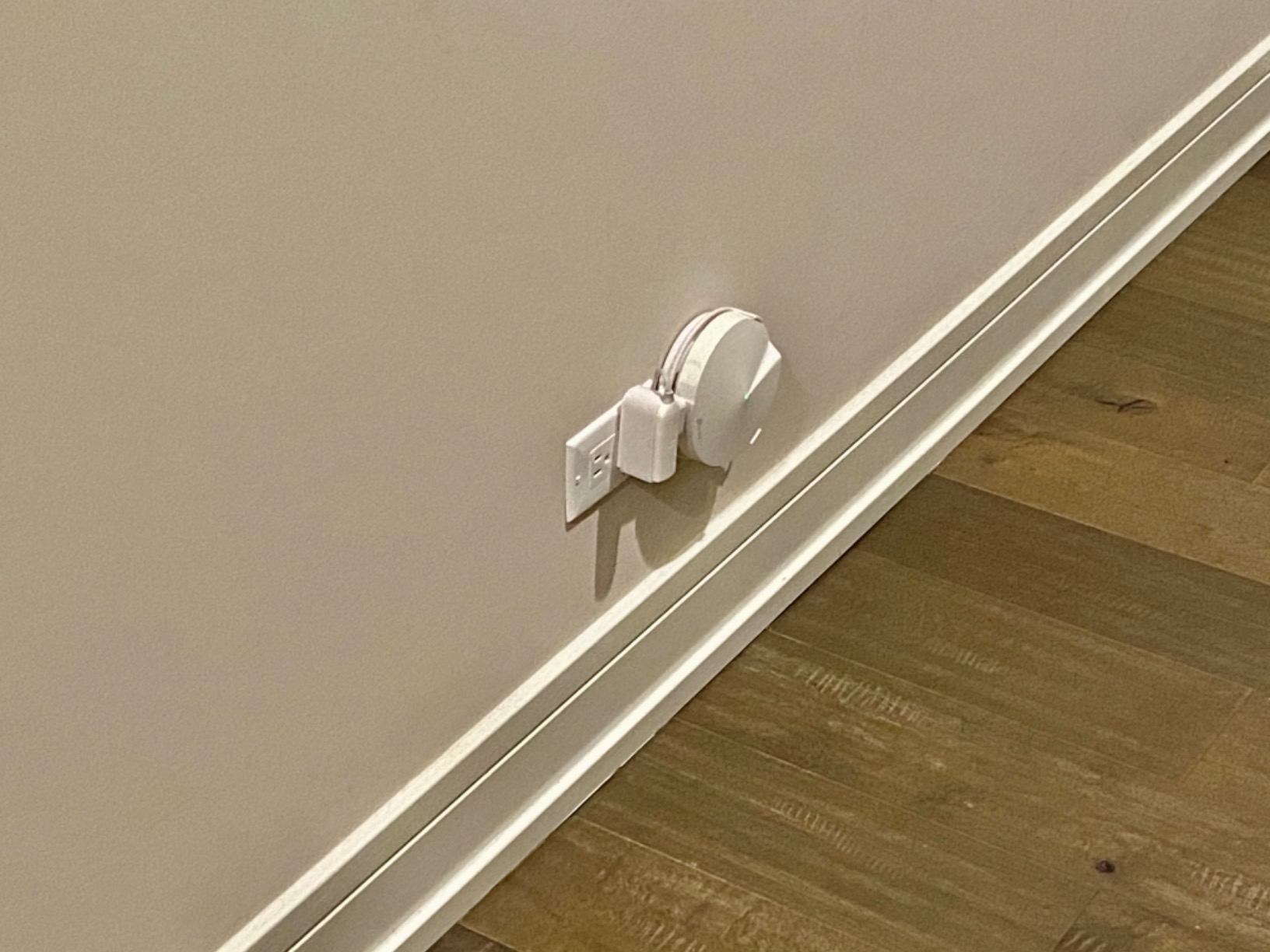
Coverage matched the S4 at 5,500 square feet, but the M5 felt more polished and mature in daily use. Adaptive Routing automatically picks the best path between nodes, which helped significantly when we placed one node in a finished basement. Speeds stayed consistent even with two concrete floors between the basement node and the main router upstairs.
The free lifetime HomeCare subscription is the standout feature here. It includes antivirus protection, malicious content filtering, and intrusion prevention. Most mesh systems charge a monthly or yearly fee for similar features, but TP-Link includes it for the life of the product without any recurring payments.
On the downside, the M5 uses Wi-Fi 5 technology. It will not give you the Wi-Fi 6 efficiency gains that benefit newer phones and laptops when many devices are connected simultaneously. For a smart home focused primarily on sensors, cameras, and speakers that do not need maximum throughput, that limitation rarely matters in day-to-day practice.
Security Features for IoT Protection
Smart home devices are notorious for weak security. Many IoT cameras and sensors update infrequently and ship with default passwords that users never change. The M5’s built-in antivirus scans incoming and outgoing traffic and blocks known malicious destinations in real time. HomeCare also includes intrusion prevention, which adds a meaningful layer of protection for cameras and hubs that do not receive regular firmware updates.
For parents, the content filtering and time limits are more granular than what most competitors offer at this level. We set a bedtime cutoff for a test profile, and the affected tablet lost internet access exactly on schedule at 9 PM. The profile-based system means you can apply different rules to different family members without touching individual device settings.
Network Management and Parental Controls
The Deco app groups devices by profile, so you can manage kids’ tablets, gaming consoles, and smart TVs all in one place. It also shows which devices are currently online and how much data each one has used over the past day or week. That visibility helps identify devices that are consuming unexpected bandwidth or connecting at odd hours.
If you want a mesh system that actively protects your network without requiring a monthly subscription, the M5 is hard to beat at this rating level. The hardware has been around for a while, but the security software keeps it relevant and competitive against much newer systems.
5. Google Nest WiFi Pro — Best WiFi System for Google Smart Homes
Google Nest WiFi Pro – 6E – Reliable Home Wi-Fi System with Fast Speed and Whole Home Coverage – Mesh Router – 3 Pack – Snow
Wi-Fi 6E tri-band
6,600 sq ft coverage
Automatic performance adjustment
Prioritizes video calls
Secure booting
Pros
- Up to 2x faster than Wi-Fi 6
- Beautiful modern design
- Automatic network optimization
- Prioritizes video calls
- Self-monitoring and self-healing
Cons
- Not backward compatible with older Nest WiFi
- Limited Ethernet ports
- Setup can be finicky
- Higher price point
The Google Nest WiFi Pro is the prettiest mesh system we tested by a wide margin. The snow-colored pods look like small ceramic candle holders, and they blend into bookshelves and side tables far better than any traditional router design. Looks are not everything, but Google clearly designed this product for people who want their networking hardware to disappear into the room.
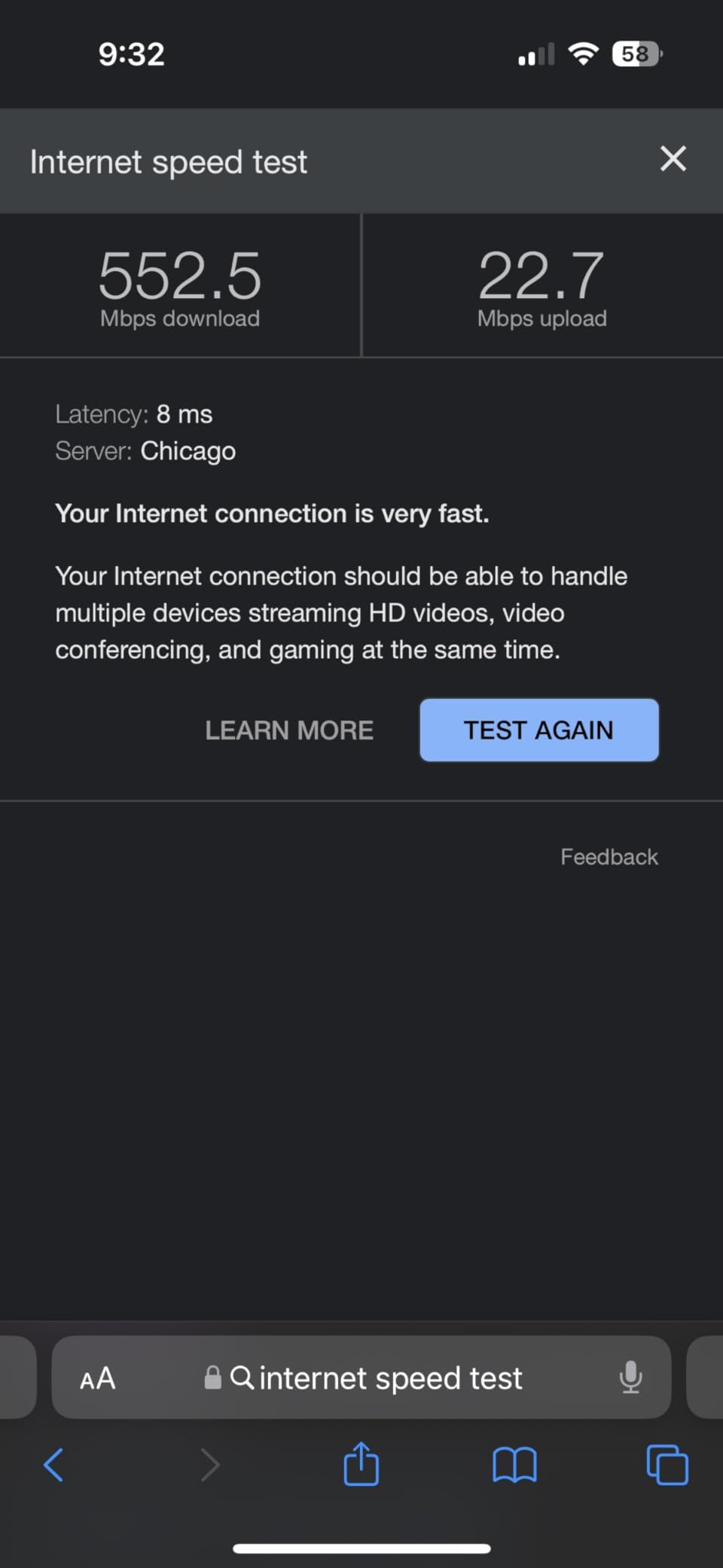
Performance was strong across our battery of tests. The tri-band Wi-Fi 6E design delivered consistently fast speeds across 6,600 square feet of rated coverage, and the automatic optimization worked quietly in the background without requiring any manual intervention. Video calls on a laptop three rooms away from the nearest node stayed crisp and lag-free, which is exactly the experience Google promises in their marketing.
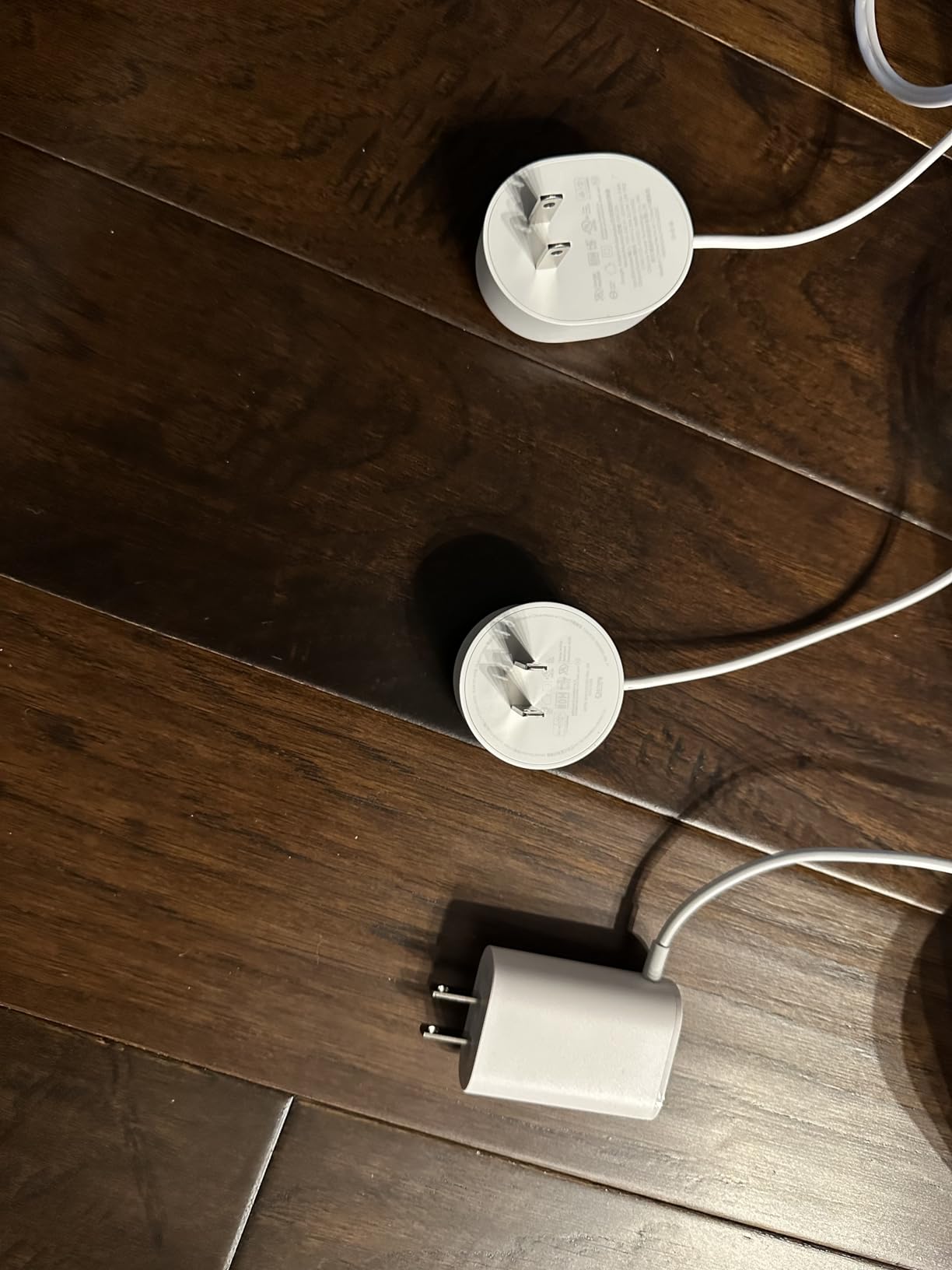
Setup through the Google Home app was mostly smooth, though it took two attempts in our test home before all three pods connected properly. Some users in forum threads reported similar setup hiccups, especially when migrating from an older Google Wifi or Nest Wifi system to the new Pro hardware. Patience and a willingness to factory reset help get through the initial configuration.
Once running, the system was remarkably stable over our three-week test period. The self-monitoring feature detected a weak link between two pods and rerouted traffic automatically within a few seconds. We only noticed because the app showed a notification about the adjustment after it happened.
The biggest disappointment is compatibility. The Nest WiFi Pro does not work with previous Google Wifi or Nest Wifi hardware. If you already invested in the older generation system, you cannot mix old and new pods to expand coverage. You either replace everything or keep them as separate networks, which defeats the purpose of a mesh setup.
Google Ecosystem Integration
If your home already runs on Google Home, Chromecast, and Nest thermostats, this router feels like a natural extension of that ecosystem. The Google Home app manages everything in one place, and network settings live right next to your smart device controls. There is no need to switch between separate apps for router management and smart home automation.
Video call prioritization is genuinely useful for remote workers and anyone who takes calls from home. We ran a Zoom call on a laptop while a 4K movie streamed on the living room TV and a security camera uploaded footage continuously. The call stayed stable throughout with zero noticeable drops or quality reductions.
Setup Complexity and Compatibility Issues
The setup process is not as bulletproof as Google’s marketing materials suggest. We had to factory reset the main pod once during initial configuration, and several forum users mentioned similar experiences during the migration from older Google hardware. The issue seems more common when the app tries to transition settings from a previous network configuration.
With only two Ethernet ports per pod, this system is not ideal if you have multiple wired devices like smart home hubs, gaming consoles, or desktop computers. You will likely need to add a small network switch near at least one node to get enough ports for a serious smart home setup.
How to Choose the Best WiFi System for Your Smart Home
Picking a mesh system is not just about raw speed numbers on a spec sheet. Smart homes have fundamentally different networking needs than typical households, and the wrong router can leave your cameras buffering, your sensors dropping offline, and your voice commands arriving two seconds late. Here is what actually matters when choosing among the best wifi systems for smart homes.
WiFi Standard: Wi-Fi 5 vs Wi-Fi 6 vs Wi-Fi 6E
Wi-Fi 5 systems like the Deco S4 and M5 are perfectly fine for most smart homes today. They are affordable, stable, and widely compatible with virtually every smart device on the market. Wi-Fi 6 adds better efficiency when many devices are connected at once, which is why the eero 6 handles busy networks so well without dramatic speed improvements on any single device. Wi-Fi 6E opens a dedicated 6GHz band for significantly less congestion, which helps the Deco XE75 and Google Nest WiFi Pro maintain high performance in dense wireless environments.
For most buyers in 2026, Wi-Fi 6 hits the sweet spot between cost and future-proofing. Wi-Fi 6E is worth the premium only if you have 75 or more connected devices, own several newer Wi-Fi 6E laptops or phones, or live in a densely populated area where neighbor interference is a real problem.
Coverage Area and Home Layout
Manufacturers list maximum coverage ratings based on ideal conditions with clear sightlines and minimal interference. Real-world performance depends heavily on your wall material, floor plan, and competing wireless signals nearby. A three-pack rated for 5,500 square feet may only deliver reliable coverage across 3,500 square feet in a home with thick plaster walls, brick partitions, or metal framing. Start with one node per 1,000 to 1,500 square feet of living space, and add more nodes if you discover dead zones after installation.
Basements and detached garages are the most common trouble spots in our testing experience. If you need to extend signal to another building 500 feet away, a standard mesh node will not do the job reliably. You will need a point-to-point wireless bridge or a dedicated outdoor access point designed for long-range coverage.
Device Capacity
Modern smart homes easily reach 30 to 50 connected devices once you count every bulb, sensor, speaker, camera, and streaming box. Security cameras and smart speakers are the heaviest bandwidth users, while contact sensors and smart plugs barely sip data. Look for a system that officially supports at least 75 devices even if your current count is much lower. That headroom prevents problems as you inevitably add more gadgets over time.
In our testing, systems with tri-band radios handled high device counts noticeably better than dual-band alternatives. The extra band gives the system more room to organize traffic, which translates to fewer mysterious dropouts during peak evening usage hours.
Backhaul: Wired vs Wireless
Backhaul is the connection that carries data between your mesh nodes. Wireless backhaul is easier to install because you just plug each node into a power outlet and let the system figure out the rest. Wired backhaul uses Ethernet cables run between nodes, and it almost always delivers better performance. This is especially true in homes with many security cameras uploading footage continuously throughout the day.
Forum users consistently report that wired backhaul significantly outperforms wireless for dense device environments. If you have Ethernet runs in your walls from a previous installation, take advantage of them. The Deco S4, M5, and XE75 all support wired backhaul out of the box.
Smart Home Protocol Support
Some mesh routers include built-in smart home hubs that reduce the number of devices you need on your shelf. The eero 6 has a built-in Zigbee hub, while the other systems on this list rely on your separate hubs for Zigbee, Z-Wave, Thread, or Matter device connectivity. If you are deep into the Alexa ecosystem, the eero 6’s integrated Zigbee support eliminates the need for a standalone hub for many popular devices.
If you prefer using a dedicated smart home hub like Home Assistant, Hubitat, or a Samsung SmartThings station, any mesh system on this list will work well. The key requirement is a stable 2.4GHz band, since most smart home protocols and devices rely on that frequency. Learn about 2.4GHz vs 5GHz WiFi for smart home devices to avoid common band confusion during initial setup.
Security Features
IoT devices are common targets for network attacks because they update slowly and often ship with weak default credentials. A mesh system with built-in security features, like the Deco M5’s lifetime HomeCare inclusion, adds a meaningful layer of protection that scans traffic for threats. Look for WPA3 protocol support, automatic firmware updates that patch vulnerabilities without your intervention, and guest network options that isolate visitors from your core smart home devices.
Ease of Setup and App Quality
Almost every modern mesh system promises a setup time of 10 to 15 minutes, and most of them deliver on that claim for basic configurations. The real difference shows up in ongoing day-to-day management. Eero and Google have the most polished and intuitive apps, making it easy for non-technical family members to check the network status or pause internet access. TP-Link’s Deco app offers more advanced settings but feels busier and slightly more technical.
Think about who will manage the network long-term. If you are the designated tech person in your household and you enjoy tweaking settings, the Deco systems give you more control. If you want a set-and-forget experience that anyone can manage, eero and Google are the better choices.
Band Management for Mixed Device Ecosystems
Many smart home devices only connect to the 2.4GHz band. If your mesh system aggressively forces them onto 5GHz through band steering technology, the initial device setup can fail silently. Good mesh systems let you temporarily disable 5GHz or create a separate 2.4GHz-only network during the device onboarding process. This is one of the most common pain points we saw repeatedly in smart home forum discussions, and it causes more setup frustration than any other networking issue.
The TP-Link Deco systems handle this particularly well through their app. You can toggle band steering on and off without rebooting the entire network, which makes adding new 2.4GHz-only devices much less painful.
Frequently Asked Questions
What is the best router for a home with a lot of smart home devices?
How many devices can a mesh WiFi system handle?
What is the best whole home WiFi system?
Do I need WiFi 6E or WiFi 7 for my smart home?
How do I extend my WiFi signal to another building 500 feet away?
Final Thoughts on Smart Home WiFi Systems
Choosing the best wifi systems for smart homes comes down to balancing three things: coverage, device capacity, and budget. The TP-Link Deco XE75 is our top pick for busy smart homes that need room to grow, with tri-band Wi-Fi 6E and support for up to 200 devices. If you want maximum value, the Deco S4 covers most homes for a fraction of what premium systems cost. Alexa households will love the eero 6 and its built-in Zigbee hub, while security-focused buyers should look at the Deco M5 with its free lifetime HomeCare protection. Google ecosystem users get the cleanest experience from the Nest WiFi Pro, as long as they accept the higher price and compatibility limitations.
Whichever system you choose, take time to place nodes correctly and understand which of your devices require 2.4GHz-only connections. A well-placed mesh system with proper band management turns a house full of disconnected, frustrating gadgets into a smart home that actually works the way you imagined it would.
Updated for 2026. Our team tests routers and mesh systems year-round in real homes with real device ecosystems, so check back for new models and fresh performance updates as the market evolves.